

I grew up in a family where someone was always moving, switching jobs, or traveling. Keeping everybody in touch was hard enough without handing my real number to every app, listing, or “quick verification” form on the internet. That is what pushed me into the world of second numbers: a separate phone number you can use for texting, online dating, Marketplace pickups, and account signups, while your real number stays private.
This guide walks you through how to get a free second phone number, what “free” really means, and how to set it up so it actually works when you need a code.
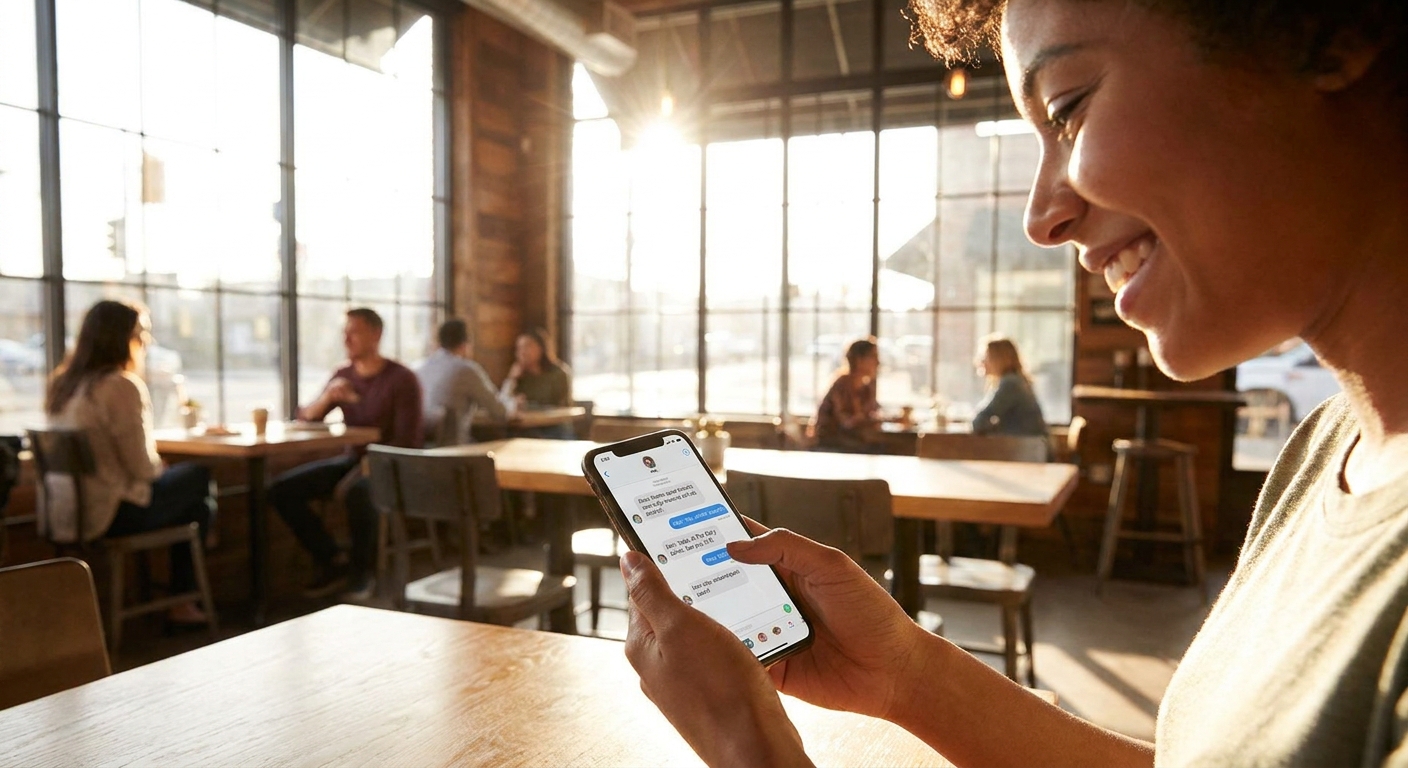
What a free second number is
A free second number is usually a VoIP-based number that lives inside an app. It can send and receive texts and sometimes calls over Wi-Fi or mobile data.
- What it is: a separate number for privacy, short-term use, and basic texting.
- What it is not: a guaranteed replacement for your carrier number, and not always accepted for every verification code.
Quick reality check: many banks and some major platforms often block VoIP numbers for verification. It varies by institution and it can change over time. You can still use a free second number for a lot of everyday signups and messaging, but you should expect a few “this number can’t be used” moments.
Second number vs eSIM vs burner
People use these terms interchangeably, but they are not the same thing.
- Second number (VoIP app): lives in an app, uses data, often free, great for privacy, sometimes shaky for verification codes.
- Second line (SIM or eSIM): a true carrier line on your phone plan. It usually costs money, but it is far more likely to work for bank codes and short codes.
- Burner number: typically means a short-term number you plan to drop. A free VoIP number can act like a burner, but it can also be a long-term number if you keep it active and follow the rules.
Pick the right option
If your main goal is privacy
A free VoIP number is usually perfect for dating, classifieds, delivery meetups, and anything where you want a buffer between you and a stranger. You want something you can change, mute, or abandon if needed.
If your main goal is verification codes
Start free, but plan for it not to work everywhere. Some services accept VoIP for SMS codes, others will not, and policies shift. If a code matters for work, money, or account recovery, consider using your real number or a paid second line from a carrier later.
If you are trying to cut overall costs on your phone plan while adding flexibility, take a look at my bigger money-saving guides here: Phone and Bills and Save Money.
What free really means
“Free” is real, but it comes with tradeoffs. These are the costs I see most often:
- Ads or upsells: free plans often show ads or push paid add-ons.
- Data use: your texts and calls run on Wi-Fi or mobile data, which can matter on a tight plan.
- Inactivity rules: stop using the number and it may be reclaimed and reassigned.
- Verification gaps: some services will not send codes to virtual or VoIP ranges.
- Ownership limits: you do not control it like a carrier number, so do not treat it as your permanent identity.
Method 1: Google Voice (often free in the US)
If you are in the United States, Google Voice is one of the most reliable ways to get a free second number that can text and call. It is tied to your Google account and works on Android, iPhone, and the web. Availability and features can vary by account type and eligibility, so if the option does not show up for you, do not assume you did anything wrong.
Official info: https://voice.google.com/
What you need
- A Google account
- A US-based mobile or landline number that is typically required to claim your Google Voice number during setup
- Wi-Fi or mobile data for ongoing use
Setup steps
- Install the Google Voice app or open Google Voice in a browser.
- Sign in with your Google account.
- Choose a number by city or area code.
- Verify using your existing phone number when prompted.
- In settings, decide whether you want calls forwarded to your real phone or kept inside the app.
My privacy-friendly settings
- Keep it app-only for dating or selling items: do not forward calls to your real number.
- Turn on spam filtering if you plan to use it for public listings.
- Set quiet hours so your second number does not bug you at night.
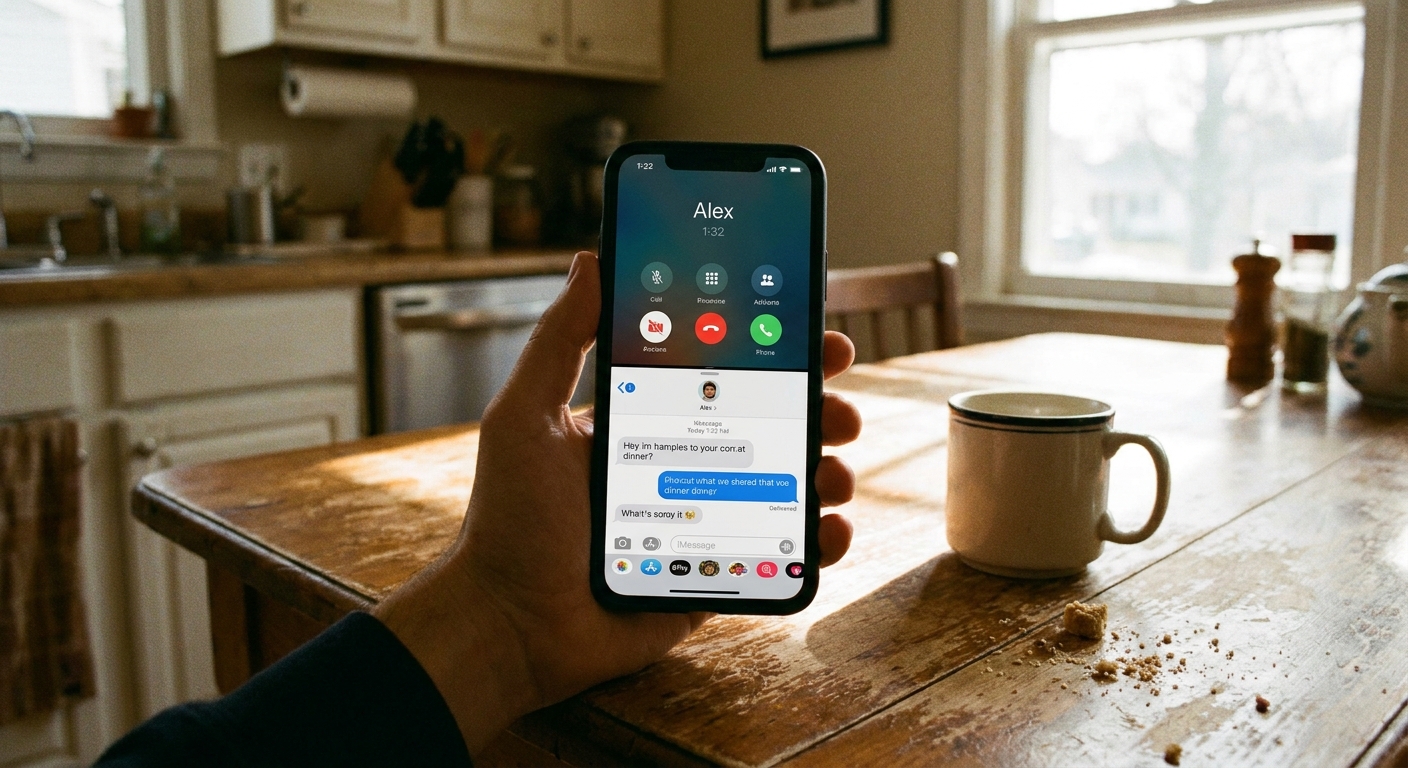
Method 2: Free texting apps
Outside the US, or if Google Voice is not available for you, free texting apps are the next option. These apps typically give you a number and support texting over data.
Here is the honest tradeoff: free apps often pay the bills with ads, limited free minutes, or occasional “inactive number” recycling if you stop using it.
What to check first
- Number retention rules: how long can you go without using the number before it is taken back?
- SMS vs in-app messages: you want real SMS texting if you plan to message regular phone numbers.
- Verification support: some apps receive short codes better than others, but none are universally accepted.
- Account recovery: make sure you can recover the account if you lose your phone.
Setup checklist
- Download the app from your device’s official app store.
- Create an account with a strong password, and enable two-factor authentication if the app supports it.
- Pick your area code and choose a number.
- Send a test text to a friend and have them reply.
- Try one low-stakes verification first, not your bank and not your primary email.
If you are doing this mainly for texting, my broader guide can help you compare approaches and avoid common pitfalls: Guide to Free Texting.
Use it safely
For online dating
- Use the second number until you have met in person and trust the match.
- Do not connect the number to accounts that reveal your real name or address.
- Mute or block quickly. You do not owe anyone access to you.
For Craigslist, Facebook Marketplace, and local sales
- Text only at first, then switch to calls inside the app if needed.
- Keep messages simple: location, time, price, done.
- Meet in public places and avoid sharing your home address.
For signing up for digital services
- Use your second number for low-risk accounts and trials.
- For accounts you may need to recover later (cloud storage, primary email, financial accounts), prefer your real number or a true carrier line.
- Keep a note of which accounts use the second number so you are not locked out later.
Why verification codes fail
If you try to verify and the code fails, it is usually one of these reasons:
- The service blocks VoIP: common with banks, payment apps, and some social platforms. It is not universal and it can change.
- Short code limits: the app may not support certain automated short code messages.
- Fraud checks: number type and ownership signals (like VoIP or virtual ranges) and location mismatches can trigger automated risk systems.
- You lost the number: free numbers can be reclaimed if you are inactive.
What to do when a site rejects it
- Try voice call verification instead of SMS if it is offered.
- Try a different provider or a different number.
- If it is a critical account, use your real number, then tighten privacy another way (strong password, app-based authenticator, privacy settings).
My rules to avoid headaches
- Do not use a free second number as your only recovery method for your primary email, banking, or anything you cannot afford to lose.
- Use the number regularly so it does not get recycled.
- Do not post it publicly forever unless you are okay with long-term spam.
- Lock down your device with a screen lock and keep your app logins secure.
- Read the privacy policy so you know how your data is handled. You can review ours here: Privacy Policy and Terms.
Troubleshooting
Texts send but replies never arrive
- Confirm the app has notification permission.
- Toggle Wi-Fi off and on, or switch to mobile data.
- Make sure you are using the app’s SMS feature, not an in-app chat mode.
You are not receiving verification texts
- Try voice call verification if available.
- Wait 5 to 10 minutes, then request a new code. Rapid retries can trigger temporary blocks.
- Test with a normal text from a friend. If normal texts work but codes do not, it is likely a short code restriction or VoIP blocking.
The app says your number is unavailable
- Numbers come and go. Pick a different area code.
- If you need a specific area code, try again later. Availability changes.
FAQ
Can I get a free second number without using my real number?
Sometimes, but not consistently. Many “free number” services require an initial verification with a real phone number to prevent abuse. If a provider does not verify at all, expect more spam risk and less reliability.
Is it legal to have a second phone number?
Yes, in normal use cases like privacy and separate personal or business messaging. The line you should not cross is using it to impersonate someone or commit fraud.
Will a free second number work for WhatsApp?
Sometimes, but it depends on whether WhatsApp accepts that specific number type and whether you can receive the verification code. If the code never arrives or the number is rejected, switch providers or use your carrier number.
What is the safest way to keep my real number private?
Use a second number for first contact, avoid linking it to accounts that reveal your identity, and protect your main accounts with strong passwords and app-based authentication when possible.
One last practical tip
If you are doing this because your phone bill feels out of control, a second number is only half the story. The other half is making sure you are not overpaying for your main plan. I wrote a step-by-step checklist here: Audit Your Phone Bill Before Switching.
And if you want to know more about me and how I test these tools, you can find my author page here: /author/felix-bradley/.