I grew up in a big, scattered family, and I learned early that “quick texts” across borders can turn into a not-so-quick phone bill. International SMS and roaming fees still catch people off guard because they often kick in quietly, one message at a time.
The good news: you can usually message internationally without international SMS charges if you route your messages over the internet instead of your carrier’s SMS network. Below are the exact setups I use when I want messages to go through without surprise carrier fees.

First, know what triggers fees
Carriers usually charge international fees in a few common scenarios:
- International SMS: sending a traditional text message to a non-local number.
- Roaming: your phone connects to a foreign cellular network while you travel, and your carrier bills you for usage.
- MMS: picture or group texts that fall back to carrier messaging instead of data.
The main strategy is simple: use data-based messaging (Wi-Fi or mobile data) and prevent your phone from falling back to SMS/MMS.
If you want a broader “bill sanity check” before you switch plans or travel, I also keep this checklist handy: Audit Your Phone Bill Before Switching.
Method 1: Use a messaging app
This is my default because it works whether you are at home or abroad, and it is usually the least confusing for family members once it is set up.
Step-by-step setup
- Pick one app your contacts will actually use. For most families, that is WhatsApp, Signal, Telegram, or Facebook Messenger. If everyone already uses one, do not fight it.
- Connect the app to your phone number (typical verification code step).
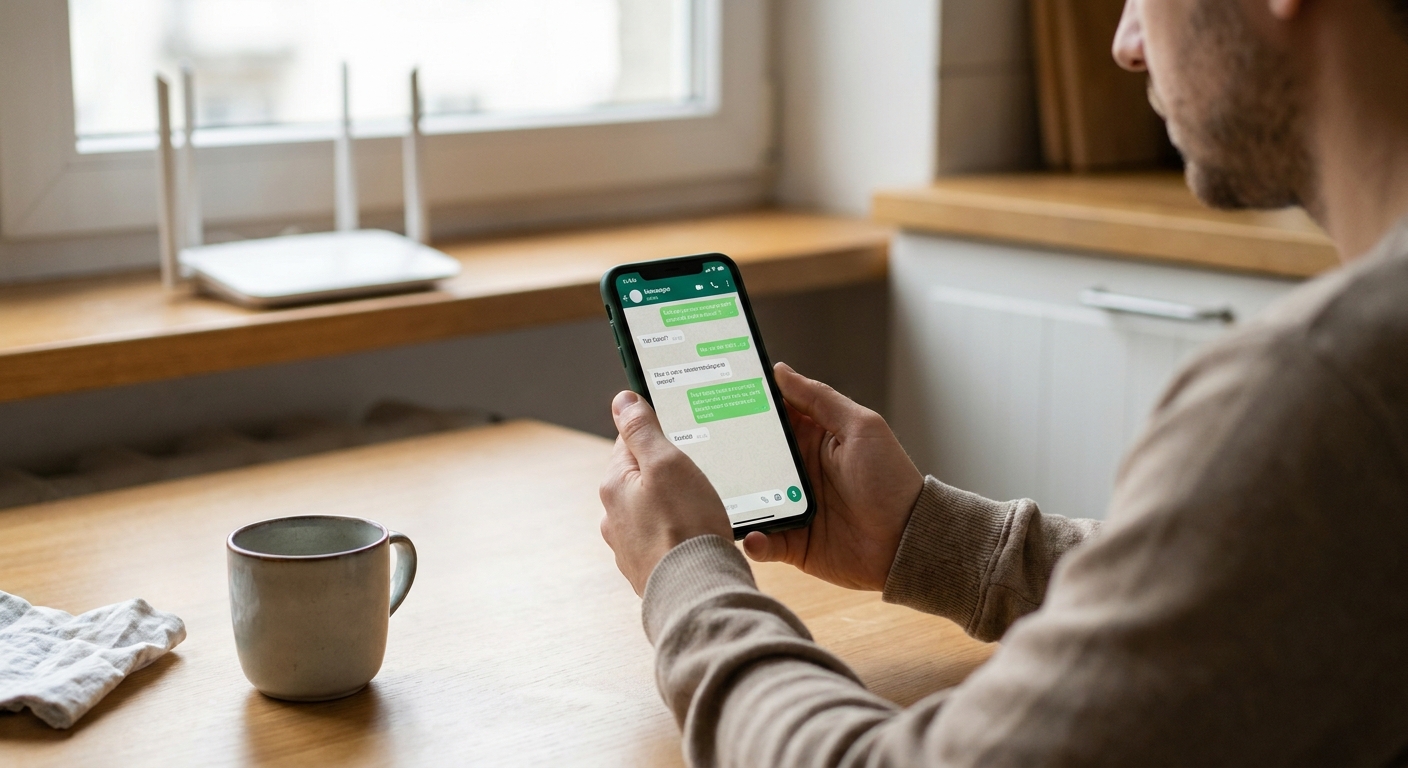
- Turn on Wi-Fi whenever possible. Messages will go over Wi-Fi and generally avoid international SMS fees.
- Create a small “International” group for the people you message most. I literally name mine “Family Overseas” so there is no confusion.
- Test it once: send a message, send a photo, and make sure it delivers while you are on Wi-Fi.
Which app should you choose?
- WhatsApp: easiest for mixed-age families, strong encryption by default.
- Signal: my pick if privacy is the top priority, also end-to-end encrypted.
- Telegram: good for big group chats and file sharing, but default chats are not end-to-end encrypted unless you use Secret Chats.
All of these send messages internationally without carrier SMS fees because they use internet data. On Wi-Fi, that usually means no extra messaging charges beyond whatever internet access you already have. If you are on cellular data, it will use your plan’s data.
More ways to text without paying for SMS are in my general guide here: Free Texting Guide.
Method 2: Use RCS chat
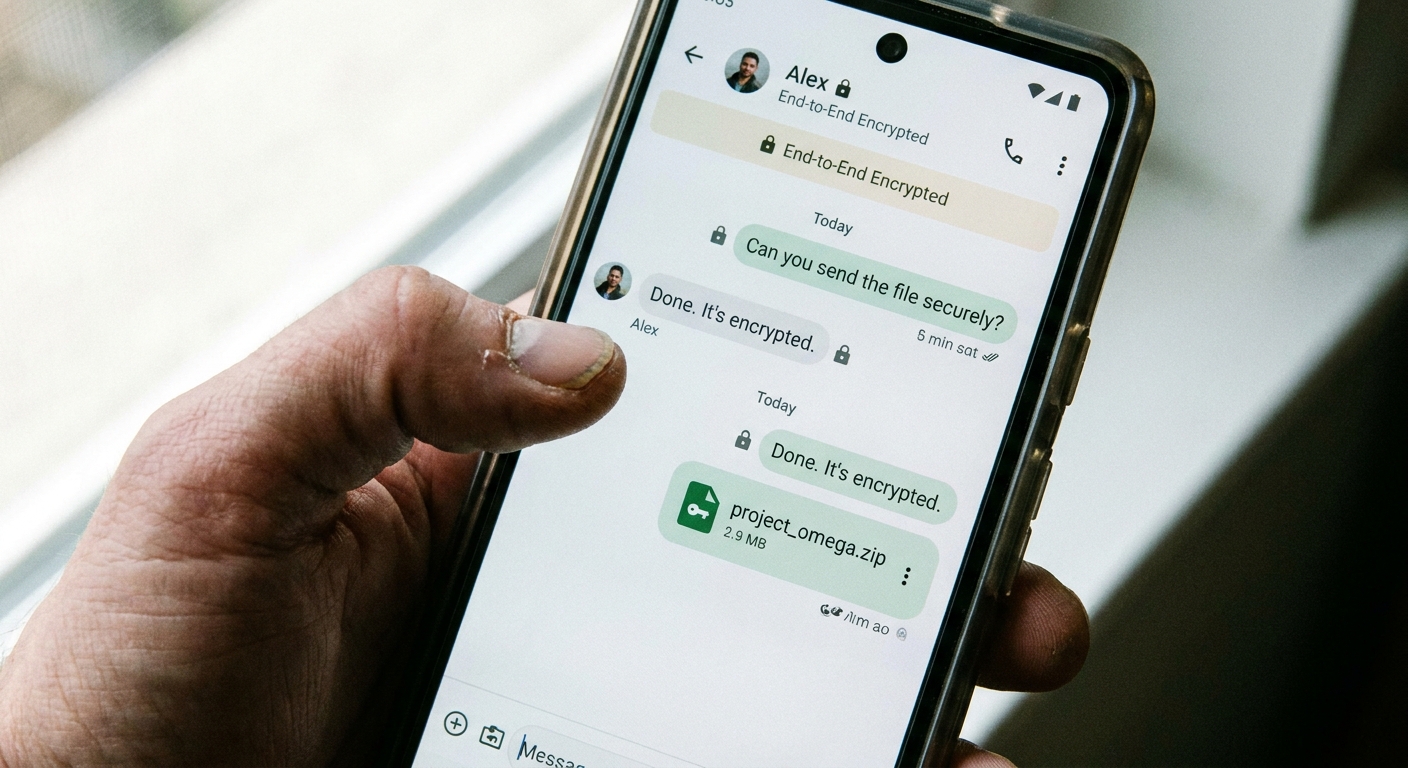
RCS is the modern replacement for SMS on many Android phones. When it is active, messages route over data instead of SMS. The catch is that it only works as “RCS chat” when both you and the other person have RCS available and enabled. Otherwise, it can fall back to SMS, which is exactly what we are trying to avoid.
One more real-world wrinkle: RCS interoperability can be inconsistent across carriers, countries, and devices. Even if it works perfectly at home, it may not behave the same way for cross-border messaging.
How to enable RCS on Android (typical steps)
- Open Google Messages.
- Go to Settings then RCS chats (sometimes shown as Chat features).
- Turn on RCS chats and confirm your number.
- In a conversation, look for a status like Chat message instead of Text message.
Safety tip
If you are messaging internationally and you see “Text message” (SMS) instead of “Chat message” (RCS), stop and switch to an app like WhatsApp or Signal. That one label can be the difference between “uses data” and “carrier charges apply.”
Method 3: Travel-proof setup
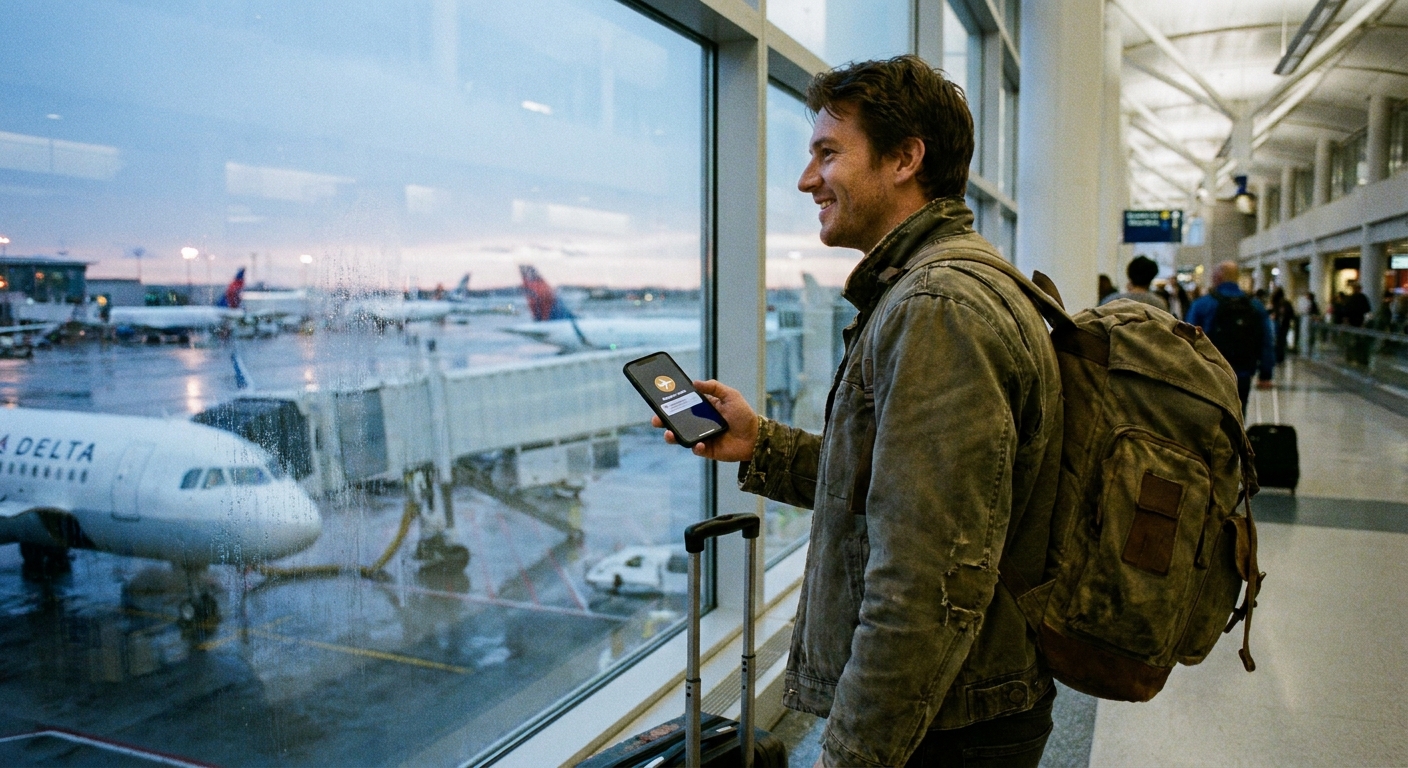
If you travel, the “oops” charges usually come from your phone quietly using a foreign network for background stuff, or from sending an SMS out of habit.
My simple travel settings checklist
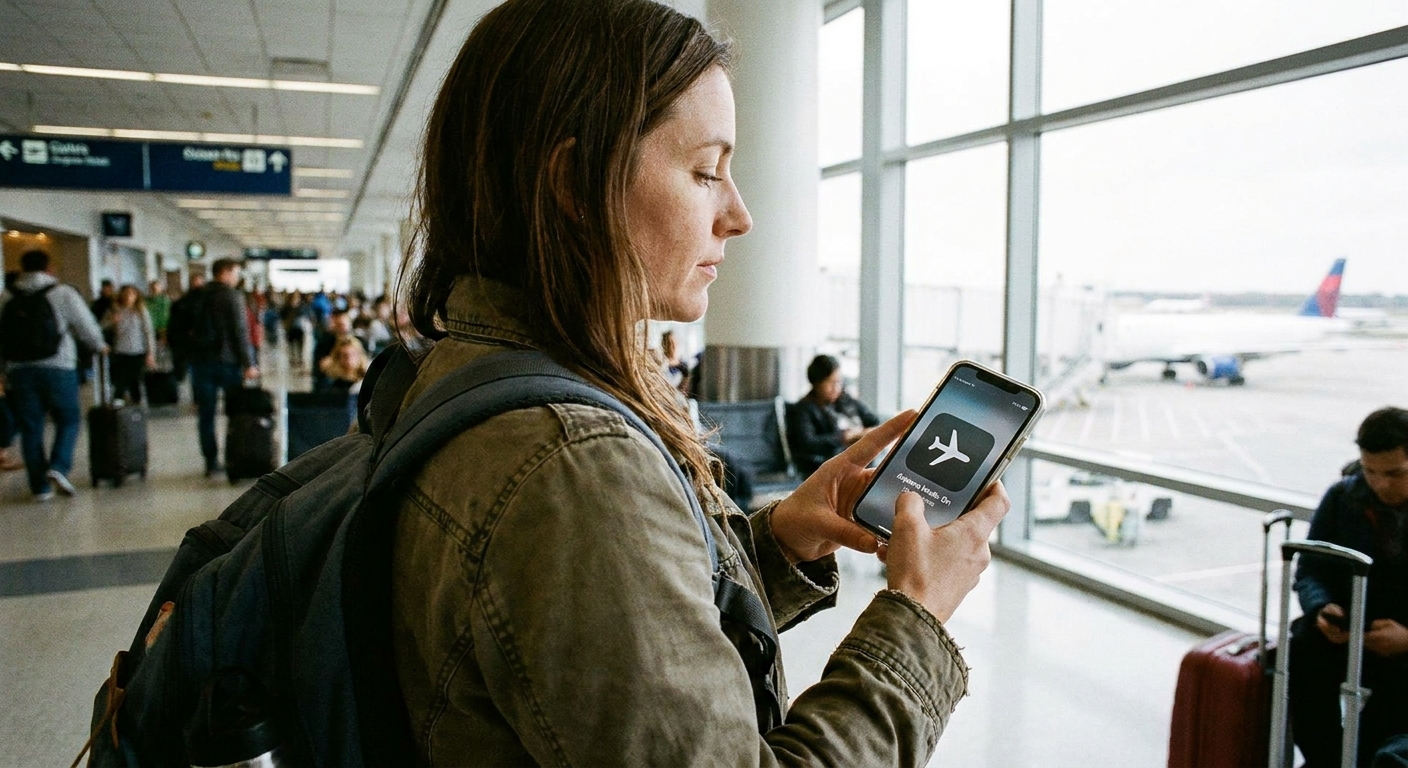
- Turn on Airplane Mode as soon as you land.
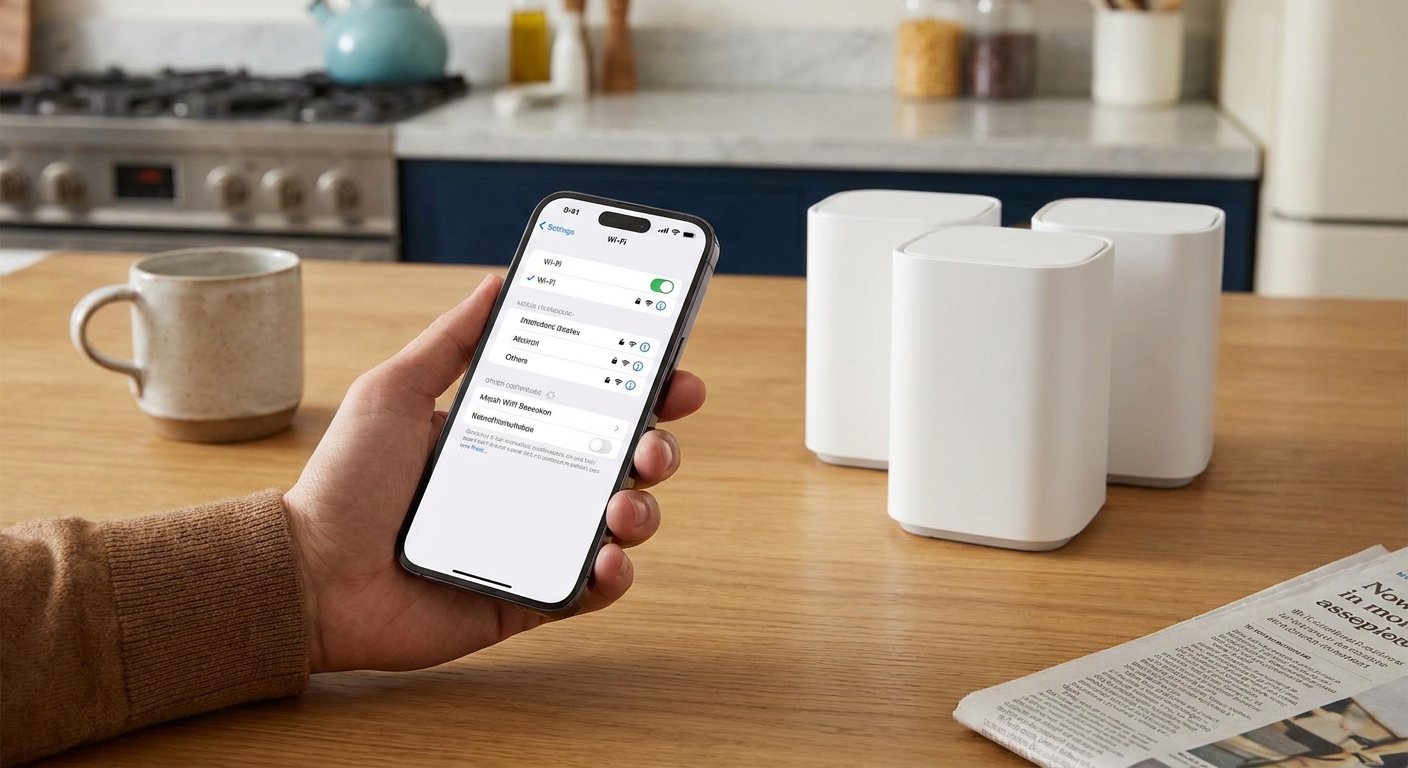
- Turn Wi-Fi back on while staying in Airplane Mode.
- Use messaging apps only (WhatsApp, Signal, etc.).
- Disable cellular data if you do not have an international data plan or local eSIM.
- Watch verification texts: lots of logins and 2FA codes still arrive by SMS, and receiving or sending those while abroad can trigger roaming or international SMS charges. If you can, switch accounts to an authenticator app or email before you leave.
Airplane Mode plus Wi-Fi is the easiest “I will not get roaming charges” combo I know. Your phone cannot connect to a foreign carrier, but you can still message over Wi-Fi.
Dual SIM and eSIM tip
If you add a local eSIM for data, keep an eye on your defaults. I have seen people leave their home line active for messaging, then accidentally send an SMS on the home SIM while abroad. If you want the safest setup, set the local eSIM as your data line, and use app messaging instead of carrier texting. If you do not need the home SIM at all, turning that line off during the trip is the cleanest way to avoid surprise charges.
Method 4: Wi-Fi calling
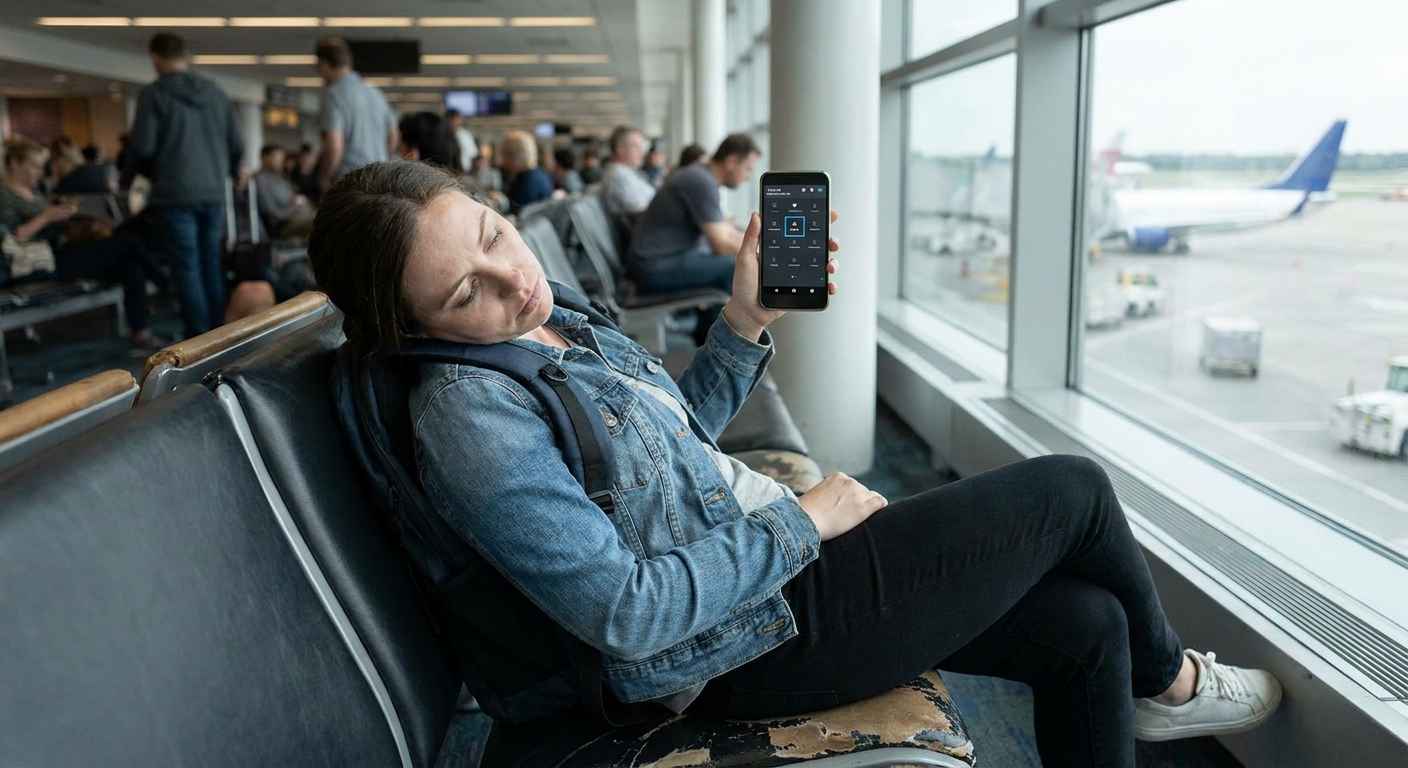
Wi-Fi calling is mainly for calls, but it can help with texting in specific situations, depending on your carrier and phone. When enabled, your phone may be able to send texts over Wi-Fi as if it were on your home network.
How to set it up
- On your phone, search Settings for Wi-Fi Calling.
- Turn it on and follow your carrier’s prompts (address verification is common in the US).
- Before traveling, test it at home by turning on Airplane Mode, turning Wi-Fi on, then trying a text.
Two big cautions:
- Wi-Fi calling does not make international numbers “free.” Even if you are abroad on Wi-Fi, texting an international number can still be billed as an international SMS based on your plan, because it is treated like sending from your home network.
- Wi-Fi calling behavior varies a lot by carrier, country, and device. If you want the most predictable “no international SMS fees” path, apps are still safer.
For more bill and plan strategy, I keep this hub updated: Phone and Bills Guide.
Avoid accidental SMS
This is where people get burned. You think you are “just messaging,” but the phone falls back to carrier texting.
Quick checks
- Look at the send button and label: many apps show “SMS” or “Text message” when it is not using data.
- Watch for green bubbles on iPhone: green means it is not iMessage. That typically means carrier messaging (often SMS/MMS), which is exactly where international charges can show up.
- Turn off “Send as SMS” on iPhone if you want to avoid fallback texting when iMessage is unavailable.
- Prefer app-to-app chats where both sides are on the same platform.
iPhone note (iMessage)
If both you and the other person use iPhones and iMessage is enabled, iMessages go over data and can be fine for international messaging. The expensive moment is when iMessage cannot deliver and your phone switches to SMS. If your goal is “no carrier fees, period,” it is worth disabling SMS fallback during trips or when you are messaging international numbers.
No internet at all?
If you truly have no internet connection at all, then you are back to carrier networks, and fees can apply. In that situation your options are:
- Wait for Wi-Fi (cafes, hotels, libraries, airports).
- Use a local SIM or eSIM for data, then message with apps.
- Use your carrier’s travel pass if it is cheaper than pay-per-use roaming.
My frugal rule is: buy data, not international SMS. Once you have data, your messages are basically “regular internet usage” through the right apps.
If you are working on a bigger “cut my bill” plan, these guides pair well together: Save Money Guide and Frugal Living Guide.
Mini FAQ
Will this use my phone plan data?
Yes, if you are not on Wi-Fi. Most text-only messages use tiny amounts of data, but photos and video add up fast. On Wi-Fi, it generally does not touch your cellular data at all.
Can I text a regular phone number internationally for free?
Not reliably through SMS. “Free” usually means both people are using the same internet messaging app. Some services can message SMS numbers through the internet, but availability and costs vary, and it is not the first route I recommend for avoiding fees.
What is the simplest setup for families?
Pick one app and make it the default for international chats. For most families I help, WhatsApp wins on simplicity. Signal wins if privacy is the priority.
How do I avoid roaming charges while traveling?
Airplane Mode on, then Wi-Fi on. Message with apps only. That combo blocks cellular roaming while keeping you connected.
My “no surprise fees” routine
When I am messaging family overseas, I keep it boring on purpose:
- I use one app-based group chat for the family, and I pin it to the top so I do not drift back to SMS out of habit.
- If I travel, I go Airplane Mode plus Wi-Fi until I have a plan I trust.
- If something fails to send, I do not hit “send as SMS.” I switch networks or switch apps.
It is not fancy, but it works, and it keeps the bill predictable.
If you ever spot an unexpected text charge, take a quick look at the pattern before you change anything. This walkthrough helps: Audit Your Phone Bill Before Switching.