

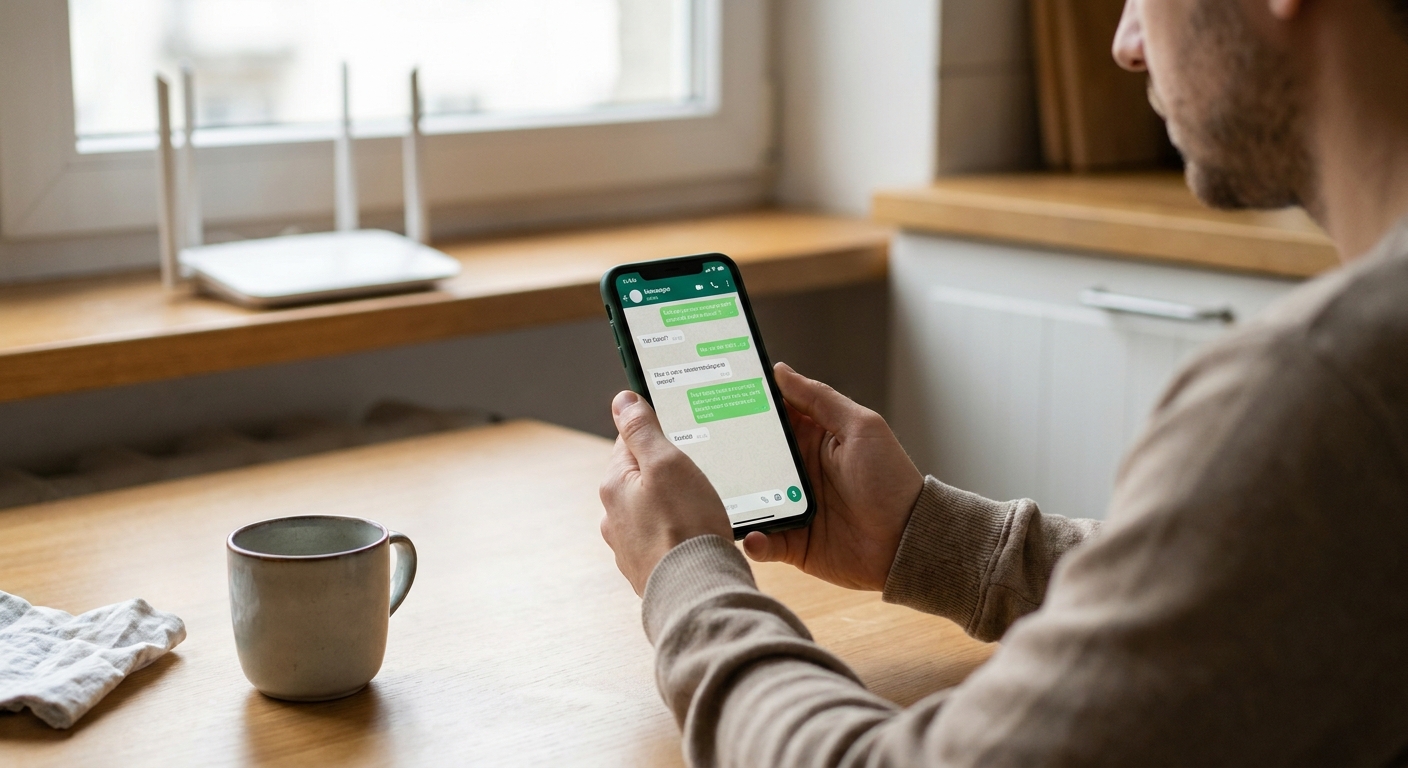
I grew up in a big, scattered family, which is a polite way of saying we could rack up a phone bill in one weekend. So I got obsessed with a simple question: how do you text people for free when you only have Wi-Fi?
Today, you have two main options:
- Internet-to-internet messaging (both people use the same app). This is usually the smoothest and truly free.
- Wi-Fi texting to real phone numbers (SMS-style). This can be free, but it is the one area where “free” sometimes comes with limits, ads, or a new number.
There is also a third option that confuses a lot of people at first: carrier Wi-Fi Calling and Texting. That is when your regular number sends SMS and calls over Wi-Fi through your carrier. It can be great, but it is not “an app,” and it depends on your phone, your carrier, and your plan features. If that is what you want, start here: Enable Wi‑Fi Calling and Texting on Your Phone.
Below are the 7 apps I recommend most for free texting over Wi-Fi, with the tradeoffs spelled out like you are setting this up for a parent, a teen, or your future self after a long day.
Quick comparison: which one should you pick?
| App | Best for | Texts phone numbers (SMS) over Wi‑Fi? | Standout perk |
|---|---|---|---|
| Most people, most families | No (app-to-app) | Huge user base worldwide | |
| Signal | Privacy-first messaging | No (app-to-app) | Strong security by default |
| Telegram | Big groups and multi-device use | No (app-to-app) | Great for communities and channels |
| Facebook Messenger | Reaching people already in Meta’s ecosystem | No (app-to-app) | Easy contact discovery |
| Google Messages (RCS) | “Normal texting” feel on Android | Not SMS, but yes when RCS is on and supported | Read receipts and better media |
| TextNow | Free texting to phone numbers | Yes | Free number option |
| Viber | International app-to-app messaging | No (app-to-app); paid options for SMS vary | Popular in specific regions |
If you are specifically trying to avoid cellular texting fees, also see my guide on turning on Wi‑Fi texting the “normal” way through your carrier settings: Enable Wi‑Fi Calling and Texting on Your Phone.
1) WhatsApp
Best for: everyday free texting with friends and family, especially internationally.
WhatsApp is the default answer in a lot of families because it solves the biggest problem: getting everyone onto one app. Once you are both on WhatsApp, messaging is free over Wi-Fi, and it is often still usable even on mediocre connections.
Why I like it
- Huge adoption worldwide, which matters more than features.
- Group chats are simple and stable for families.
- Voice notes and photo sharing are easy for less techy relatives.
Watch-outs
- It is not SMS. Both people need WhatsApp.
- Backups can affect privacy. If your chats are backed up to a cloud service, the backup protection depends on your settings. Encrypted backups are an option in many cases, but you have to turn them on.
If your main goal is international messaging without surprise fees, pair this with: Send Free International Texts Without Carrier Fees.
2) Signal
Best for: privacy-focused free texting over Wi-Fi.
If you want the simplest “I do not want my messaging life to become a product” option, Signal is my go-to. It is free, it is straightforward, and its security reputation is strong. I have used it for everything from family check-ins to sharing sensitive info like travel details.
Why I like it
- End-to-end encryption is on by default, with sensible privacy defaults.
- Great for one-on-one chats and small groups.
- Clean interface that does not feel cluttered.
Watch-outs
- Like WhatsApp, it is app-to-app. The other person needs Signal.
- Some privacy extras are settings-based, like disappearing messages, screen security, and how you handle backups.
If privacy is your main concern, you will also like: The Most Secure Free Texting Apps for Privacy.

3) Telegram
Best for: group chats, communities, and messaging across multiple devices.
Telegram is the app I reach for when I need messaging that feels bigger than a family chat. It is excellent for large groups, sharing files, and bouncing between phone and desktop without friction.
Why I like it
- Strong multi-device experience, including a solid desktop app.
- Handles large groups better than many competitors.
- Easy to share media and files.
Watch-outs
- Not SMS, so it is app-to-app.
- Important privacy note: Telegram’s default chats are not end-to-end encrypted. End-to-end encryption is available using Secret Chats (and that changes how some features work). If you are choosing an app mainly for privacy, this detail matters.
If you want to text from a laptop over Wi-Fi, this pairs nicely with: Send Free SMS From Your Computer.

4) Facebook Messenger
Best for: reaching people who are already in Meta’s ecosystem (Facebook and Instagram).
Messenger is not my favorite from a minimalism standpoint, but it is undeniably convenient because so many people already have it. If you are trying to contact an old friend, a distant cousin, or someone you only know socially, Messenger is often the shortest path.
Why I like it
- Contact discovery is easy if you already have social connections.
- Works well on Wi-Fi for texts, calls, and video chats.
Watch-outs
- Heavier app with more extras than you may want.
- Not SMS to phone numbers in the way people usually mean it.
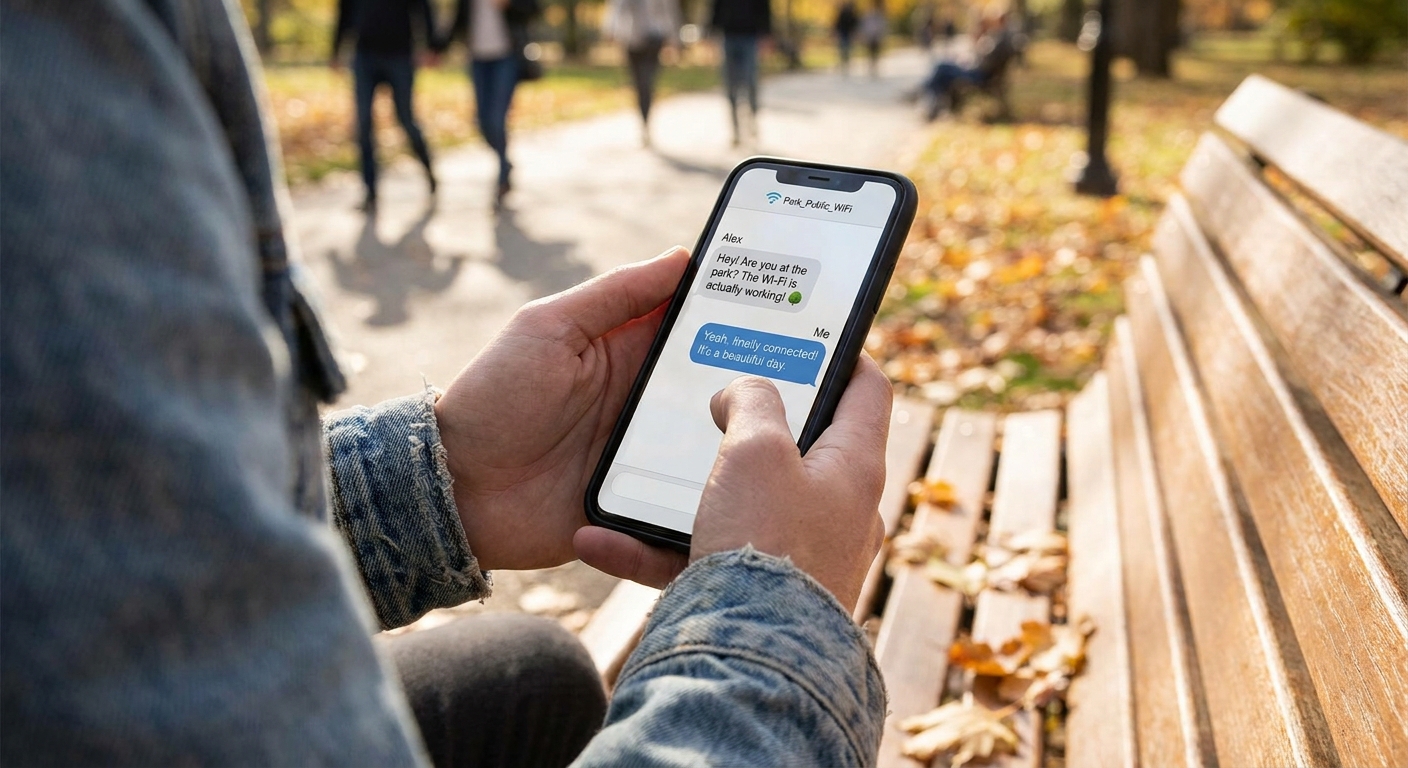
5) Google Messages with RCS (Android)
Best for: an SMS-like experience over Wi-Fi on Android, especially when the person you are texting also has RCS.
If you have ever said, “I do not want another app, I just want texting to work on Wi-Fi,” RCS is the closest thing. When RCS is active in Google Messages, messages can travel over Wi‑Fi or mobile data like modern chat, with perks like read receipts and better media sharing.
Why I like it
- Feels like normal texting because it is in your default Messages app.
- Better photo and group chat behavior than old-school SMS in many cases.
Watch-outs
- Both sides need RCS for it to behave like chat. If the other person does not have RCS (or it is not enabled), your phone can fall back to SMS or MMS.
- RCS availability still varies by device, region, and setup. This is especially relevant now that iPhone support is part of the real-world mix, but not universal across every carrier and configuration.
- If your phone falls back to MMS for photos or group chats, that can trigger plan limitations on some cheap plans.
If you have ever been burned by picture messages or group texts on a budget plan, read: Why Group Chats and Picture Messages Cost Extra on Basic Plans.
6) TextNow
Best for: free texting to real phone numbers over Wi-Fi.
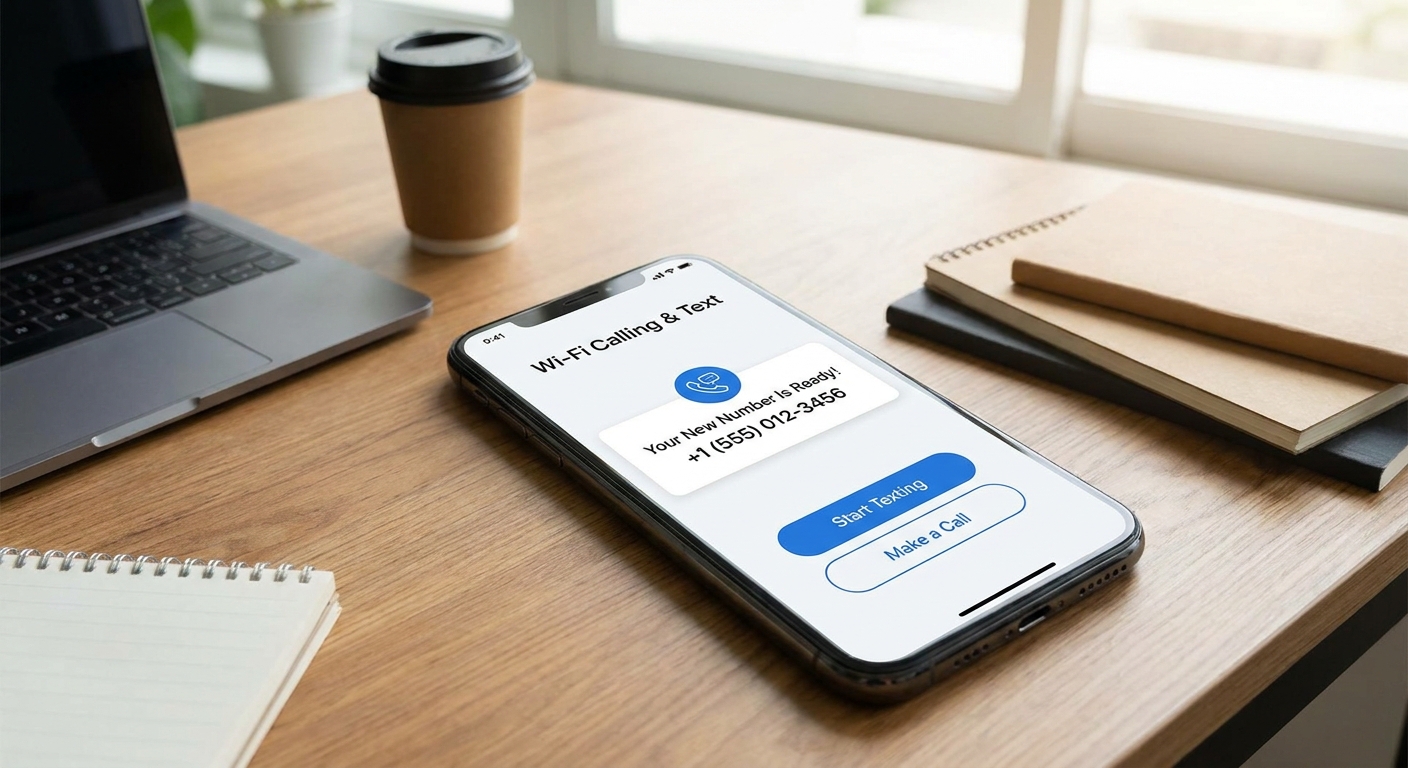
When someone tells me “I need to text actual phone numbers for free,” this is the category they mean. TextNow can typically give you a number you can use to text and call over Wi-Fi. It is especially handy as a spare line, a budget line, or a way to keep texting without paying for a full plan.
Why I like it
- Works like SMS in the sense that you can message phone numbers.
- Useful if you are between plans, traveling, or using a Wi‑Fi-only device.
Watch-outs
- You may get a new number, not your existing one, unless you do extra setup.
- Free tiers are usually ad-supported and may come with limits. Also, number retention rules can change, so do not assume you can “park” a number forever without checking the current policy.
- Some services do not like VoIP numbers for verification codes.
If your main reason for wanting a Wi‑Fi texting number is verification, see: Free Second Phone Number for Texting and Verification.
7) Viber
Best for: app-to-app messaging in regions where Viber is popular, plus solid Wi-Fi calling.
Viber is one of those apps that can feel unnecessary until you have family or friends in places where it is the default. In those circles, it is as normal as WhatsApp. Over Wi-Fi, it handles messages and calls well, and it is worth keeping installed if it is the easiest way to reach your people.
Why I like it
- Great compatibility with friends and relatives who already use it.
- Good call quality on Wi‑Fi in my testing on decent connections.
Watch-outs
- For texting or calling regular phone numbers (outside Viber), you are typically looking at paid features such as Viber Out, and pricing can vary.
- Not everyone uses it, so it depends on your circle.

My simple rules for choosing
If you want the easiest “everyone can use it” option
Start with WhatsApp. Adoption beats perfection.
If you care most about privacy
Use Signal, and keep your settings simple. Privacy tools only help if you actually use them.
If you need to text real phone numbers for free
Try TextNow, and treat it like a budget line, not a perfect replacement for a main carrier number.
If you want to keep your existing number
Check whether carrier Wi‑Fi Calling and Texting is supported on your plan and phone. It is the least confusing option once it works, because you keep your number and use the default dialer and messaging app. Start here: Enable Wi‑Fi Calling and Texting on Your Phone.
If you are trying to make cheap plans work
Spend five minutes learning the gotchas that cost people money, especially MMS and group texts. I wrote those up here: 7 Communication Habits That Quietly Cost You Money.
How to avoid surprise costs
- Turn off cellular data when you are testing. If you want to confirm an app truly works on Wi‑Fi, disable mobile data for a minute and send a message.
- Watch for MMS fallbacks. Photos and group chats can flip you from free messaging to carrier MMS on some setups. (More here: Why Group Chats and Picture Messages Cost Extra on Basic Plans.)
- Be cautious on public Wi‑Fi. I am not saying never use it. I am saying treat it like a loud coffee shop. For safer habits, see: Free Public Wi‑Fi Messaging Without a Premium VPN.
- Set background data limits if you are on a tight plan. Some messaging apps love to sync media. Here is how to keep that under control: Set Strict Background Data Limits on iOS and Android.
FAQ
Can I send free texts over Wi-Fi to someone who does not have the same app?
Usually no. WhatsApp, Signal, Telegram, Messenger, and Viber are primarily app-to-app. If you need to text any phone number (SMS-style) over Wi‑Fi, look at options like TextNow, or enable carrier Wi‑Fi texting when supported. Start here: Enable Wi‑Fi Calling and Texting on Your Phone.
Do these apps work on a tablet or an old phone with no SIM?
Many do, as long as the device can get on Wi‑Fi. For setup ideas, see: Turn an Old Phone Into a Wi‑Fi Messaging Device and Turn Your Tablet Into a Free Texting Device.
What about iMessage on an iPhone?
iMessage is one of the easiest Wi‑Fi texting options if you are in an all-Apple circle. It works over Wi‑Fi between Apple devices using Apple IDs, and it feels like normal texting in the Messages app. The catch is compatibility: when you message someone who is not on iMessage, your phone may switch to carrier SMS or MMS (which can cost money on certain plans).
Will Wi‑Fi texting work when traveling abroad?
Yes, for app-to-app messaging, Wi‑Fi is your best friend abroad. If you rely on SMS for 2FA codes, you may need a different plan. I covered a few practical workarounds here: Receive 2FA Texts Abroad Without Roaming Fees.
How much data do free texting apps use?
Plain text messages use very little. Photos, videos, and auto-download settings are what run up usage. This breakdown helps you estimate and control it: How Much Data Free Texting Apps Use and How to Cut It.
My bottom line
If you want one safe default, pick WhatsApp for family and friends, and keep Signal installed for conversations where privacy matters more. If you specifically need Wi‑Fi texting to regular phone numbers, try TextNow and treat it like a separate budget number.
And if your goal is to pay less for mobile service overall, not just text for free, my bigger hub of strategies is here: Guide: Free Texting.