I learned this the hard way during a family group chat phase when my siblings were scattered across three time zones. I was obsessed with keeping calls and texts cheap, but I still managed to bleed money each month through tiny “helper” services I forgot I turned on. A voicemail transcription add-on here, a premium calling feature there, and suddenly my budget plan was not so budget.
This checklist is the fastest way I know to audit your phone for hidden communication app subscriptions and cancel the ones you do not actually use.
The 10-minute audit plan
If you want the quick version, do these in order. Many people spot at least one recurring charge by the time they hit the email search step.
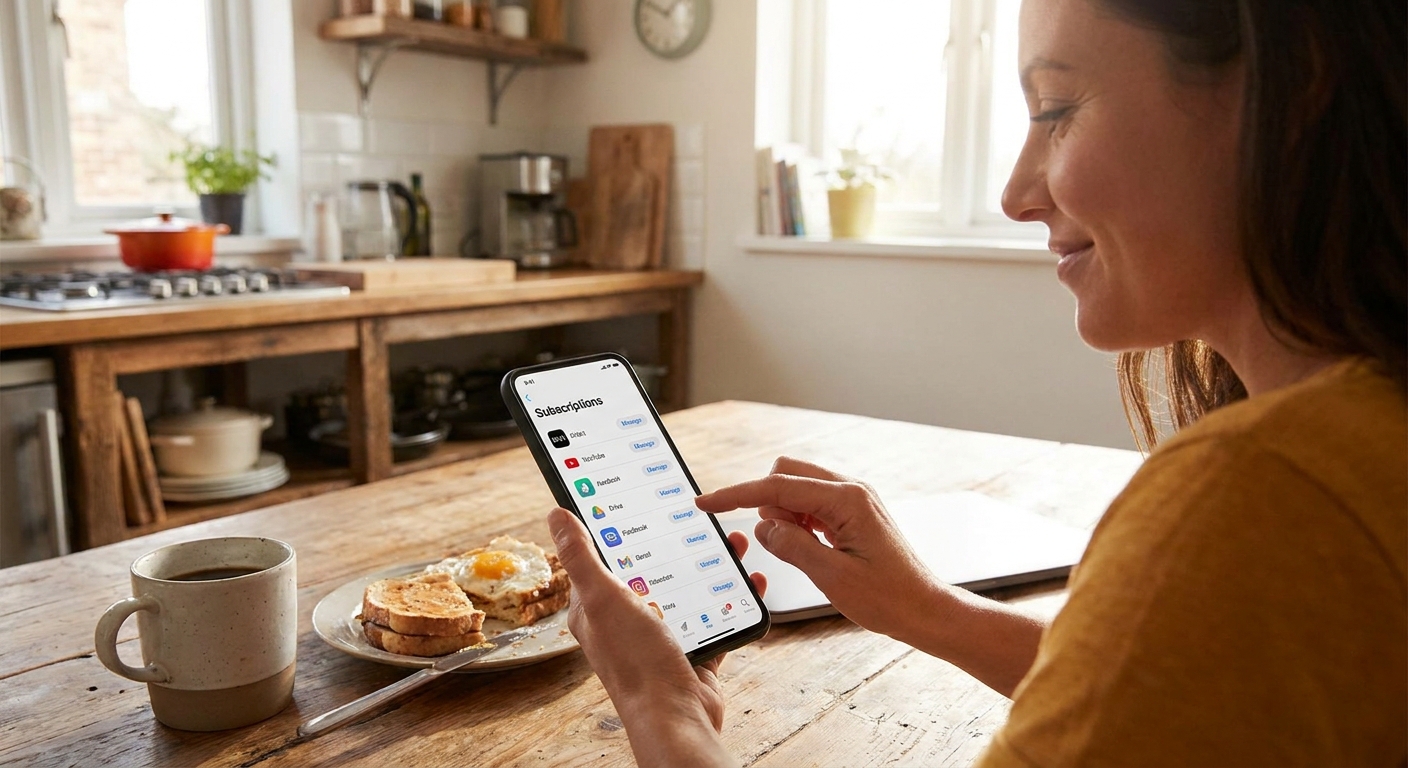
- Check your Apple App Store or Google Play subscriptions.
- Search your email for receipts and renewals.
- Check your carrier account for add-ons like voicemail, international texting, or extra lines.
- Look inside the apps you actually use for chat and calling to find “Manage subscription.”
- Review payment methods (Apple Pay, PayPal, credit cards) for repeating charges.
Step 1: Check App Store subscriptions (iPhone)
Where to look
- Settings app
- Tap your name at the top (Apple Account)
- Tap Subscriptions
What counts as a “communication” subscription
Anything that claims it helps you call, text, receive verification codes, manage voicemail, or “enhance” messaging. The sneaky part is that it may not be named like a texting tool. It might be “AI voicemail,” “Caller ID,” “Second number,” “Fax,” “Meeting dial-in,” or “International calling.”
My rule for canceling
If I have not used the premium feature in the last 30 days, I cancel it immediately. You can always re-subscribe later. Most apps keep your account history even if you downgrade.
One more thing if a charge looks unfamiliar: if you share purchases with family, double-check whether someone else is using your payment method. On iPhone, that usually means looking at your Family Sharing purchase and payment settings.
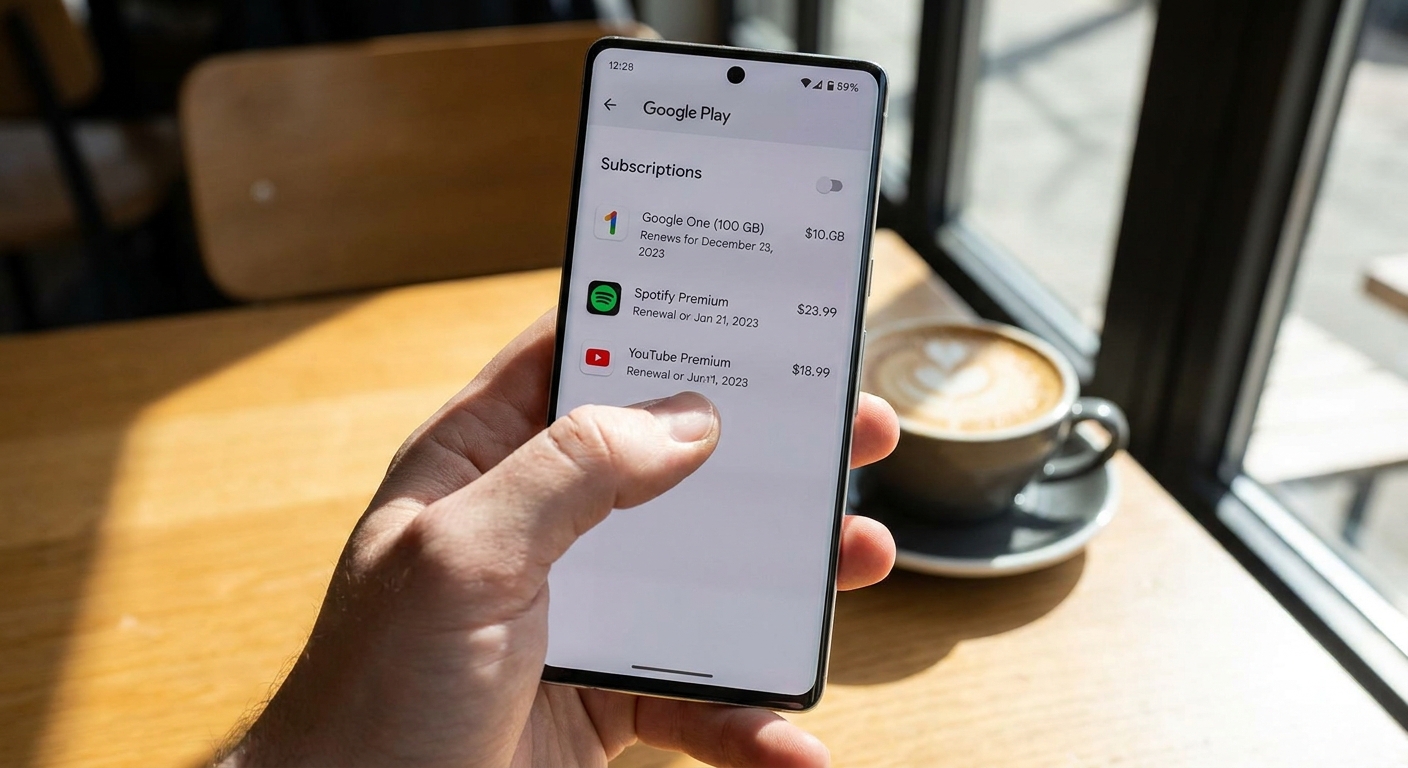
Step 2: Check Google Play subscriptions (Android)
Where to look
- Open the Google Play Store
- Tap your profile icon
- Go to Payments & subscriptions then Subscriptions
Also check “Budget & history”
If you are not seeing a subscription but you are sure you are being billed, go to Payments & subscriptions then Budget & history (sometimes labeled Purchase history, depending on your version) to spot repeating charges.
If a charge does not match anything you use, it is worth checking shared payment profiles and any family payment setup in Google Play.
Step 3: Search your email for the charges you forgot
This is my favorite trick because it catches subscriptions that are not tied to your current app store account, like something you bought on the web with PayPal two phones ago.
Search terms that usually hit
- “subscription”
- “renewal”
- “your plan”
- “receipt”
- “trial”
- “thanks for upgrading”
- App-store specific: “Apple receipt” or “Google Play receipt”
Communication-related keywords to try
- voicemail
- transcription
- second number
- caller ID
- international
- Wi-Fi calling
- SIP / VoIP
- fax
- meeting call
When you find a renewal email, scroll for the tiny “manage” or “cancel” link. If it routes you to a login you do not recognize, that is a sign the subscription is tied to an old email address or sign-in method.
Quick safety note: renewal emails can be spoofed. If anything feels off, do not click the link. Open the app store, your carrier site, PayPal, or the service’s official site directly and manage billing from there.
Step 4: Audit your carrier add-ons
A lot of people only check app stores and miss the carrier add-ons that act like subscriptions. These can be just as pricey because they renew monthly and look “official.”
Common carrier add-ons that hit messaging and calling budgets
- Premium voicemail or voicemail-to-text
- International calling packs
- International texting add-ons
- Device protection bundles that include “tech support” for messaging
- Extra lines or wearable lines you forgot about
- Cloud storage upgrades you only needed for one month of photo messages
Also look for anything labeled third-party billing, premium messaging, or similar. If your carrier lets you block third-party billing or premium SMS charges, it is worth flipping that switch to reduce surprise charges. I dig deeper into that in Hidden Premium SMS Charges: How to Spot and Block Them.
If you are about to switch plans or carriers, do this audit first. I walk through the bill side of this in Audit Your Phone Bill Before Switching.
Step 5: Check in-app subscriptions
Even when you cancel in the app store, some apps also sell extras directly. These are separate billing relationships. Canceling an App Store or Google Play subscription stops that specific billing, but it will not automatically cancel a web-billed plan you started with your card or PayPal.
Where the subscription button usually hides
- Settings
- Account
- Billing or Plan
- Premium
- Restore purchase (often near manage/cancel)
Communication app features that are often not worth paying for
- Read receipts and “stealth” viewing features
- Extra stickers, themes, or custom icons
- “Unlimited” voicemail transcription when you rarely get voicemails
- Call recording subscriptions you used once for a single conversation
- Second numbers that you only needed for a short verification window
If your main goal is to text cheaply over Wi-Fi, you might be better off simplifying your setup. I have a few no-nonsense options in Guide to Free Texting.
Step 6: Check payment methods
Subscriptions can slip around app store controls if they are billed through a wallet or payment processor.
Places to check
- Credit card statements: scan for repeating monthly amounts, even small ones
- PayPal: check automatic payments and recurring charges
- Apple Pay: review your Wallet transaction history and your card issuer statement for repeating merchant charges (there is not one universal subscription list)
- Google Pay: review payment activity and any linked subscriptions if your version shows them
Pro tip: merchant names are not always the same as the app name. If you see a repeating charge you do not recognize, copy the merchant name and search your email for it.
Step 7: Remove “zombie” accounts
This one is weirdly common in big families. Someone signs up for a calling app with a temporary number, later ports to a new plan, and the subscription keeps renewing because the login is email-based, not phone-number-based.
How to hunt them down
- Search your email for “welcome,” “verify,” and “your number” plus your old area code.
- Check saved passwords in your phone’s password manager for VoIP and messaging services you do not use anymore.
- If you used a “second number” service, log in and confirm it is cancelled or downgraded.
If your use case is receiving verification codes while traveling, there are cheaper approaches than paying for roaming or keeping a pricey add-on alive. See Receive 2FA Texts Abroad Without Roaming Fees.
What to cancel first
If you are overwhelmed by a long list of subscriptions, cancel in this order. It maximizes savings with the lowest risk of breaking your day-to-day communication.
- Trials that are about to renew (cancel immediately).
- Duplicate services (two apps doing the same thing, like two “second number” subscriptions).
- Carrier voicemail upgrades you do not use.
- International add-ons you only need when traveling.
- Premium messaging features that do not improve deliverability or reliability.
If international texting costs are part of the mess, I wrote a separate guide on getting out of carrier fees in Send Free International Texts Without Carrier Fees.
After you cancel
Do a quick confirmation check
- Screenshot the cancellation confirmation screen or email.
- Confirm the subscription shows an end date and does not auto-renew.
- Set a calendar reminder for two days before the end date to double-check you are not re-billed.
Watch for “cancellation offers”
Some apps will offer a cheaper plan when you cancel. If it is still not something you need every month, I would rather take the downgrade to free. Saving money is easier when you are not negotiating with yourself every billing cycle.
Prevent it next time
- One email rule: I only subscribe using one dedicated email address, so receipts are easy to search.
- Monthly money minute: on the first weekend of the month, I scan subscription lists for 60 seconds.
- Prefer annual only when proven: I never buy annual on day one. I pay monthly first, then switch if I truly use it.
- Keep communication simple: fewer apps means fewer subscriptions to forget.
If your bigger goal is cutting communication costs overall, start with the hubs: your plan, your devices, and your habits. The round-up pages Guide: Frugal Living and Guide: Phone and Bills are where I keep my best “save without suffering” tips.
Quick FAQ
Will deleting an app cancel the subscription?
No. Deleting the app usually does nothing to billing. You have to cancel through the app store, the app’s own billing page, or the payment method that is being charged.
Why do I see charges even when my subscription list is empty?
It is often one of these: a web-billed plan (PayPal or card), a different Apple ID or Google account, a carrier add-on, third-party billing, or a family member’s purchase sharing onto your card.
Are voicemail transcription and “premium messaging” worth it?
For most budget-minded people, only if it solves a real problem you deal with weekly. Otherwise, it is the definition of a slow leak.
What if I cancel and lose access to an important number?
Before canceling any second-number or VoIP service, log in and confirm what happens to the number, and whether you need to port it out. If the number is tied to banking or 2FA, handle that first, then cancel.
If you want to go further
Hidden subscriptions are one side of the “why is my phone bill still high?” question. The other side is plan structure and carrier fees. If you are ready to keep trimming, these are good next reads:
- Negotiate a Lower Cell Phone Bill Using Free Apps
- Prepaid vs Postpaid Plans: Which Saves More on Texting?
- Hidden Premium SMS Charges: How to Spot and Block Them