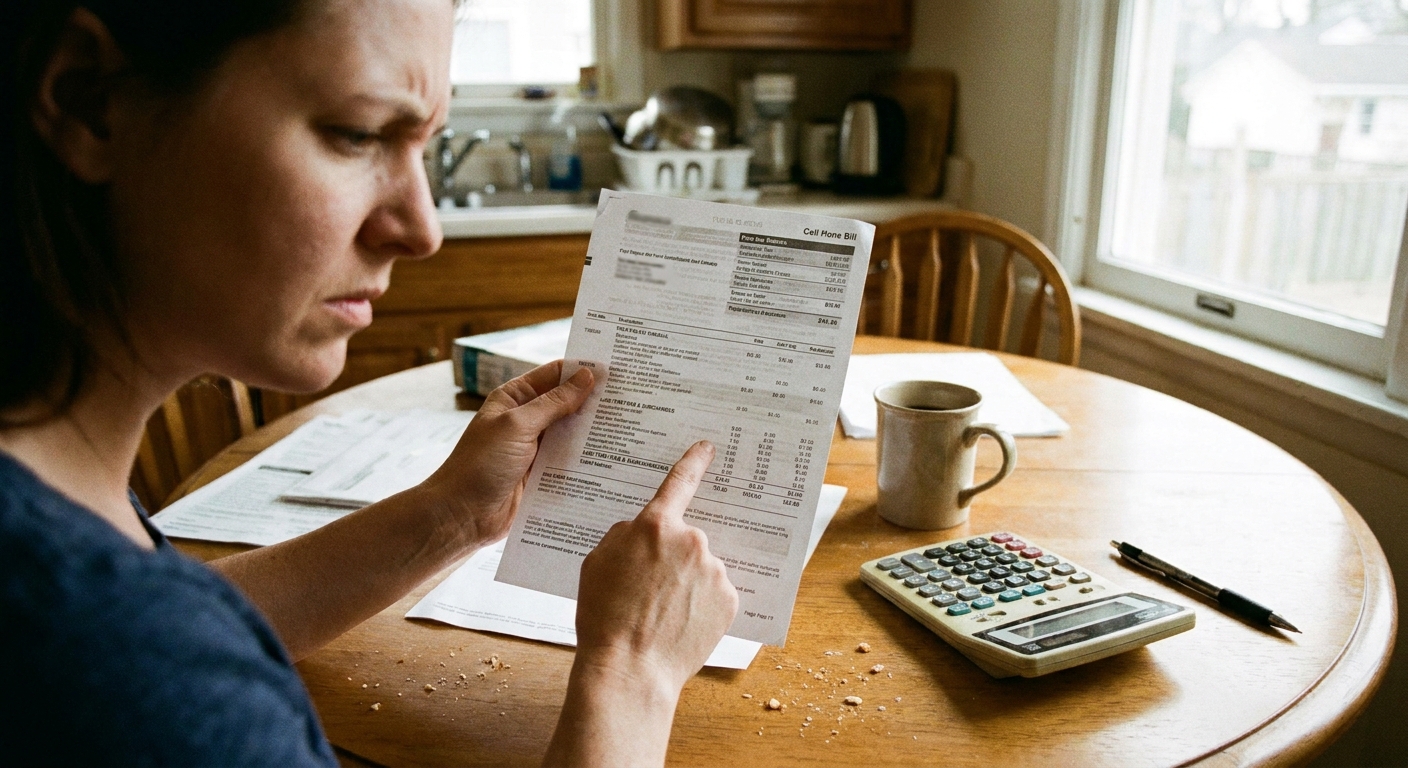
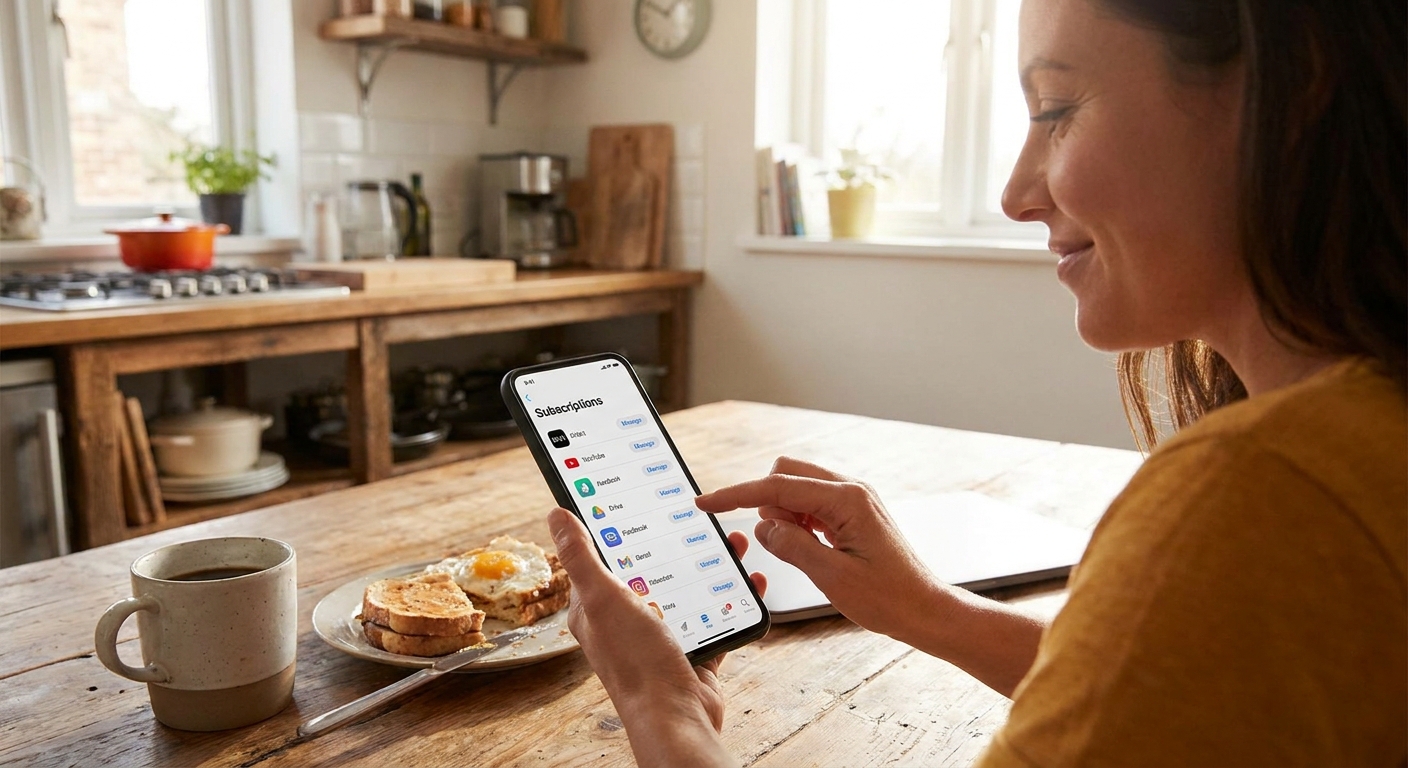
I learned about hidden premium SMS charges the annoying way: a small, recurring fee on a family plan that nobody could explain. It was the kind of charge that looks harmless until you realize it has been quietly showing up for months. These are usually third-party text subscriptions like “daily horoscopes,” “sweepstakes alerts,” “sports trivia,” or “VIP club” messages billed through your carrier.
The good news: you can usually spot them quickly once you know what to look for, and you can block them so they do not come back.

What premium SMS charges are
Premium SMS is a billing method where a company charges you through your phone bill for texts, subscriptions, or one-time purchases. Sometimes it is legitimate (like donating to a charity via text), but the problem is how easily people end up enrolled without realizing it.
Common ways it happens:
- You tapped an ad or pop-up and entered your number to “claim a prize.”
- You tried to access “free” content (wallpapers, ringtones, horoscopes) and the fine print enrolled you in a monthly plan.
- A kid with a tablet or phone clicked “allow” or replied to a shortcode.
- You signed up for a service years ago and forgot it was tied to carrier billing.
- Less common but possible: a typo or reused number leads to unwanted messages, but many modern services require some kind of confirmation (replying YES, entering a PIN, or a double opt-in) before billing starts.
These charges often show up as small weekly or monthly amounts, which is why they slip through.
Where to find charges on your bill
Every carrier formats bills differently, but premium SMS and similar third-party charges almost always appear in one of these places:
- Third-party charges or third-party billing
- Premium SMS, premium messaging, or message purchases
- Content services, subscription services, or mobile purchases
- Shortcode charges or a vendor name you do not recognize
A quick nuance: shortcode length varies by country. In the US they are commonly 5 to 6 digits, but you might also see longer shortcodes or different formats depending on where you live and which carrier you use.
If you are already doing a deep review, my approach is to treat it like a mini forensic project: go line-by-line and highlight anything that is not your plan cost, device payment, taxes, or known add-ons. This pairs well with a full bill review like I describe in Audit Your Phone Bill Before Switching.
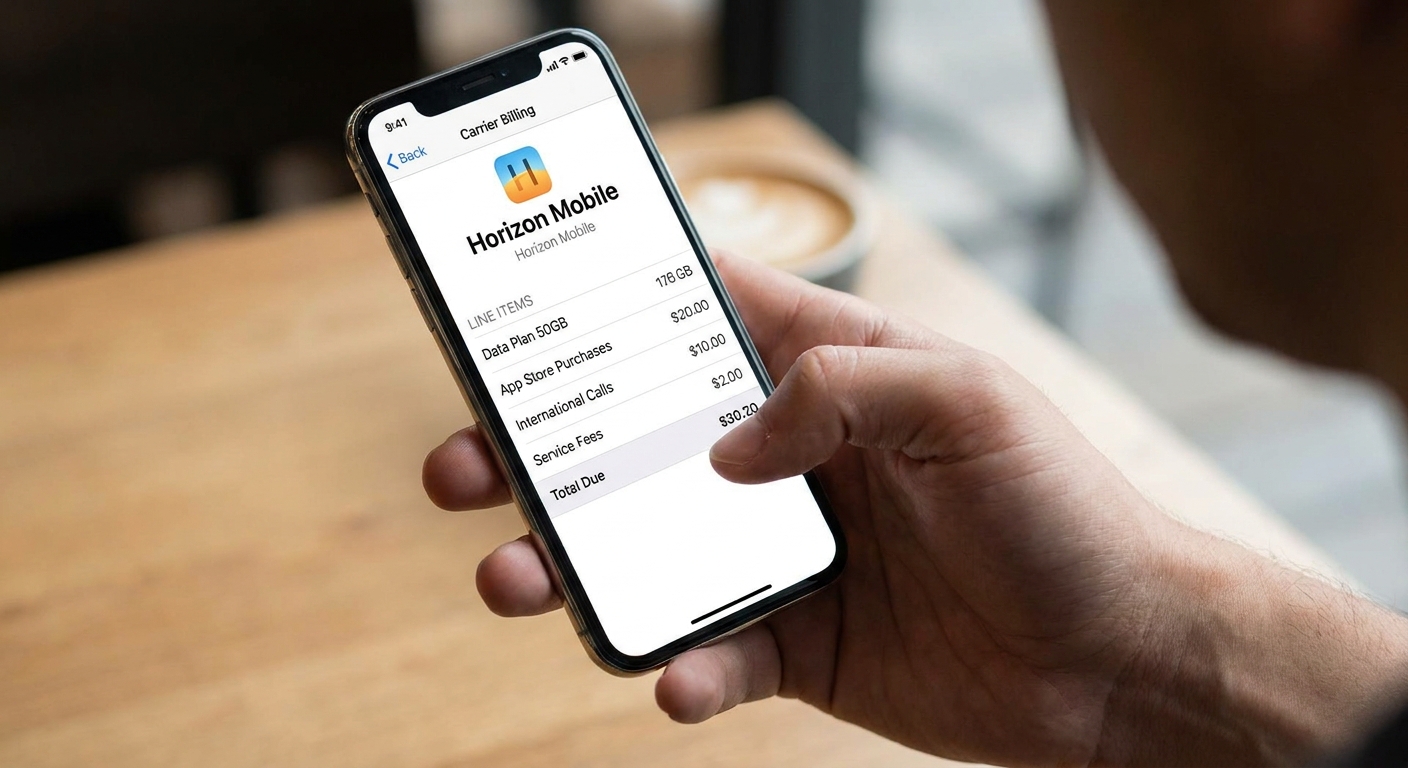
One fictional but realistic example of what you might see:
- Premium Msg: FunTriviaClub $9.99
- Content Service: DailyHoroscope $4.99
- Third-Party Billing: MsgSvc $1.99
Red flags to watch for
Here are the patterns I see most when someone asks me, “Is this premium SMS?”
- Recurring small charges like $4.99, $9.99, or $14.99 monthly, or $1.99 weekly.
- Vague vendor names that do not match any app you use.
- Shortcodes or odd descriptors like “MsgSvc,” “TextSvc,” “Content,” “Alerts,” “Club.”
- Charges that started mid-cycle instead of aligning with your normal billing date.
- One line on a family plan with the charge, often a kid or a rarely-used line.
One simple test: check the SMS inbox for messages from shortcodes you do not recognize. Premium subscriptions usually send at least one “Welcome” message or recurring content texts.
Quick 10-minute sweep
If you want the fastest path to stopping the charges, do this:
- Identify which line is being charged. On family plans, the bill usually shows a per-line breakdown.
- Find the first month it appeared. That tells you how long it has been going on and strengthens your refund request.
- Search your text history around that date. Look for messages like “Thanks for subscribing” or “Reply STOP to cancel.”
- Ask the line owner: did you enter your number for a contest, quiz, horoscope, sports picks, or “verification” on a sketchy site?
Do not feel bad if you cannot find the exact moment it happened. A lot of these sign-ups are deliberately confusing.
Cancel subscriptions safely
Step 0: Document first
Before you cancel anything, take 2 minutes to capture evidence. It makes the refund conversation so much easier.
- Screenshot the bill line item (name, date, amount).
- Screenshot any related text thread (welcome messages, opt-out instructions).
- Write down which line on the plan is affected and when the charges started.
Step 1: Reply STOP (when it is clearly a subscription)
If you have the message thread and it looks like a standard premium subscription, replying STOP often cancels it. You can also try CANCEL, END, or UNSUBSCRIBE. Then take a screenshot for your records.
Important: only do this if the messages are clearly from a subscription service and include normal opt-out language. If a thread looks like a scam conversation with a random number, do not engage.
Also, some vendors ignore keywords or are slow to process them. That is why the carrier-level block in the next step is the reliable backstop.
Step 2: Turn on carrier blocks
This is the part most people skip, and it is why the same problem comes back later.
- Ask your carrier to block premium SMS.
- Ask them to block third-party charges or carrier billing.
- If you manage a family plan, ask for a purchase block on specific lines (kids’ lines especially).
Carrier terminology varies, and some carriers split these controls into separate settings (premium messaging, third-party content, carrier billing, purchases). If a rep sounds confused, repeat the plain-English version: “Please block all premium messaging and third-party billing charges on this account.”
Step 3: Remove sketchy apps and clean up permissions
Premium SMS charges are often triggered by a website, but occasionally an installed app is involved. If you see any recently installed “free” apps that feel off, remove them.
- On Android, check which apps have permission to send SMS and revoke it if it is not necessary.
- Check your browser notifications and site permissions. If you granted notification access to a spammy site, remove it.
If unauthorized activity keeps happening even after you block premium and third-party billing, treat it as a bigger security issue: update the phone, run a reputable mobile security scan if you use one, and consider resetting browser settings. For a kid’s device, a full cleanup can save you months of repeat problems.
How to request a refund
Refunds vary by carrier and by situation, but you have a better shot than most people think, especially if the charge is clearly not authorized.
When you contact support, keep it simple and direct:
- Point to the exact charge name and dates.
- Say you did not authorize it and want it removed.
- Ask for a refund back to the first appearance date.
- Request that premium SMS and third-party billing be blocked going forward.
If the carrier says the vendor must refund you, ask for the vendor contact info associated with the charge and request they submit a third-party billing dispute on your behalf. Keep your screenshots and write down the date and outcome of every conversation.
Prevent repeat charges on family plans
In big families (mine included), the easiest charges to miss are the ones on the “quiet” lines: a teen’s phone, a grandparent’s backup phone, or a spare line in a drawer.
My prevention checklist
- Block premium SMS and third-party billing at the carrier level.
- Set a monthly 3-minute bill review and look for new line items.
- Teach the household rule: never enter your phone number to claim a prize or unlock content.
- Be cautious with “free verification” sites that push you toward random offers. If you need an alternative number for sign-ups, consider safer approaches like a dedicated second number. I cover options here: Free Second Phone Number for Texting and Verification.
Premium SMS vs normal texting fees
Not every weird-looking bill item is premium SMS. Here is the quick separation:
- Normal texting costs usually show as plan overages (rare these days) or international messaging fees.
- Premium SMS charges usually show as a named service, subscription, third-party fee, or content charge.
If you are seeing charges tied to international messaging, you may be able to avoid them entirely with Wi-Fi based tools. Start here: Send Free International Texts Without Carrier Fees.
FAQ
Can premium SMS charges happen on iPhone?
Yes. This is not an iPhone vs Android issue. It is about carrier billing tied to your phone number.
Is replying STOP always safe?
It is generally safe for legitimate subscriptions that clearly identify themselves and include opt-out instructions. But it is not universal. Some shady services ignore opt-out keywords, and some scammers want any reply at all. If the texts look like a scam or feel personal and threatening, do not reply. Block the number and go straight to your carrier to identify any billing blocks needed.
Why do premium SMS charges show up even if I never open the texts?
Because the billing is linked to the subscription itself, not whether you read the messages.
Will blocking premium SMS affect two-factor codes?
Premium SMS and third-party billing blocks should not affect normal two-factor authentication texts. The risk is when a block is broader than you intended, like blocking all shortcodes. When you talk to your carrier, be specific: you want to block premium messaging and third-party billing, not regular SMS or all shortcode traffic.
Stop paying for mystery texts
Hidden premium SMS charges thrive on being small, confusing, and easy to overlook. Once you know where they live on a bill and you put carrier-level blocks in place, they get a lot less scary.
If you want to keep tightening up your monthly communication costs, browse the Save Money guide and the Phone and Bills guide. That is where I keep the practical stuff I use on my own family plans.