

I grew up in a big, scattered family, which means our group chats have always been busy. For years I thought the “phone bill is the phone bill.” Then I started testing free messaging setups and poking around in carrier settings, and I realized something: a lot of the cost is behavior. Not scams. Not fancy new phones. Just tiny habits that quietly nudge you into overages, paid add-ons, or roaming.
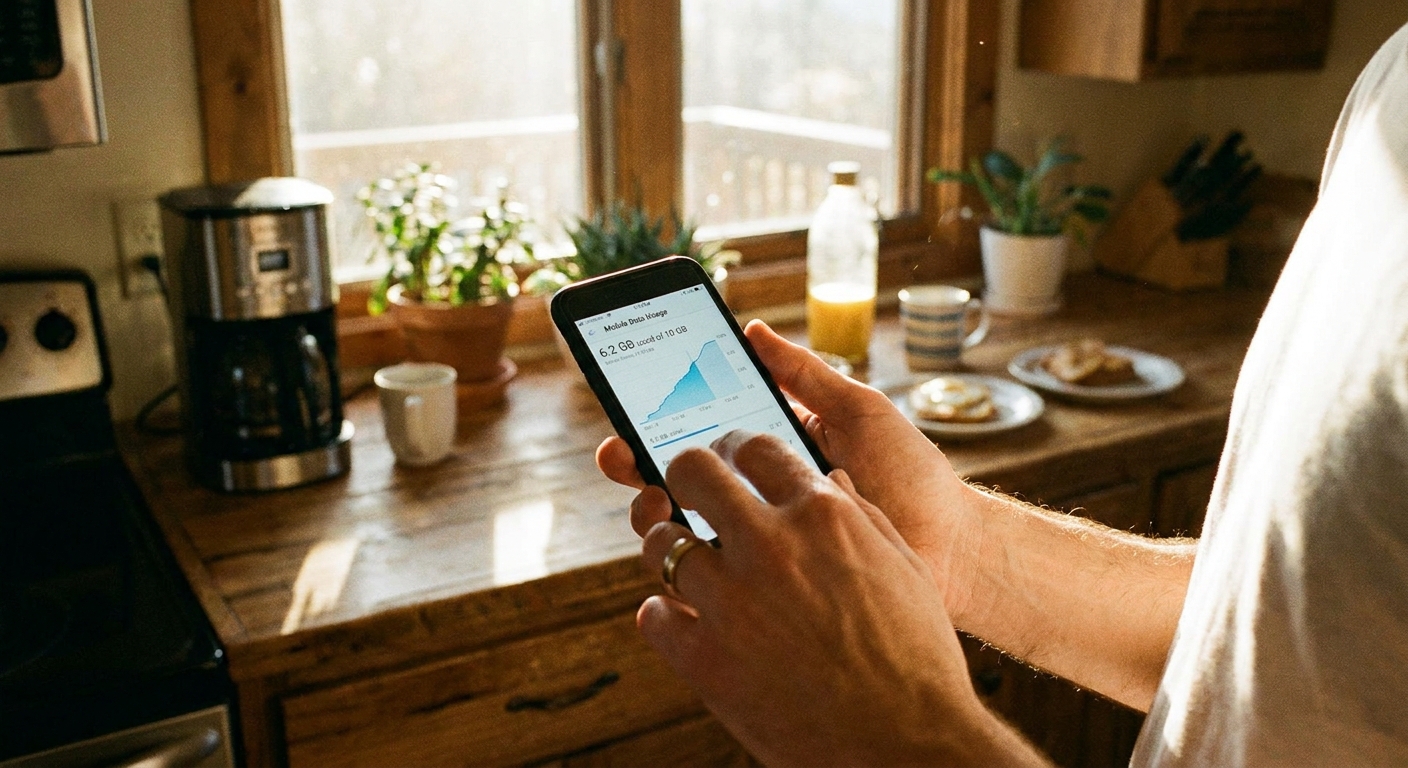
Here are seven everyday communication habits that can cost real money, plus the frugal fixes I use to keep my bill boring and predictable.
1) Sending big photos and videos without thinking
Photos and videos are sneaky because they feel like “just a text,” but they are usually the biggest payload you send all day.
One nuance: carrier MMS (picture messages) is often compressed and size-limited, so you are not always sending true “full quality.” But the costs still show up in other ways: you resend when it fails, you burn data when you send media through data-based chats, and you quietly chew through a small data plan when you are not on Wi-Fi.
Why it costs you
- Data overages or throttling if you are on a limited plan and you share media through data-based messaging.
- MMS limits and retries where attachments fail, get downscaled, or prompt repeat sends.
- Extra cost on some basic plans where MMS is treated differently than plain SMS.
Frugal fix
- Use Wi-Fi before sending big media, even if it means waiting 10 minutes.
- Send a link instead of the file when your phone offers it (for example, sharing an iCloud or Google Photos link rather than attaching a huge video).
- Trim and resize: shorten the clip, lower the resolution, or use your phone’s built-in “small/medium/large” options when available.
- On iPhone, change what you capture: using “Most Compatible” camera formats can make files easier to send and share, but the files can be larger even when compatibility improves.
If you have ever wondered why picture messages can be pricier or behave differently on basic plans, I break that down here: Why group chats and picture messages cost extra on basic plans.
2) Letting group chats drop into MMS
Group chats are where little costs can pile up, mostly because not every conversation stays in the “best” messaging mode.
On iPhone-only groups, iMessage usually stays iMessage. On Android-to-Android groups, RCS can stay RCS. Cross-platform threads are where behavior varies the most by device, carrier, and settings. Some mixed groups may use RCS for the Android side while others fall back fast. Any time one participant lacks RCS/iMessage, has data turned off, uses “send as SMS” behavior, or hits a no-data situation, the whole thread can revert to SMS or MMS.
Why it costs you
- More data if the group is running as a data-based chat and people share lots of media.
- Possible MMS charges or limits on older or bare-bones plans when the thread falls back.
- Duplicate media when the same photo or video gets forwarded three different ways.
Frugal fix
- Pick one internet-based chat app for the family and use it consistently for media-heavy threads.
- On Android, confirm RCS/chat features are enabled (when available) so you are less likely to fall back to MMS with other RCS users.
- Keep “big stuff” out of carrier texting if your group includes mixed devices and you see frequent fallbacks.

3) Making quick calls on cellular when Wi-Fi calling is there
Those “quick” calls add up, especially if your plan is not truly unlimited or your signal is spotty.
Why it costs you
- Minutes and add-ons if your plan is not truly unlimited.
- International long distance if you are abroad and assume Wi-Fi calling makes every call “free.” Some carriers treat Wi-Fi calling as domestic only in specific cases, like calling home-country numbers.
- Signal hunting in low coverage areas can push people into upgrades sooner than they planned.
Frugal fix
- Enable Wi-Fi calling in your phone settings if your carrier supports it.
- When you are home or at work, use Wi-Fi first for calls whenever possible.
- If you plan to rely on Wi-Fi calling abroad, check your carrier’s policy. Some carriers bill it like you are at home for calls to your home country, while calls to foreign numbers may be billed as international long distance. Some also place restrictions on Wi-Fi calling outside your home region.
For plan ideas that play nicely with Wi-Fi calling and Wi-Fi texting, see: Best cheap MVNO plans for Wi-Fi texting.
4) Autoplay and autodownload on mobile data
Voice notes and short clips feel harmless, but the autoplay habit is what gets you. You open a chat while waiting in line, and your phone starts downloading and playing everything.
This is also where “helpful” features can quietly cost you money: things like Wi-Fi Assist, adaptive connectivity, or “download over cellular” settings that kick in when Wi-Fi is weak.
Why it costs you
- Autodownload over cellular racks up background data.
- Auto-playing video and voice clips over cellular adds up fast, especially in HD.
- Cloud sync creep when media you receive gets backed up on cellular.
Frugal fix
- Turn off media autodownload on cellular inside your chat apps.
- Set downloads to Wi-Fi only for videos and large files.
- Check your OS settings for Wi-Fi Assist or similar “use mobile data when Wi-Fi is weak” toggles, and turn them off if you are trying to keep data predictable.
- Lock big background tasks to Wi-Fi: app updates, system updates, and cloud backups are the classic silent data-eaters.
- Use “download later” habits: open the message, read it, and wait to play attachments until you are on Wi-Fi.
If you want a deeper look at what messaging apps actually consume, plus ways to shrink it, I wrote this guide: How much data free texting apps use and how to cut it.
5) Traveling with roaming still on
I have seen more surprise bills from roaming than from anything else. The tricky part is you might not actively do anything. Your phone checks email, syncs photos, refreshes apps, and suddenly you have fees.
On the SMS side, carriers vary. Some charge to send texts while roaming, some charge in certain countries, and many do not charge to receive SMS. The biggest surprise for most people is data roaming and background data, not the simple act of receiving a one-time code, unless your carrier or destination country charges for inbound texts.
Why it costs you
- International roaming charges can hit fast, even with light usage.
- Background app activity counts even if you never open the app.
- Panic toggles where you turn everything back on for one login code and forget to shut it off again.
Frugal fix
- Before you cross a border, switch to Airplane Mode and then turn Wi-Fi back on.
- Decide how you will handle 2FA ahead of time so you are not forced into roaming when a bank login appears.
- Use Wi-Fi messaging as your default abroad and only re-enable cellular if you fully understand the cost.
Two helpful reads if you travel even a little:
6) Treating every subscription text as harmless
Not all text charges come from your main carrier plan. Premium SMS, short code subscriptions, and third-party billing can show up as small line items that are easy to miss. One of my relatives once had a weekly charge that looked like a service fee, and it took months to notice.
Why it costs you
- Premium SMS billing can be recurring.
- Third-party charges can be tucked into a bill under vague labels.
- Kids phones are especially prone if app installs or promotions are loosely supervised.
Frugal fix
- Audit your bill line by line for unknown “messaging services,” short codes, or third-party fees.
- Block premium messaging and third-party billing if your carrier allows it. The setting may be labeled “premium messaging,” “third-party charges,” or “carrier billing.”
- Reply STOP to legitimate marketing subscriptions you do not want anymore, but do not interact with random spam messages.
This is the exact problem I focus on here: Hidden premium SMS charges: how to spot and block them.
7) Using your primary number for everything
When your main number is attached to every store login, delivery app, and random signup, you tend to get more spam, more verification headaches, and more situations where you feel forced to keep an expensive plan just to preserve “the number everyone has.”
Why it costs you
- Number lock-in keeps people on pricier plans longer than necessary.
- Account recovery issues can push you into extra add-ons, replacement SIMs, or paid support options with some services.
- Spam and junk wastes time and can lead to accidental taps on paid subscriptions.
Frugal fix
- Use a second number for signups and verification when it makes sense, and keep your primary number for real humans. Just test your critical accounts first, because some banks and services reject VoIP or secondary numbers for 2FA.
- Move non-urgent alerts to email or app notifications so you are not dependent on SMS for every account.
If you want the budget-friendly approach, start here: Free second phone number for texting and verification.
A quick cheap habits checklist
If you only change a few things this week, I would start here:
- Wi-Fi first for calls and big sends.
- Turn off cellular media autodownload in your chat apps.
- Trim or resize photos and videos when you are not on Wi-Fi.
- Keep data roaming off unless you have a clear plan for it.
- Scan your bill for small mystery charges once a month.
- Disable Wi-Fi Assist or similar features if you are trying to keep mobile data from “helping” in the background.
- Set updates and backups to Wi-Fi only so background usage does not sneak past you.
And if you are trying to rebuild your whole setup around lower monthly costs, the hubs I keep updated are Frugal living and Phone and bills.
FAQ
Do iMessage or chat features count as texting?
SMS and MMS are carrier services. iMessage, RCS (chat features), and apps like WhatsApp are data-based messaging. That can be great on Wi-Fi, and not so great if you are on a tight data plan and sending lots of media.
Is it better to send photos by text or by a messaging app?
It depends on your plan and who you are sending to. MMS is often compressed and size-limited, while data-based chats can send higher quality files that hit your data plan harder. If you have limited data, the best move is usually “send when on Wi-Fi” either way.
What is the fastest way to catch surprise charges?
Spend five minutes with your last bill and search for anything that looks like a third-party messaging fee, premium message charge, or short code subscription. If you find one, address it immediately, then add premium messaging or third-party billing blocks where available.