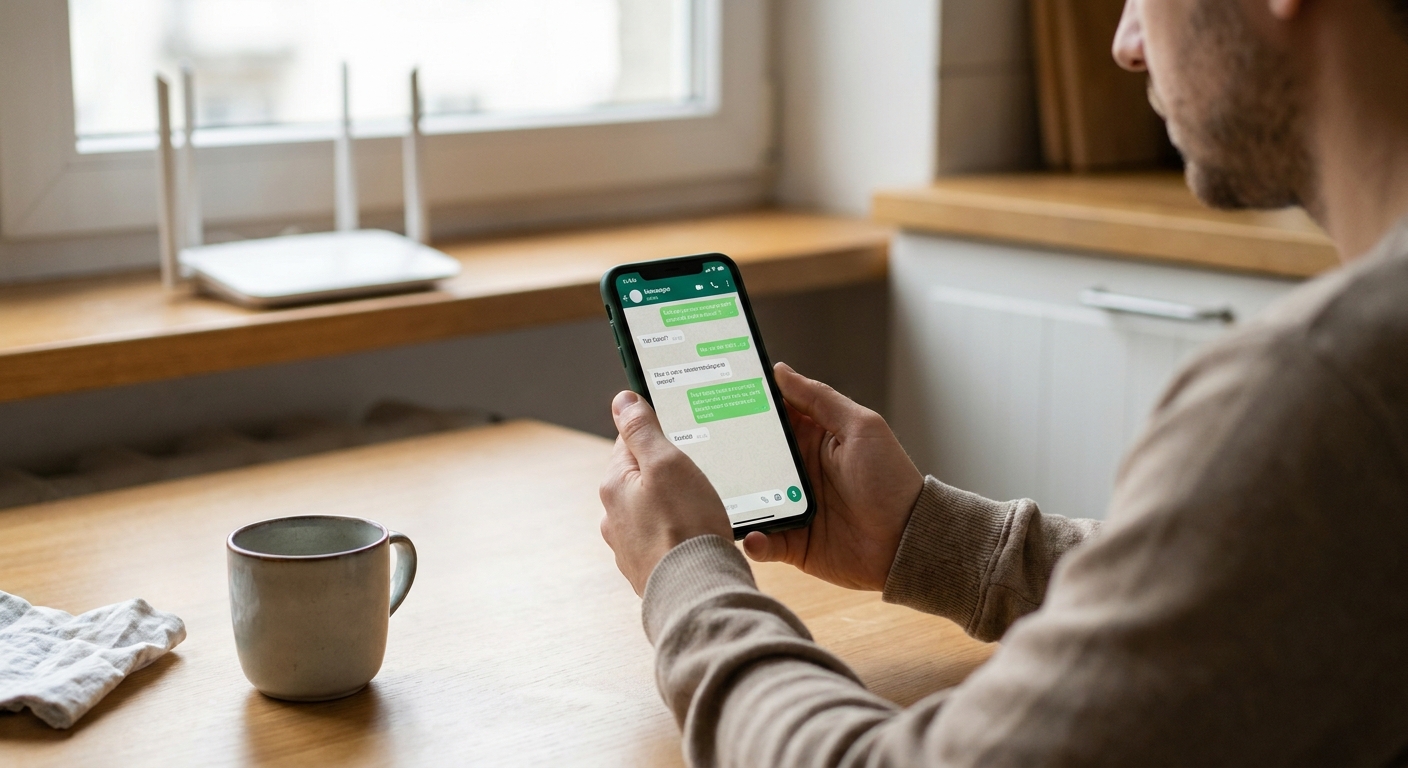
I grew up in a big, scattered family, which meant two things were always true: somebody was always traveling, and somebody was always texting. Once I started paying my own phone bill, I also learned how fast “just a few messages” can turn into real money, especially with international texting and carrier add-ons.
So I went down the rabbit hole: free messaging apps, Wi‑Fi texting, VoIP tools, and every privacy setting I could find. Here’s the part most people miss: “free” and “secure” are not opposites, but you do have to choose carefully. Some apps protect message content with true end-to-end encryption (E2EE). Others say “encrypted” but still let servers read your chats, or they protect content while quietly collecting a ton of metadata (who you talk to, when, from where).
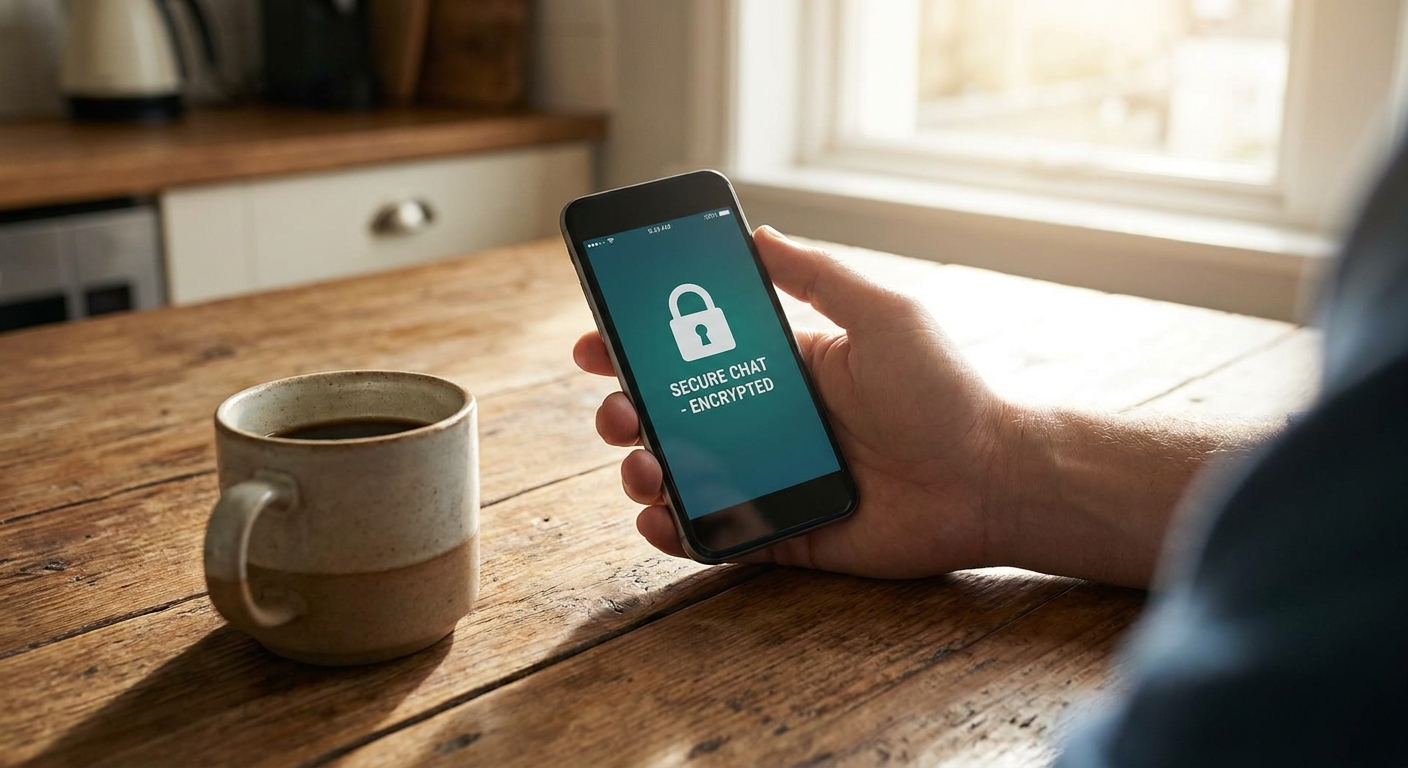
Below are some of the most secure free texting apps I trust for private conversations, what they do well, what to watch out for, and how to set them up so the privacy features actually work.
What “secure” means
Before we pick winners, here’s the simple checklist I use. A secure free texting app should offer:
- True end-to-end encryption by default: your message is encrypted on your phone and only decrypted on the recipient’s phone.
- Modern encryption design: strong cryptography and a track record of security review.
- Identity verification: a way to confirm you are talking to the right person (not a man-in-the-middle).
- Good metadata hygiene: collecting as little as possible about who talks to whom, when, and how often. In plain terms, “good” looks like minimal logs and features that reduce what the service can learn about your messages.
- Secure backups: or, at minimum, a clear warning that backups can weaken privacy.
E2EE protects the contents of your messages. It does not automatically hide your contacts, your IP address, your device info, or the fact that you messaged someone at 2:14 a.m. If you want privacy, you need both encryption and smart settings.
One quick reality check: these are “texting apps,” not SMS. They usually require both people to have the same app and an internet connection (data or Wi‑Fi). That is often a good trade for cost and privacy, but it matters.
Also, your “secure” choice depends on who you are trying to be private from. Hiding message content from your carrier is different from hiding it from the app provider, advertisers, or someone who gets access to your unlocked phone.
Top secure free texting apps
1) Signal
If you want the simplest answer to “most secure free texting app,” it’s usually Signal. It is free, uses E2EE by default for messages and calls, and has a long-standing reputation for taking privacy seriously.
- Encryption: E2EE by default for 1:1 and group chats.
- Privacy strengths: strong security features, solid defaults, and excellent options like disappearing messages.
- Best for: everyday private texting that just works without paying.
- Watch out for: phone-number setup can be a privacy tradeoff in some scenarios, although Signal has been adding options like usernames to reduce phone-number sharing in day-to-day use.
My setup tips:
- Turn on disappearing messages for sensitive chats.
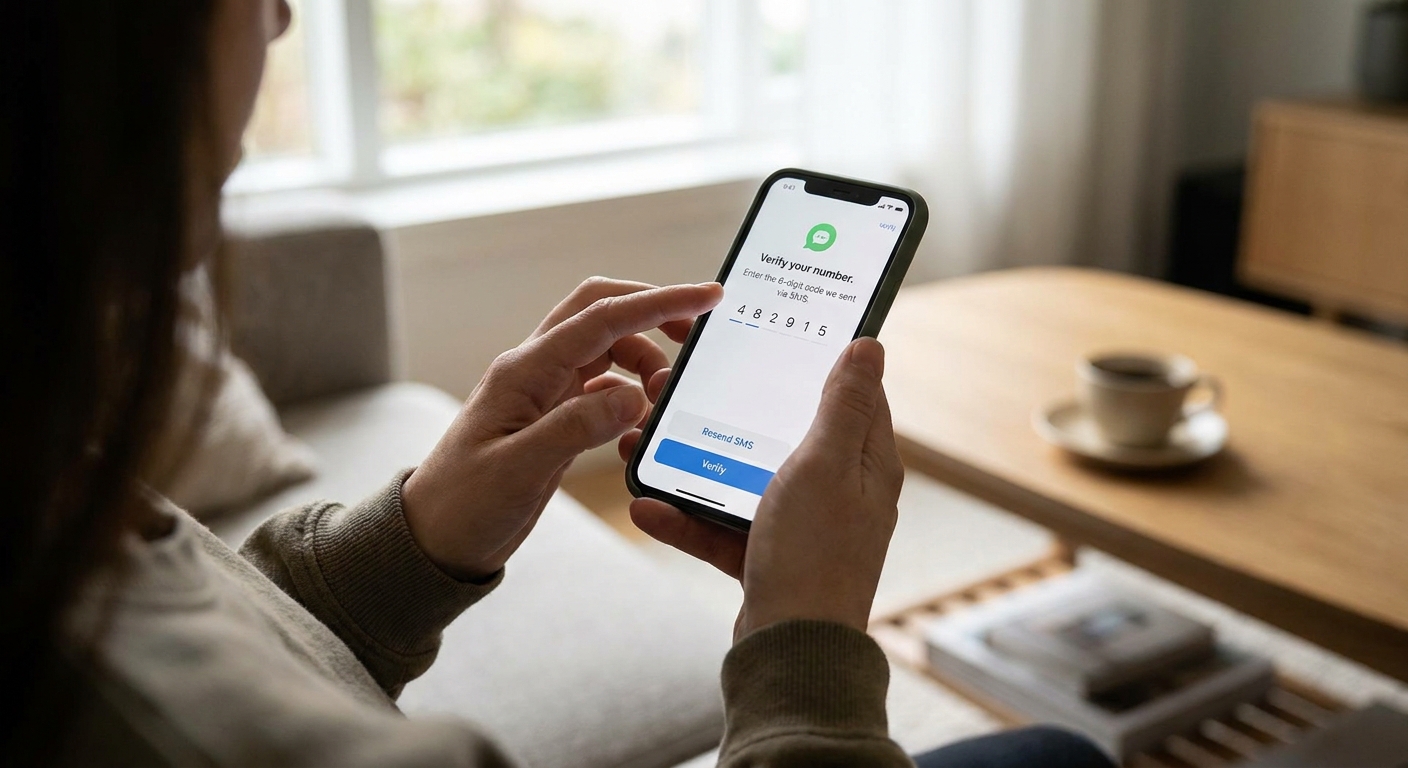
- Enable registration lock (helps prevent someone from hijacking your account with your number).
- Verify safety numbers for high-stakes conversations.
2) WhatsApp (with caveats)
WhatsApp provides E2EE by default for messages and calls, and it is one of the most common options worldwide. If your goal is secure texting with family overseas, it is often the easiest “everyone already has it” choice.
- Encryption: E2EE by default for chats and calls.
- Privacy strengths: encrypted content; good for international reach.
- Best for: securely texting people who will not install a niche app.
- Watch out for: metadata and account ecosystem concerns. Backups are also where people accidentally lose the benefits of E2EE.
My setup tips:
- Check your backup settings. WhatsApp can support end-to-end encrypted backups if you turn that option on. If you do not, cloud backups can be a weak spot.
- Use two-step verification.
- Lock down who can add you to groups.
3) Messenger (E2EE is more common now, but still verify)
Meta has expanded end-to-end encryption in Messenger, and for many people it is now the default for personal 1:1 chats. That said, Messenger has gone through several encryption phases over the years, and your experience can still vary depending on the type of chat, your device, and whether everyone is up to date. I treat it as “trust, but verify.”
- Encryption: E2EE is widely available for 1:1 chats and is commonly on by default for personal messages, but not every conversation type is identical (especially when you get into older threads or certain group experiences).
- Privacy strengths: convenient when contacts refuse to leave Messenger.
- Best for: “I need encrypted messaging with people who live in Facebook.”
- Watch out for: it is easy to assume every thread has the same privacy properties. Metadata and platform tracking are still real concerns.
My setup tips:
- Look for the conversation indicator that shows end-to-end encryption is on.
- Use disappearing messages for sensitive threads.
- Keep your app updated. Encryption and backup behavior can change.
4) Telegram (Secret Chats only)
Telegram gets recommended constantly, but here is the honest truth: Telegram is not end-to-end encrypted by default. Regular Telegram chats are encrypted in transit and at rest, but Telegram can technically access content on its servers. If you want E2EE on Telegram, you must use Secret Chats.
- Encryption: E2EE only in Secret Chats (1:1). Groups are not E2EE.
- Privacy strengths: good features and usability; Secret Chats can be strong for specific 1:1 use.
- Best for: private 1:1 chats when both people know to use Secret Chat.
- Watch out for: default chats are not E2EE, and it is easy to miss that detail.
My setup tips:
- Use Secret Chats for anything sensitive.
- Enable a passcode lock inside Telegram.
- Set self-destruct timers in Secret Chats.
Quick comparison
| App | E2EE by default? | Best for | Main tradeoff |
|---|---|---|---|
| Signal | Yes | Strong privacy with simple setup | Phone-number setup can be a concern for some, though usernames can help reduce sharing |
| Yes | International reach and family groups | Metadata concerns; backup settings matter a lot | |
| Messenger | Often for 1:1 | Encrypted chats with people who will not switch apps | Not every chat type behaves the same; tracking concerns |
| Telegram | No (Secret Chats only) | Feature-rich chatting, plus optional E2EE for 1:1 | Non-E2EE defaults; groups not E2EE |
If you want the easiest “set it and forget it” privacy choice, pick Signal. If your main goal is securely texting family overseas and everyone already uses it, WhatsApp is a practical compromise, just be careful with backups.
Make any secure app more private
Turn on disappearing messages
Encryption protects messages in transit. Disappearing messages reduce the damage if someone gets your phone later, screenshots aside. (And yes, the other person can still copy, forward, or screenshot anything you send. E2EE is not a magic erase button.)
Use app locks and strong device security
A perfectly encrypted chat does not help if your phone is unlocked on the kitchen counter. Use a strong passcode, biometric lock, and any in-app PIN or screen lock.
Be careful with backups
Backups are where privacy often falls apart. Some apps back up to cloud services in ways that do not preserve end-to-end encryption unless you turn on a specific setting. If privacy is your priority, keep backups minimal and confirm exactly how your app handles them.
Verify identities for sensitive conversations
If you are talking about something important (money, legal issues, travel plans, personal safety), take 30 seconds to verify the encryption safety number or verification code the app provides.
Watch notification previews
A lot of “privacy leaks” are just lock-screen previews showing message content. Disable previews or set them to hide content.
If you are also trying to cut costs while staying connected, my broader guide is here: /guide-free-texting/. And if international messaging is your main pain point, I keep a separate breakdown of options at /send-free-international-texts-without-carrier-fees/.
Common questions
Is iMessage a secure free texting app?
iMessage uses end-to-end encryption between Apple devices, but it is not cross-platform the way dedicated messaging apps are. If your family is mixed between iPhone and Android, you will usually be happier with an app like Signal or WhatsApp. Also note that cloud backups and sync settings can change your real-world privacy, so it is worth checking what is saved to iCloud.
Can I text without a phone number?
Some services allow more flexibility than others, but many mainstream secure messengers still lean on phone numbers for account setup or contact discovery. If avoiding phone-number identity is a top priority, focus on apps that support alternate identifiers and keep your contact-sharing settings tight.
What is the most private option for group chats?
Group privacy depends on whether the app offers E2EE for groups by default and how it manages membership. In practice, Signal is the straightforward choice for encrypted group chats with strong defaults.
Does a VPN make texting apps more secure?
A VPN can help hide your IP address from some networks and reduce tracking in certain scenarios, but it does not replace end-to-end encryption. Think of a VPN as an extra layer, not the main lock on the door.
My bottom line
If your priority is privacy first and you want a free app that does not make you hunt for the “secure mode,” I would start with Signal. If your priority is reaching people overseas who are already on one app, WhatsApp is often the practical pick, as long as you treat backups and account security seriously.
And no matter which app you choose, the biggest privacy boost usually comes from three small habits: disappearing messages, locked-down notifications, and verifying identities when it counts.
For more ways to cut your monthly communication costs without giving up reliability, I keep my bill-lowering checklist over on /guide-save-money/ and phone-plan basics at /guide-phone-and-bills/.