I grew up in a big, scattered family, and I learned early that “just send a quick text” can quietly turn into a monthly bill problem. Small businesses run into the same thing: you only need a few appointment reminders and pickup updates until you are paying for an enterprise SMS tool you barely use.
The good news is you can still text customers for free in a few legitimate ways, as long as you stay within common-sense boundaries: don’t spam, get permission, and keep your message volume realistic.

Before you text anyone: two rules
1) Get clear permission
If a customer gives you their number for an order or appointment, that is usually permission for transactional texts (confirmations, updates, reminders). It is not a free pass to send marketing blasts forever. When in doubt, ask: “Want text updates?” and note the yes.
Also, laws vary by country and message type. In the US (TCPA), Canada (CASL), and the UK and EU (GDPR and PECR), marketing texts often require express consent and a clear opt-out. If you are unsure, keep it transactional or get proper advice.
2) Keep it transactional unless you have explicit opt-in
Free methods are best for 1-to-1 or small-volume messaging. If you want true marketing campaigns, high deliverability, and automation at scale, you are moving into paid territory for a reason.
Quick definitions: Transactional texts are tied to something the customer is already doing with you (appointment time changes, order status, pickup instructions). Marketing texts are promos, sales, coupons, or “come back in” nudges. Transactional is where most free options stay safest.
If you want a deeper “trim the bill first” approach, start with my phone-cost reality check: Audit Your Phone Bill Before Switching.
1) Google Voice
If you want the simplest “business texts from a separate number” setup without paying monthly software fees, Google Voice is usually my first stop.
- Best for: Solo owners and small teams doing low-volume texting with customers
- Cost: Generally free for personal Google accounts in the US, if you can claim and verify an eligible US number (Google’s availability rules can change)
- What you get: A separate number, texting in the app and on the web, call forwarding options
How to use it (quick setup)
- Create or sign into a Google account dedicated to your business communication.
- Claim a Google Voice number (if eligible in your area).
- Turn on notifications and test a message to your own phone first.
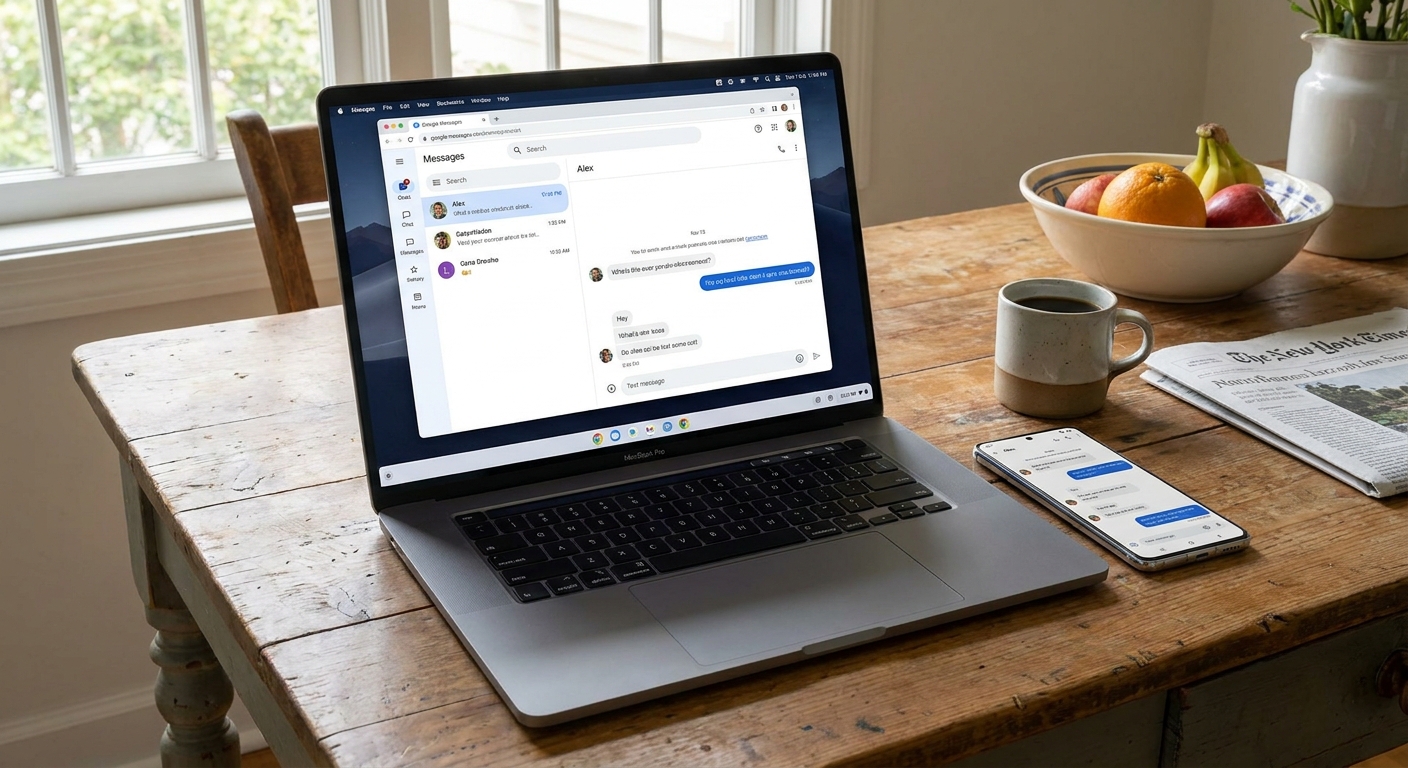
- Use the web interface on a laptop when you need to send several replies quickly.
Important limits
Google Voice is not meant for bulk SMS marketing. If you try to send lots of similar messages fast, you can trigger spam protections and get throttled or flagged. Keep it human, conversational, and 1-to-1. Even “free” texting can run into carrier filtering if recipients complain.
External reference: Google’s help pages are the most up-to-date spot for what Voice can and cannot do: https://support.google.com/voice/
2) Email-to-SMS gateways
This is the “it feels like 2009” method, but it still works in specific situations: some major US carriers still support email-to-text gateways. You send an email to a special address, and the customer receives it as an SMS.

Why I like it
- You can send from any email account.
- It is useful for quick alerts, like “Your order is ready” or “Running 10 minutes late.”
- No new app needed.
The catch
- You usually need to know the customer’s carrier (Verizon, AT&T, T-Mobile, etc.).
- Support and domains can change, and these messages can be filtered or delayed more than regular texting.
- It is not great for back-and-forth conversations.
Practical way to use it
Offer it as an option on your intake form: “Carrier (optional, only if you want text updates by email gateway).” If they do not know, don’t force it. Use one of the other options below.
3) Social DMs
I know the headline says SMS, but here is the reality for tiny businesses: a lot of customers respond faster to a DM than a text. If your clients already message you on Instagram or Facebook, you can deliver the same practical updates without paying for SMS tooling.
- Best for: Retail, salons, food pop-ups, local makers, and service businesses with active social presence
- Cost: Free
- What it replaces: Many “Where are you?” “Are you open?” “Can I pick up at 5?” texts
Make it feel professional
- Set quick replies for common questions (hours, address, parking).
- Use a consistent tone and sign off with your business name.
- Move to phone or email for anything sensitive.
If your main goal is simply staying connected on Wi-Fi without extra costs, my broader rundown is here: Free Texting Guide.
4) Wi-Fi Calling texting
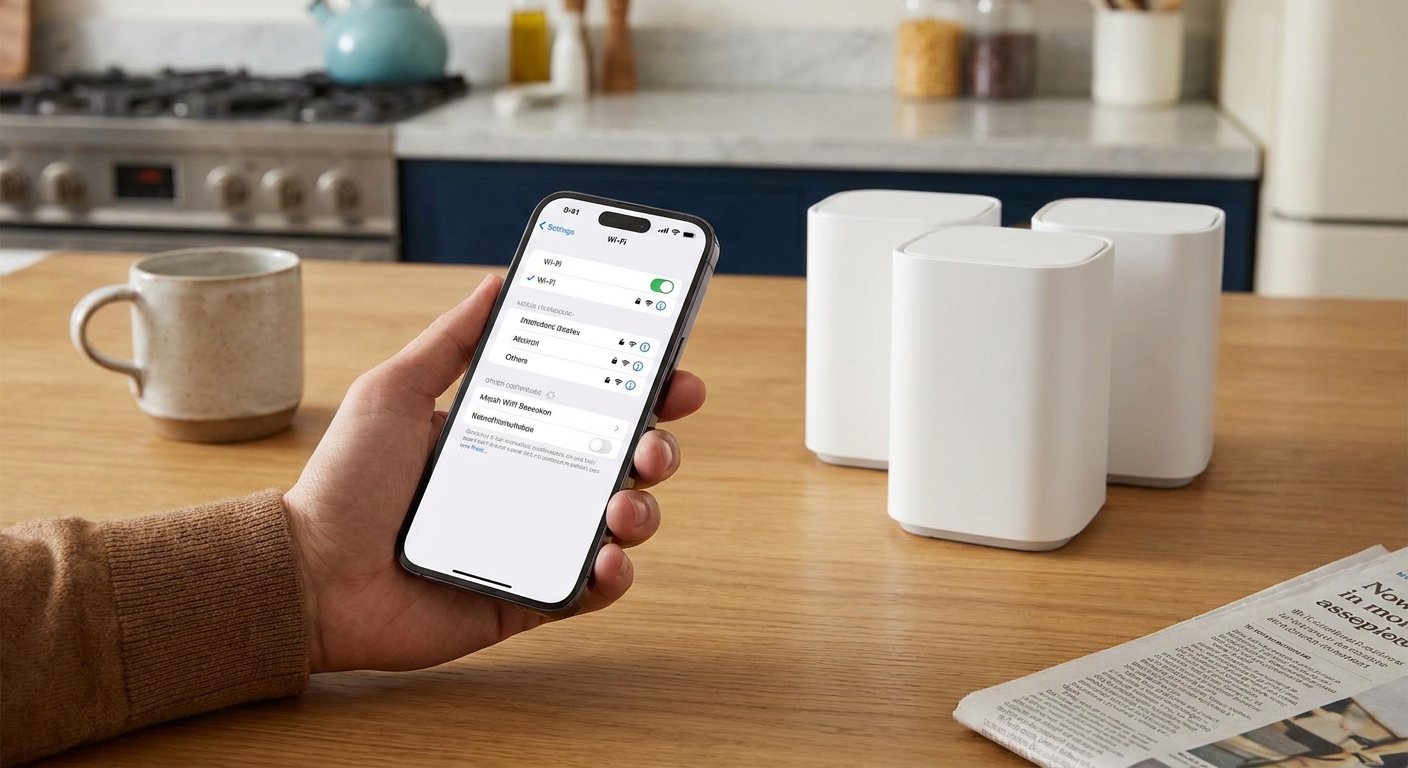
This one surprises people: you might already be able to send texts without using cellular coverage if your phone and carrier support it. With Wi-Fi Calling enabled, many phones can send and receive SMS over Wi-Fi when cell signal is weak. MMS support is more hit-or-miss, and carrier settings matter.
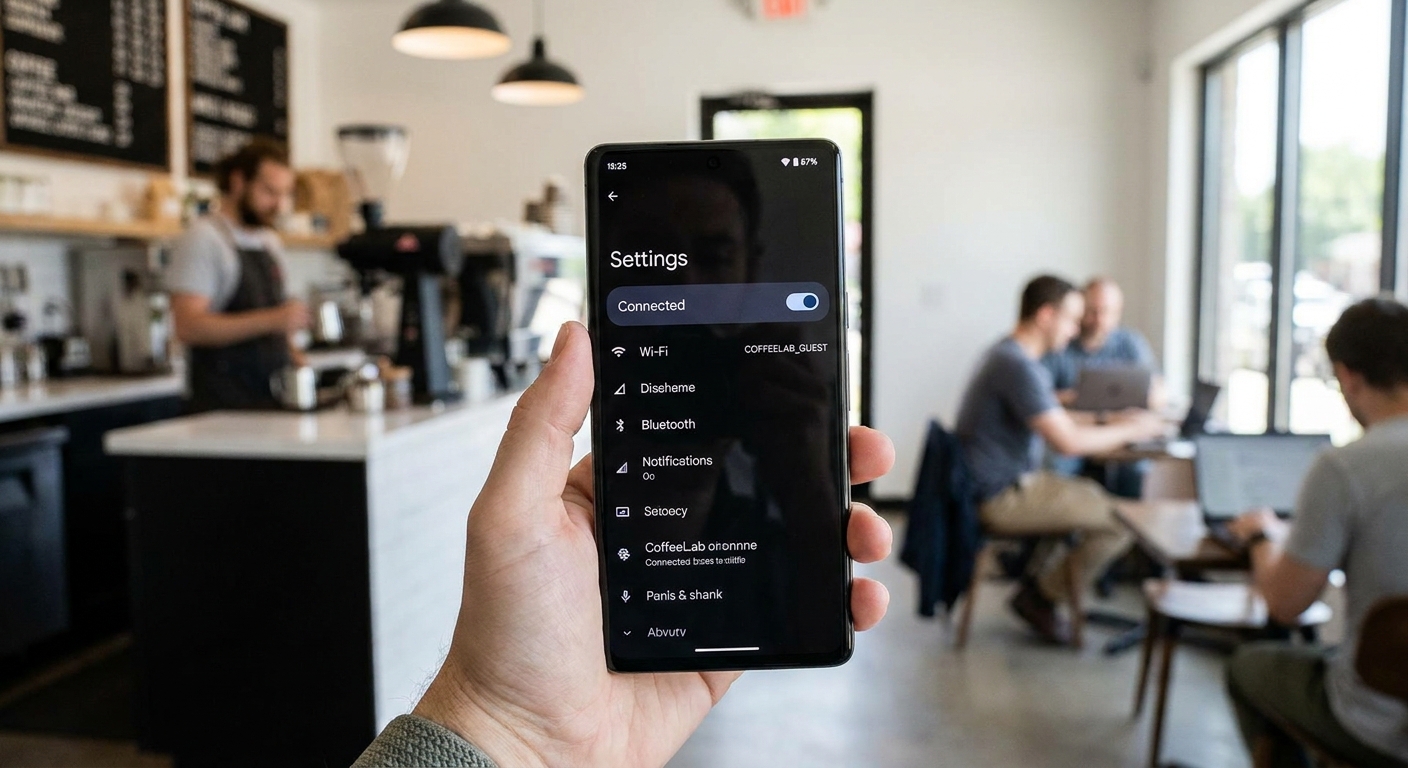
- Best for: Businesses operating in basements, older buildings, rural areas, or anywhere signal is spotty
- Cost: Usually free if included by your carrier (standard messaging rules still apply)
- Why it helps: You can reliably respond without needing a strong tower signal
Two quick checks
- Enable Wi-Fi Calling in your phone settings (iPhone: Settings → Phone → Wi-Fi Calling; Android varies).
- Test it by putting your phone in airplane mode, turning Wi-Fi back on, then sending a text to a friend. If it fails, it may be your carrier provisioning or plan settings, not your phone.
This is especially useful if you are trying to avoid upgrading your plan just because your shop has poor reception. I cover more bill-cutting logic in Phone and Bills.
5) Shared inbox workaround
The biggest reason small businesses feel forced into paid SMS platforms is not sending messages. It is sharing the conversation with a team.
You can get pretty far for free with a simple workflow:
- Use Google Voice on the web on a shared computer during business hours.
- Set internal rules like “Initials at the end of a message” so customers do not get confused (example: “All set for 3pm. FB”).
- Log outcomes in a tool you already use (a spreadsheet, a free tier CRM, or even notes) so you are not repeating questions.
A simple system that prevents chaos
- Create categories: New inquiry, Scheduled, Completed, Needs follow-up.
- When you text, always include the next step: time, location, what to bring, or a yes or no confirmation request.
- Once it is done, archive the thread so the inbox stays workable.
Basic recordkeeping (takes 2 minutes)
If you are texting customers regularly, keep a simple opt-in and opt-out log. It can be one spreadsheet with: customer name, number, what they agreed to (updates only vs promos), date and how they opted in (in person, web form, email), and the date you stopped texting if they asked you to stop. This is boring, but it saves arguments later.
This “process over software” approach is how a lot of small shops keep texting free for a long time.
Free texting scripts
These are intentionally short. Short texts deliver better and feel less spammy.
- Appointment confirmation: “Hi Jamie, confirming your appointment tomorrow at 2:30. Reply YES to confirm or NO to reschedule. Thanks, Cedar Street Barber”
- Running late: “Quick heads-up: I’m running about 10 minutes behind. Does 3:40 still work?”
- Order ready: “Your order is ready for pickup any time before 6 today. Reply if you need a later window.”
- Invoice reminder: “Reminder: invoice #1042 is due Friday. Reply if you want to pay another way.”
- Stop requests: “No problem, I’ll stop texting this number for updates.”
When free stops working
If you hit any of these, you are probably outgrowing the free hacks:
- You need to send hundreds of messages a week.
- You need automated campaigns, promo codes, or segmented marketing lists.
- You need formal opt-in and opt-out tracking for compliance.
- You need true multi-user access with roles and audit logs.
At that point, paid SMS tools start making sense. Until then, the five options above can cover a surprising amount of day-to-day customer communication without adding another monthly bill.
If your bigger goal is lowering monthly costs across the board, browse the money-saving hub: Save Money.