

I grew up in a big, scattered family, and our “phone plan” was basically a group project. Somebody always had a new number, somebody always lost service, and international texting fees showed up like a jump scare on the bill. That is how I ended up loving cheap VoIP numbers for calling, then immediately asking the next question: “Cool. Can it text too… for free?”
The good news: yes, you can add SMS and texting to a low-cost VoIP number, often without adding a separate cellular line. The not-so-fun news: truly “free” texting from that same VoIP number is uncommon. Many providers add a monthly SMS feature fee, charge per message, or require messaging registration. And not every VoIP number can be text-enabled in the first place, especially if it started life as a home internet phone line.
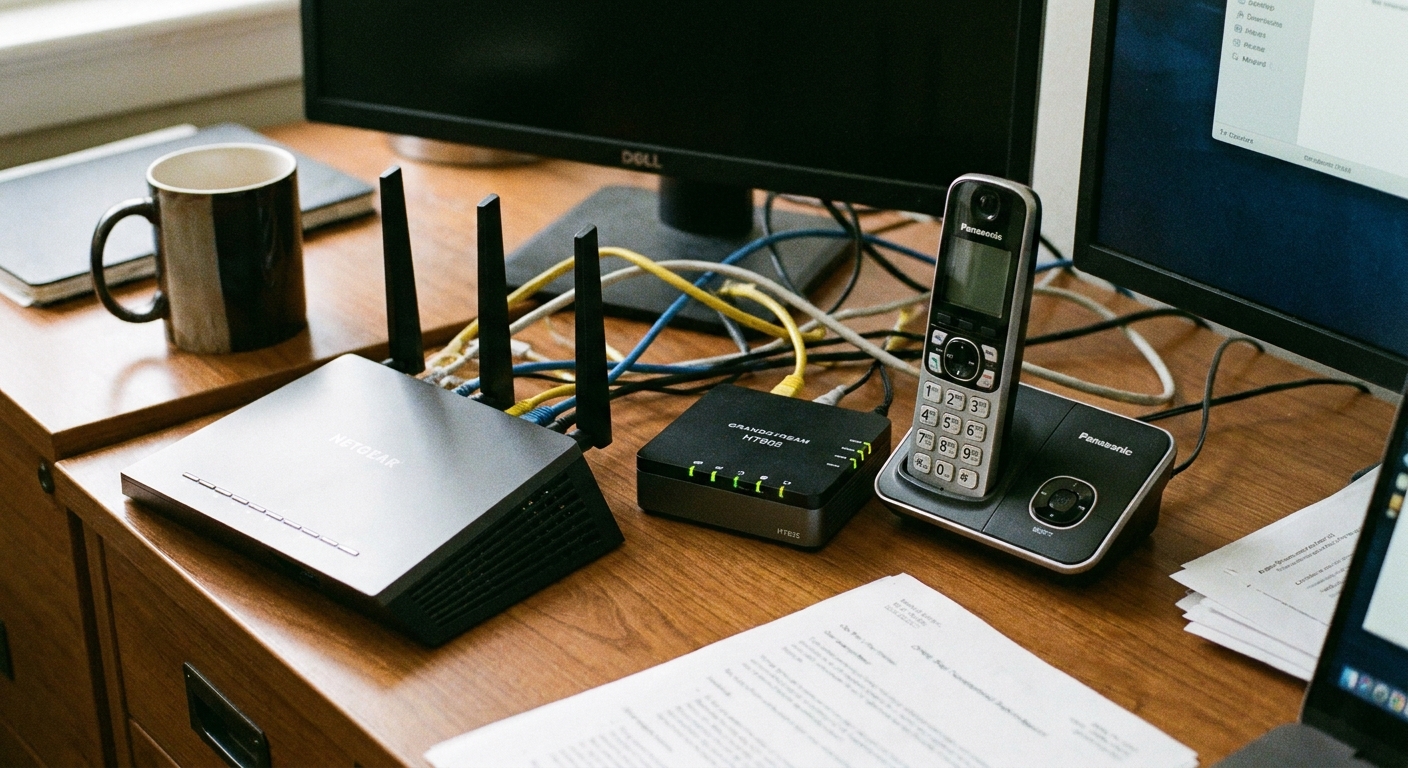
Below are the most reliable paths I have used and recommended, plus the gotchas that can waste money fast.
What “SMS on VoIP” means
When people say “add SMS to VoIP,” they usually mean one of these situations:
- Texting from your VoIP provider (best case). Your VoIP company supports SMS on your number, and you can send and receive texts in their app or web portal.
- Texting from a separate app using a different number (common). You keep your cheap VoIP number for calls, and you use a free texting app for SMS from a second number.
- Port the number to a service that supports texting (cleanest long-term if you must keep the same number). You move your number to a provider that offers SMS on VoIP numbers.
Your cheapest option depends on whether you must keep that exact number and whether you need verification texts (2FA) to work.
Why number type matters
Here is the part most people do not hear until something breaks: a phone number has a type behind the scenes. It may be classified as mobile, wireline (traditional landline), or VoIP. Some services also treat toll-free numbers differently than local numbers.
That classification can affect whether you can do two-way SMS, MMS (pictures), short codes, and whether banks and apps accept the number for verification. So when you see “text-enabled,” read it as “text-enabled in this provider’s system,” not “guaranteed to work everywhere for everything.”
Option 1: Enable SMS with your VoIP provider
If your VoIP provider offers SMS for your number, do this first. It is the simplest setup and often the closest thing to “free,” since you are not paying for a separate cellular line. You may still see a small add-on fee or per-message charges, so check the fine print.
If you use a home VoIP adapter (an ATA plugged into your router), this is especially important: the adapter does not add texting by itself. SMS only works if the provider behind that adapter supports messaging on your number.
How to check quickly
- Log into your VoIP account dashboard and look for SMS, Messaging, Texting, or Business texting.
- Search the provider help pages for “SMS enabled,” “text-enabled,” or “10DLC.” In the U.S., some providers require registration for outbound messaging, especially if they treat your traffic as application-to-person (A2P). Depending on the provider and route, even normal person-to-person texting can be affected.
- Look for a web inbox or a mobile app that mentions texting.
Typical limitations
- SMS might be inbound-only (you can receive texts but not send).
- MMS might not work (photos and group texts can be limited).
- Costs can hide in plain sight: a monthly messaging add-on, per-message fees, or compliance and registration costs.
If your provider charges for texts, I still recommend comparing that cost against a separate mobile plan. Often, paying a few dollars to text on the same number beats paying for another SIM, another line, and another set of taxes.
Option 2: Use a free texting number (two-number setup)
If your VoIP provider does not support SMS, the most budget-friendly workaround is to split duties:
- Keep the VoIP number for calls (since it is already cheap and stable at home on Wi-Fi).
- Use a free texting app for SMS using a separate number.
This is how a lot of people consolidate tools without paying for another cellular plan.
What this looks like day to day
- You give close friends and family your texting number for everyday messages.
- You keep your VoIP number as your “main” calling number, or as the number tied to your home internet line.
- If your VoIP service supports it, you can set up call forwarding from the VoIP line to a number you actually answer (like your mobile number or another VoIP calling app). Just confirm the destination can reliably receive voice calls. Many “texting apps” do not handle voice calls well, and some app numbers are not reachable for voice at all.
On TextForFree, I cover a few approaches to app-based texting in more detail here: https://textforfree.net/guide-free-texting/
Reality check: verification texts
Many services reject verification codes on numbers they classify as VoIP. That can include free app numbers and paid VoIP numbers. If you need a second number specifically for signups and 2FA, read this first so you do not waste time: https://textforfree.net/free-second-phone-number-for-texting-and-verification/
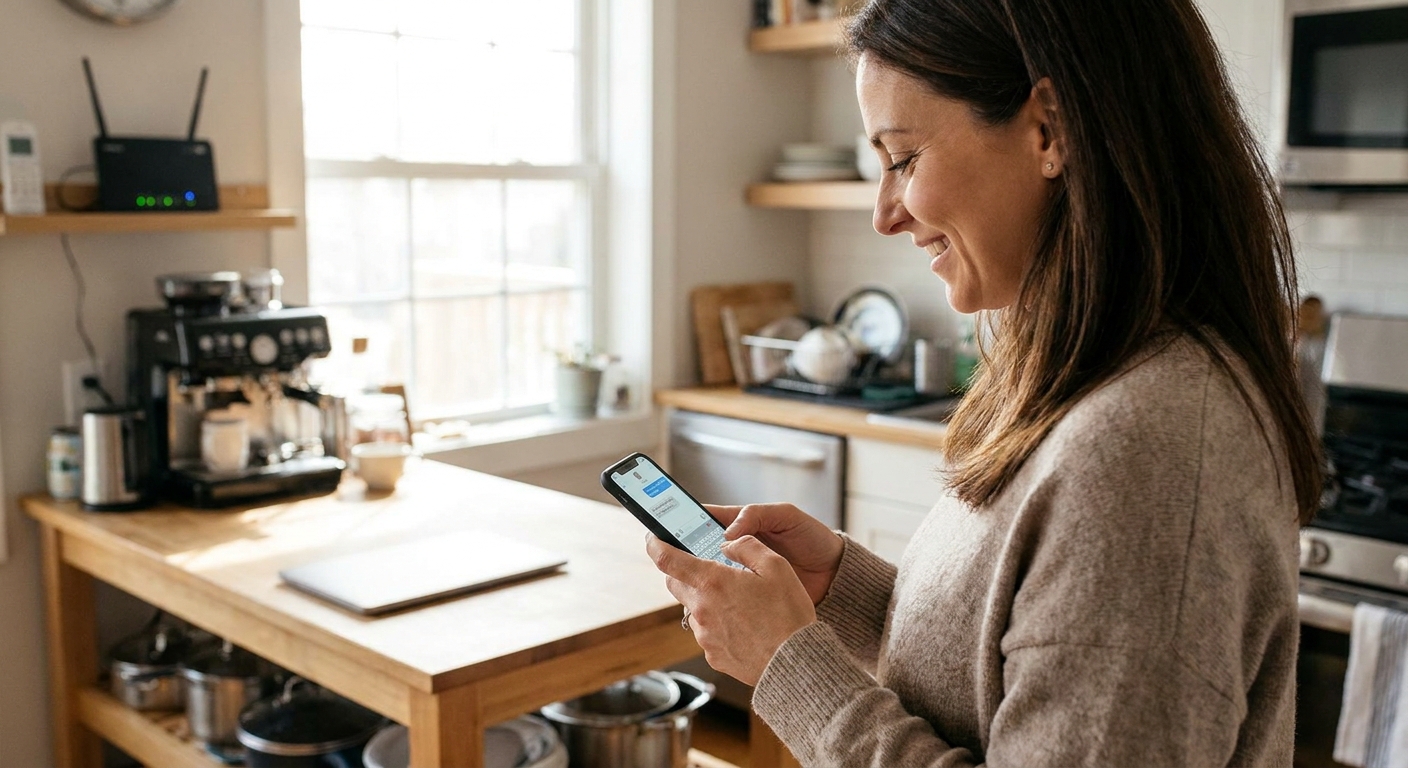
Option 3: Port your number to get texting
If keeping the same number is non-negotiable, porting can be the cleanest solution. The idea is simple: move your number to a service that supports SMS in an app or web dashboard, then use that service for both calling and texting.
Confirm these three things first
- Texting works on ported numbers (not just newly issued numbers).
- Inbound and outbound SMS both work, not just receiving.
- Your use case is allowed. Some providers treat higher-volume messaging differently, and some require identity verification or registration for compliance (commonly in the U.S.).
Keep porting from turning into a mess
- Get your porting info from your current VoIP provider: account number, PIN, and service address.
- Do not cancel first. Initiate the port, then cancel after the port completes.
- Plan for downtime. Ports can take a few hours to several days, and sometimes longer for certain number types and provider-to-provider situations.
If you are doing this to cut bills overall, it helps to audit what you are paying for now before you switch anything: https://textforfree.net/audit-your-phone-bill-before-switching/
Option 4: Text from a computer
If your goal is to consolidate tools at home, texting from a computer can be surprisingly comfortable. You end up with a home setup where:
- Your VoIP number handles calling through your VoIP phone, softphone, or adapter.
- Your SMS happens through a web inbox or a desktop app.
One thing to keep straight: unless your VoIP provider supports SMS on your VoIP number, computer-based texting usually means you are texting from a different number (the one assigned by the texting service).
Here is my walkthrough on sending texts from a computer: https://textforfree.net/send-free-sms-from-your-computer/

Quick support questions
If you want a fast, no-drama answer from support (or from your own provider dashboard), these are the questions that usually cut through the marketing:
- Is my number SMS-enabled right now? Is it two-way?
- Do you support MMS (pictures and group messages) on this number?
- Are short codes supported? (Many VoIP messaging setups do not support them.)
- In the U.S., do I need 10DLC or other registration for outbound texts? What does it cost?
- What are the monthly fees, per-message rates, and any pass-through charges?
- Are there throughput limits or daily caps that will throttle sending?
My checklist for the cheapest setup
When I help someone set this up, I ask these questions in order:
- Do you need to text from the exact same VoIP number? If yes, start with provider SMS or porting.
- Do you need verification codes? If yes, be picky. Many VoIP-classified numbers (free or paid) get rejected for 2FA.
- Is this mostly home use on Wi-Fi? If yes, a free texting app plus smart call forwarding can be plenty.
- Do you need group texts and photos? If yes, confirm MMS support (many “SMS-enabled” VoIP lines are SMS-only).
- How many messages per month? Some plans feel cheap until you hit a cap, then get expensive.
Costs that sneak up
Per-message fees
Some VoIP providers advertise “SMS available” but charge per message segment, plus provider fees. If you text a lot, those pennies add up fast.
Premium texts and subscription traps
This one depends on your setup. On a traditional mobile carrier bill, premium SMS and subscription scams can show up as surprise charges. On VoIP, you are more likely to see it as provider pass-through fees, unwanted incoming messages, or just a steady drip of spam that pushes you into higher usage tiers.
Either way, the defense is the same: avoid replying to sketchy prompts, block unknown senders when you can, and watch your billing details for anything you did not initiate. I wrote a full guide on spotting these traps here: https://textforfree.net/hidden-premium-sms-charges-how-to-spot-and-block-them/
Data use when you move texting to apps
Most Wi-Fi texting is light on data, but it is not zero, especially with photos, GIFs, and voice notes. If you want to keep mobile data use tiny, this breakdown helps: https://textforfree.net/how-much-data-free-texting-apps-use-and-how-to-cut-it/
Privacy basics
Any time you attach texting to a number, you create a new doorway into your accounts and your life. My low-drama rules:
- Lock down the VoIP account with a strong password and app-based 2FA if available.
- Be careful with shared devices. A web inbox left open on a family computer is basically a postcard rack.
- Prefer services with clear privacy policies, especially if you will text sensitive info.
If privacy is a top priority for you, I keep a running list of secure options here: https://textforfree.net/the-most-secure-free-texting-apps-for-privacy/
FAQs
Can I add free SMS to a home VoIP line with an adapter?
Sometimes. It depends entirely on whether the provider behind that adapter supports SMS for your number. The hardware does not add texting by itself. If your provider does not offer SMS, you will need a separate texting number or you will need to port your number.
Will SMS work if my internet goes out?
If your texting is app-based over Wi-Fi, an outage means texts may not send or arrive until service returns. If you have a mobile device with data, you can often keep texting over cellular data even when home internet is down.
Why do some verification codes not arrive on VoIP numbers?
Some companies block number ranges they classify as VoIP to reduce fraud and abuse. That is why “text-enabled” and “verification-friendly” are not always the same thing.
Is it cheaper to keep VoIP for calls and use a free texting app?
For many people, yes. It is often the lowest-cost way to get calls plus texting without paying for a full mobile plan, as long as you are okay using two numbers or you do not need every service to accept your texting number for verification.
The simplest path
If you want my no-fuss recommendation: first check if your VoIP provider can enable SMS on your existing number. If they cannot, use a free texting number for everyday texts and keep the VoIP line for calls. If you absolutely must text from the same number, plan on porting to a provider that supports texting, and confirm MMS and verification needs before you move anything.
That approach keeps costs low, keeps your tools consolidated, and avoids the classic trap of “saving money” by adding three new services you now have to babysit.