The first time I tried to text from the middle of the ocean, I learned the hard way that “just one message” can turn into a mini heart attack when the bill shows up. Airplanes and cruise ships are basically the Olympics of surprise phone charges: roaming, satellite networks, paid Wi-Fi, and terms that look friendly until you actually use them.
The good news: you can usually stay in touch for free (or close to it) if you know what to turn off, what to use instead, and when to send your messages.
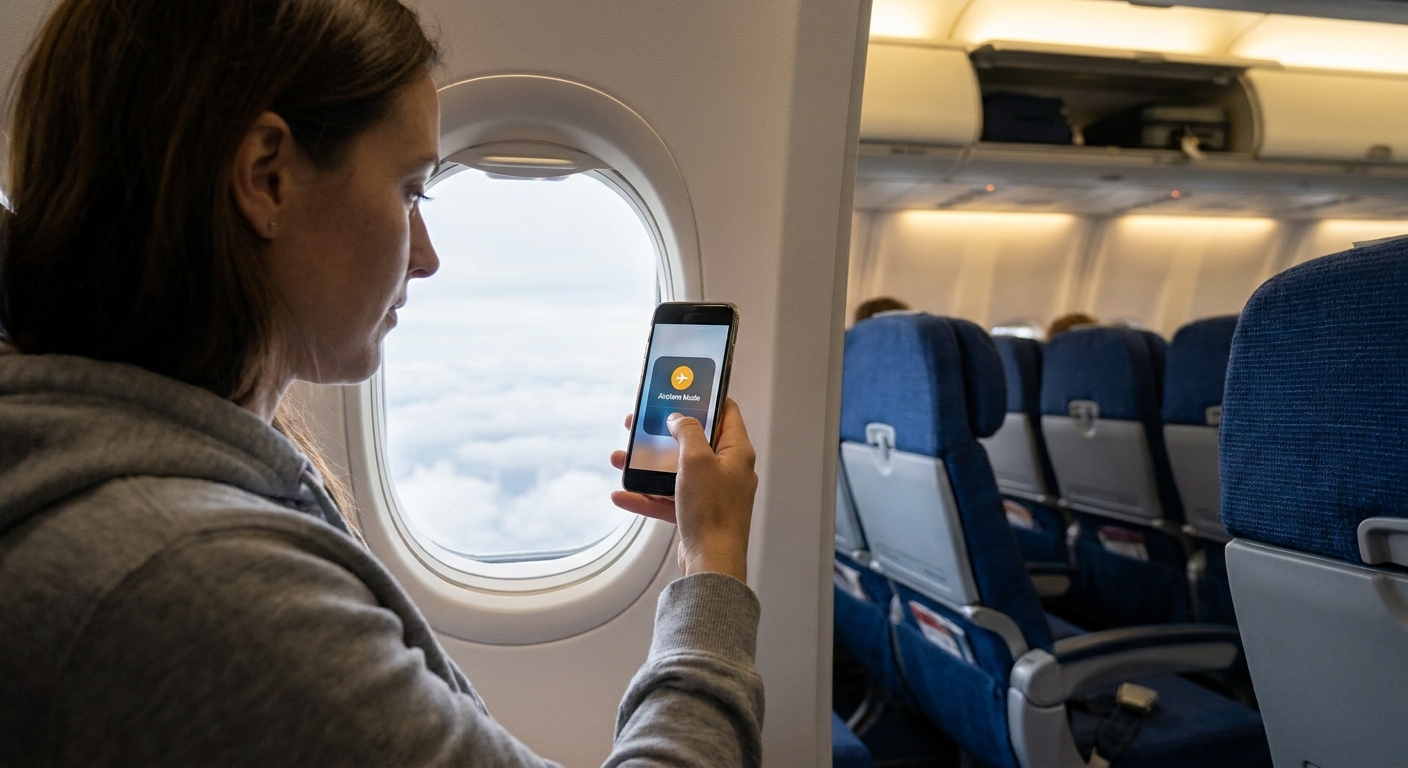
The one rule that saves the most money
Do not let your phone connect to cellular at sea or in the air. That means:
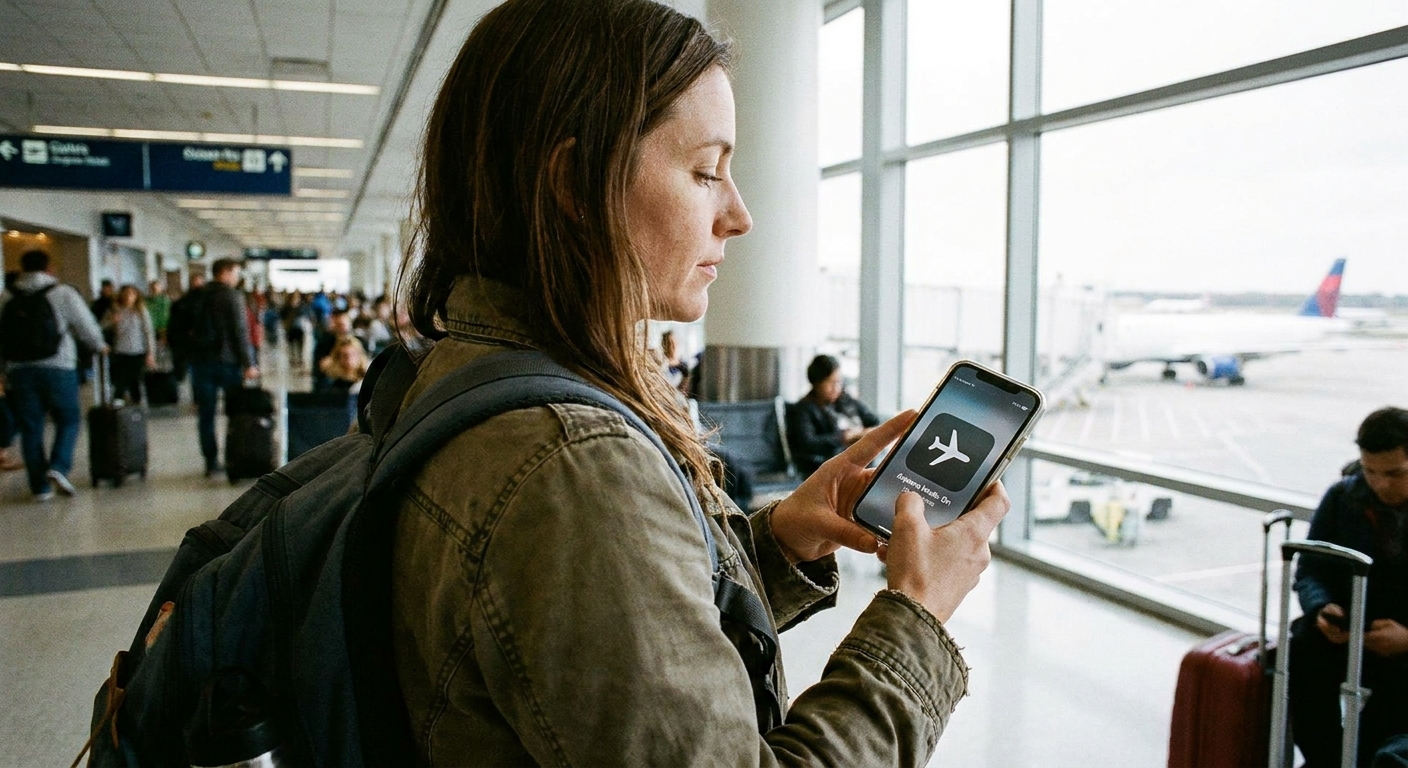
- Airplane mode ON
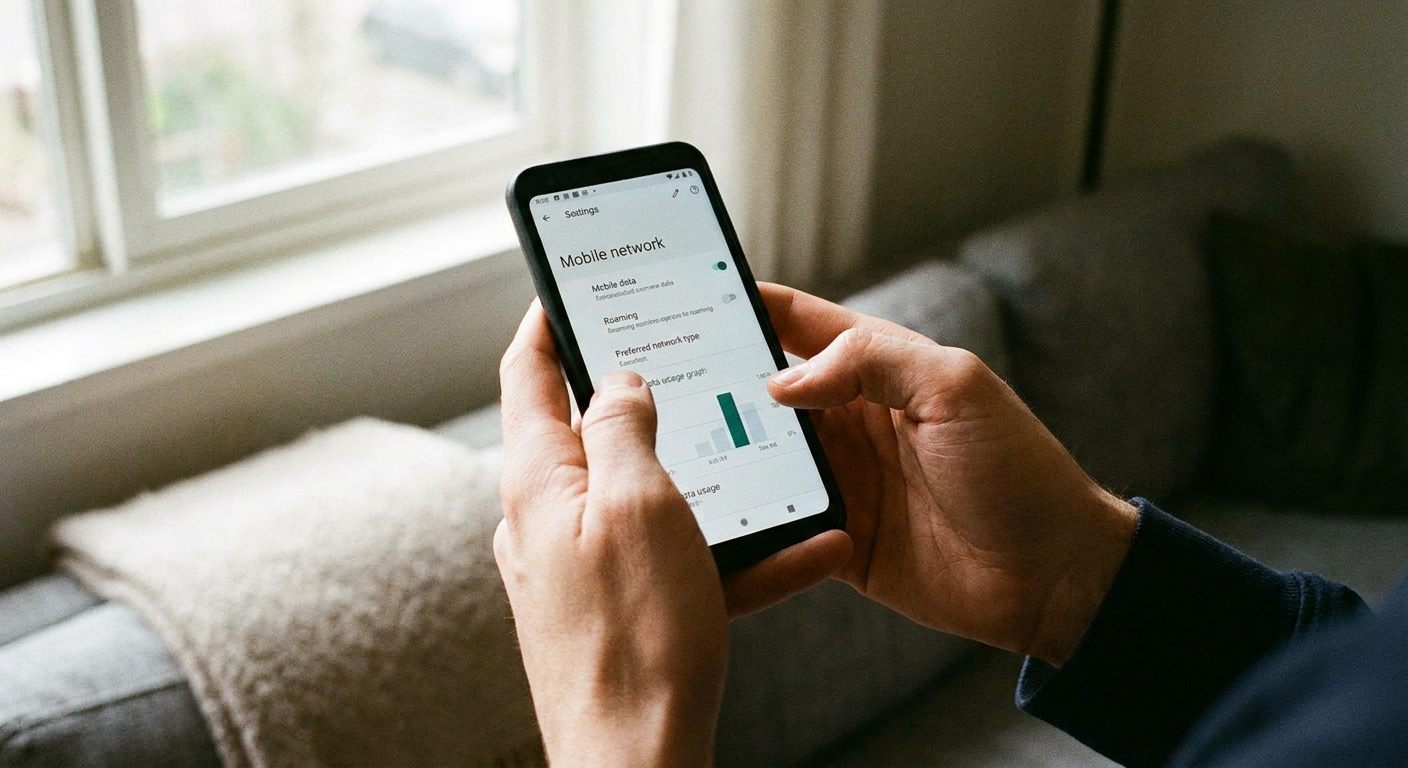
- Cellular data OFF (yes, even if airplane mode is on, I still double-check)
- Data roaming OFF
Then you choose your connection on purpose: onboard Wi-Fi (sometimes free for messaging), or no connection until you hit port or land.
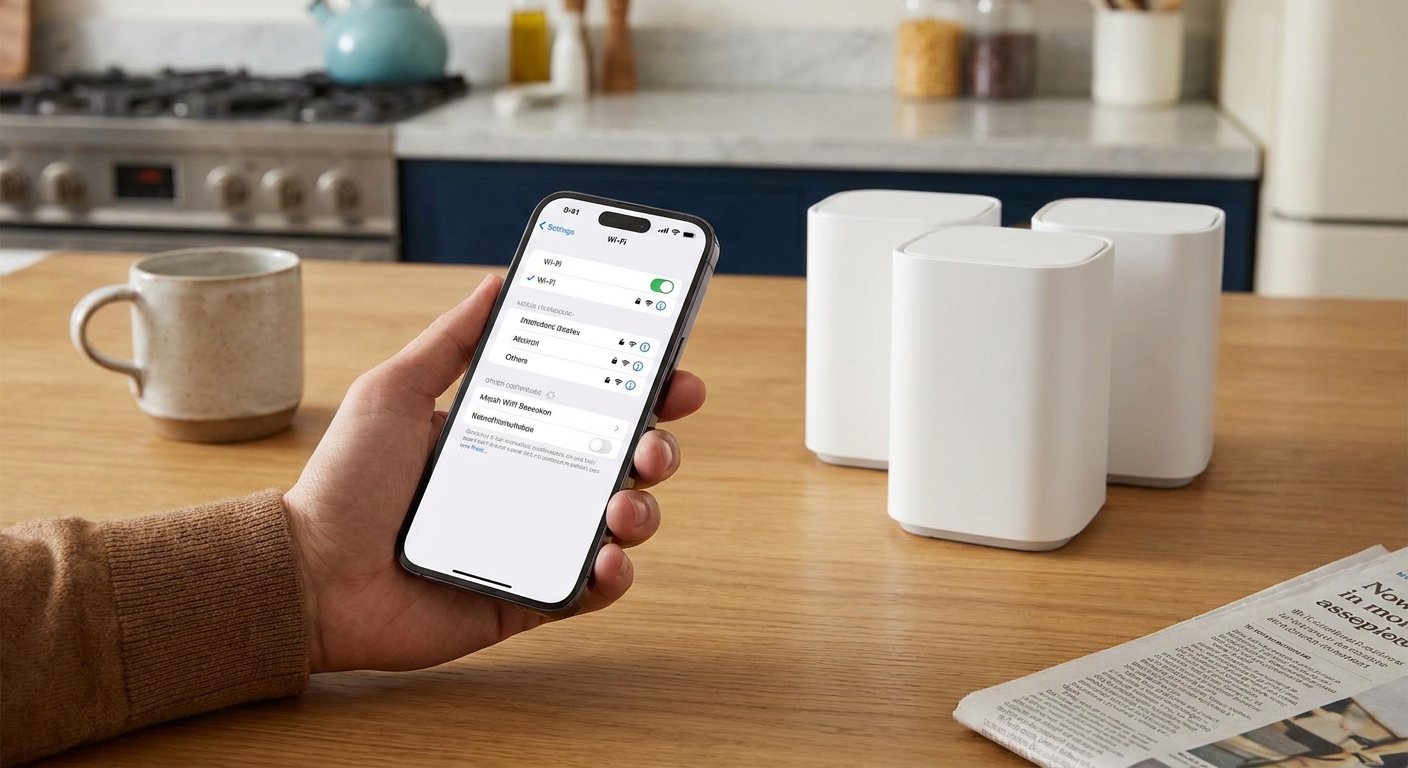
If you want a deeper walkthrough of settings, I have a full guide here: Enable Wi-Fi calling and texting on your phone.
Texting for free on airplanes
Step 1: Airplane mode first, then Wi-Fi
I know I already said it, but this is the easiest skimmer mistake to make: turn on airplane mode, then turn on Wi-Fi. That keeps your phone from latching onto any onboard cellular service while you are trying to message.
Step 2: Use Wi-Fi messaging, not SMS
On most flights, regular carrier SMS texting is not the move. It can be blocked, unreliable, and if you leave cellular enabled your phone can connect to an onboard cellular network that costs real money.
Instead, aim for app-based messages over Wi-Fi:
- iMessage (Apple to Apple)
- Facebook Messenger
- Signal
- Telegram
Even when the airline calls it “free texting,” it often means messages inside certain apps, not traditional SMS to phone numbers. The exact rules vary by airline, aircraft, and Wi-Fi provider.
One small gotcha I have learned: some apps (and iMessage activation in particular) may send a one-time SMS in the background when you set things up or change SIMs. I do that setup at home on normal service, not while I am boarding.
Step 3: Check if your airline offers free messaging
Many airlines offer a “free messaging” option that covers texts in a few popular apps once you connect to the onboard Wi-Fi. The exact apps vary by airline and even by aircraft.
My frugal habit: once I’m connected, I open one messaging app and send a simple text like “Wheels up, will update when we land.” If it goes through, great. If it spins forever, I do not start troubleshooting with cellular. I just wait or pay for Wi-Fi only if I truly need it.
Step 4: Turn off the stuff that quietly eats Wi-Fi (and battery)
Planes have slow shared Wi-Fi. If your phone is trying to sync photos, back up videos, or refresh ten apps, messaging gets flaky fast.
- Disable cloud photo backup temporarily
- Turn off Background App Refresh (iOS) or restrict background data (Android)
- Stop auto app updates
If you want the step-by-step, this is the exact approach I use: Set strict background data limits on iOS and Android.
Step 5: If you are traveling as a family, pick one app before takeoff
In my family, half the people are on iPhones, a couple are on Android, and someone always refuses to download “another app.” The easiest fix is to pick one messaging app everyone agrees to use before you board, then test it on airport Wi-Fi.
If you need suggestions based on privacy and reliability, start here: Guide: Free texting and The most secure free texting apps for privacy.
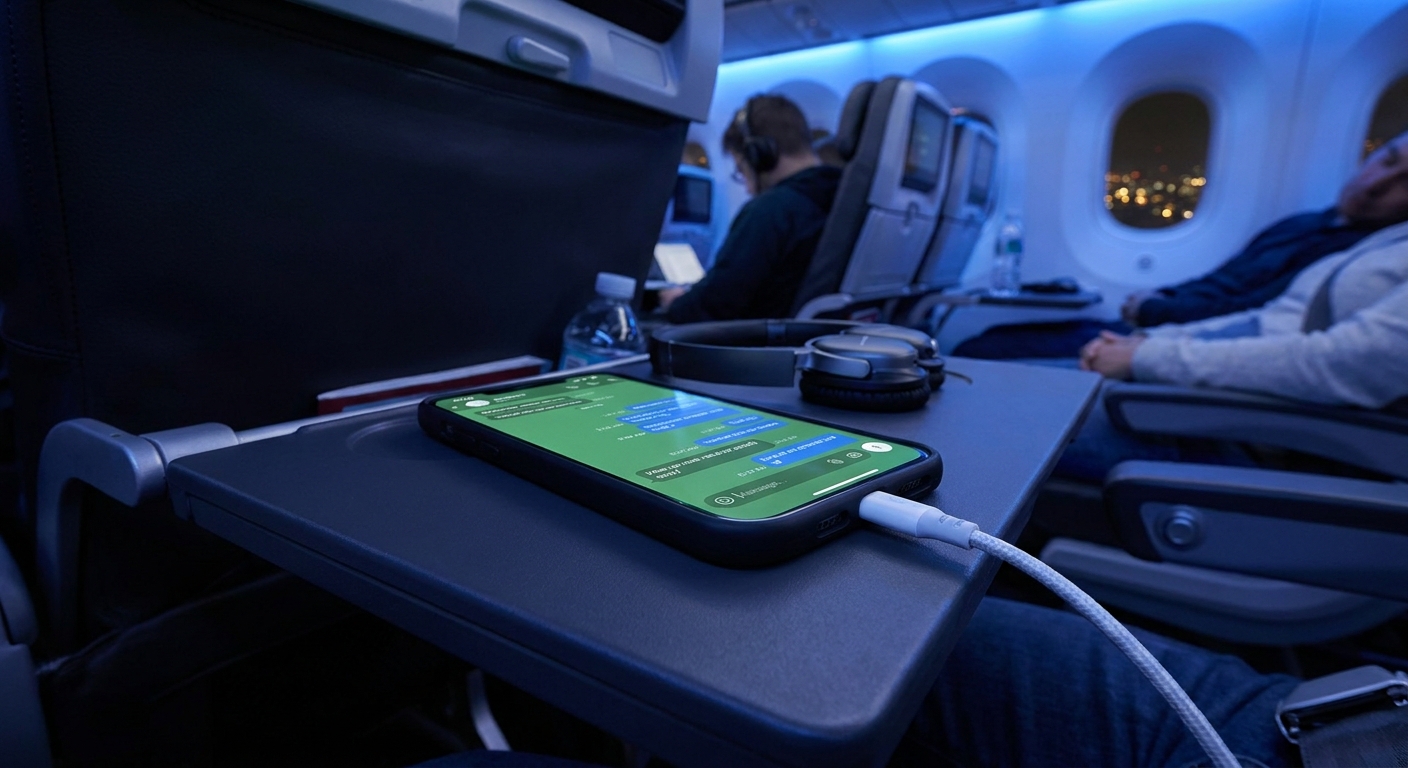
Texting for free on cruise ships
Cruises are a different beast. Your phone may see a “network” and look like it has service, but it is often a ship-based cellular system that can cost a lot per minute, per text, or per megabyte.
Step 1: Keep airplane mode on for the entire cruise
Yes, even though you are not flying.
The safest default on a cruise is:
- Airplane mode ON the whole time
- Wi-Fi ON only when you intentionally connect to the ship Wi-Fi
That one habit prevents “oops” charges when the ship leaves port or when you forget your phone is hunting for a signal at 2 a.m.
Step 2: Use the cruise line app for onboard messages (when available)
Many cruise lines offer messaging inside their own app, sometimes free and sometimes as a small add-on. This can be the cheapest way to message your travel group onboard because it does not require full internet access.
Two tips:
- Download and sign in before you sail (ship Wi-Fi portals can be slow)
- Enable app notifications so you actually see replies
Step 3: If you need “real” texting, use Wi-Fi calling and Wi-Fi SMS carefully
Some phones and carriers support texting over Wi-Fi using your normal number. In plain English: you are “texting like normal,” but the phone routes it through Wi-Fi instead of cellular.
It can work on cruise Wi-Fi, but I treat it as a bonus, not a guarantee. Ship Wi-Fi is sometimes strict about what it allows, and Wi-Fi calling can be blocked or unstable depending on the network setup.
Also, do not assume “Wi-Fi calling equals free.” Some carriers treat Wi-Fi calling and texting like you are at home, others rate it differently depending on your plan or the country you are in. I use it to avoid connecting to ship cellular, but I still check my plan rules before I rely on it.
If you want to try it anyway, set it up at home first: Enable Wi-Fi calling and texting on your phone.
Step 4: Make port days your “send everything” days
When you dock, you often get back to normal cellular service, but it is not automatic. You might be far from towers, your phone might grab the wrong network, or you might be roaming internationally.
That is when I send anything that can wait:
- Long updates to family
- Photo dumps
- 2FA logins and account stuff
If you travel internationally, be careful with roaming in port too. Here is how I avoid the classic international text bill: Avoid international SMS roaming charges abroad.

How to avoid surprise charges
1) “Cellular at Sea” or ship cellular networks
If you see a network name that looks like it belongs to the ship, do not connect. Airplane mode is your shield here.
2) Background data sneaking onto paid Wi-Fi
You buy 1 hour of Wi-Fi to send a few messages, and your phone decides it is time to sync 2 GB of photos. That burns time, money, and patience.
Use strict background limits: Set strict background data limits on iOS and Android.
3) Picture messages and group chat weirdness
Even on land, MMS (picture messages) and some group texts can behave differently than plain SMS. In travel situations with weak Wi-Fi, they are even more likely to fail or retry over and over.
If you are on a tight plan, this matters: Why group chats and picture messages cost extra on basic plans.
My pre-trip checklist
- Pick one messaging app everyone will use
- Update apps on home Wi-Fi (not onboard)
- Set up iMessage and WhatsApp before you travel so you are not triggering verification texts mid-trip
- Enable Wi-Fi calling ahead of time if you plan to try it
- Download the airline or cruise app and log in before traveling
- Turn off data roaming
- Set background data limits
- Know your port plan: if you will be abroad, confirm your roaming rates or stick to Wi-Fi in port if you are unsure
- Save important info offline (hotel address, reservation numbers) so you do not need paid Wi-Fi just to look something up
FAQ
Can I send regular SMS texts for free on a plane?
Sometimes, but usually “free texting” on planes means messaging apps over Wi-Fi. The most reliable free method is app-to-app messaging (like iMessage, WhatsApp, Signal) using the airline’s Wi-Fi.
Is airplane Wi-Fi messaging really free?
It can be, depending on the airline and aircraft. Some offer free messaging only, while full browsing costs money. Always read the Wi-Fi portal options and choose the smallest plan that meets your need.
Can I text for free on a cruise without buying Wi-Fi?
Often you can message people in your travel group through the cruise line app without a full internet plan. For messaging friends back home, you typically need Wi-Fi or you wait until you are in port and on normal cellular service.
What about 2FA texts while I’m at sea?
If you must receive login codes while traveling, plan for it before you leave. Depending on your setup, Wi-Fi calling might deliver SMS over Wi-Fi, but it is not guaranteed on ship networks. I cover options for avoiding roaming fees here: Receive 2FA texts abroad without roaming fees.
Will a VPN help me text for free onboard?
A VPN does not make Wi-Fi free. It can help with privacy on public networks, but it may also slow your connection. If you are using Wi-Fi in airports or ports, this may be useful: Free public Wi-Fi messaging without a premium VPN.
The simple strategy
If you remember nothing else, remember this: airplane mode first, Wi-Fi second, messaging apps third. That combo keeps you connected without handing your carrier or the ship a blank check.
And if you want to build a whole travel setup that stays cheap year-round, start with: Guide: Phone and bills.