I grew up in a big, scattered family, which meant my phone was basically a revolving door of “quick updates” that were never actually quick. One cousin sends a photo, someone reacts with a GIF, the chat turns into a group thread, and suddenly the cheap plan I picked on purpose starts nickel and diming me.
If you have a basic plan or a low-cost MVNO plan, group chats and picture messages can be where the surprise charges hide. The main culprit is the difference between SMS and MMS, and on some plans in 2026, carriers still treat them differently for billing and allowances.
SMS vs MMS: the simple difference
Most basic plans advertise something like “unlimited talk and text” or a bucket of texts per month. What they often mean is SMS, the older, plain-text standard.
- SMS (Short Message Service): plain text only. Usually up to 160 characters per message (longer texts can be split into multiple SMS segments behind the scenes).
- MMS (Multimedia Messaging Service): used for pictures, videos, audio clips, and sometimes group messaging depending on carrier settings. MMS typically needs mobile data to be enabled (even if you are on Wi-Fi), but it may or may not count against your metered data bucket depending on the plan.
On many low-cost plans, SMS is included but MMS can be limited, not included, or counted separately. On the flip side, lots of major-carrier unlimited plans include MMS without extra per-message charges, so this is very plan-specific.
If you want the bigger picture on budget texting strategies, I keep a running hub of options here: /guide-save-money/.
Why group texts turn into MMS
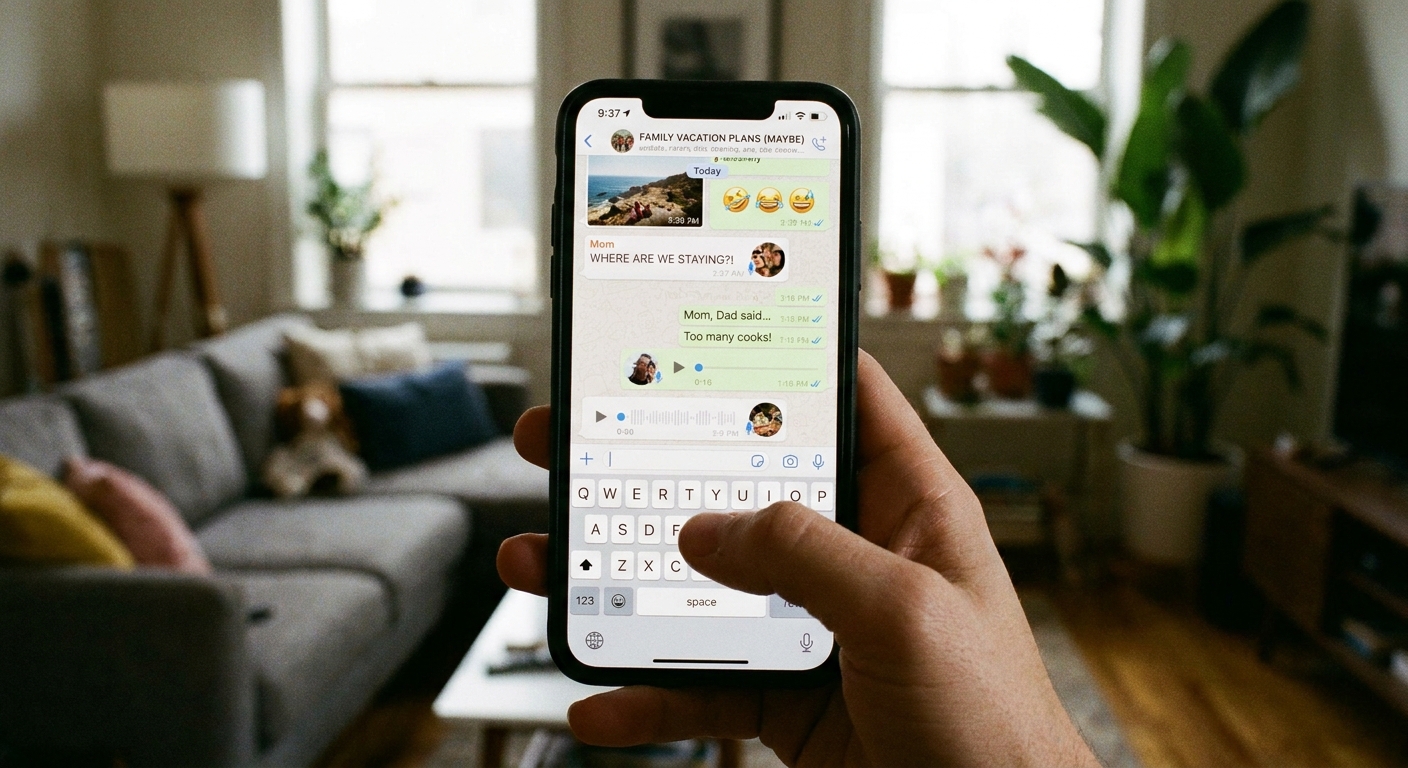
Here is the part that trips people up: a “group text” is not one universal thing. Depending on your phone, your carrier, and the recipient mix, your message can switch formats without you doing anything wrong.
Carrier group texting is often MMS
Traditional carrier group texting commonly works by converting the thread into MMS. This is especially true when you are not using iMessage or RCS, or when those features are unavailable and the phone falls back to the carrier’s old-school method.
So even if you typed plain text, your phone may send it as MMS because it is a group.
iMessage and RCS can prevent MMS, until they cannot
If everyone in the thread is on iPhone with iMessage on, group chats typically stay in iMessage. If everyone is on RCS with “chat features” enabled, Android group chats can stay in RCS. In both cases, that usually avoids MMS behavior.
The problem is the fallback: mix platforms, include someone with iMessage off, have RCS disabled, or hit a spotty connection, and your phone may drop back to SMS or MMS.
Mixed devices and settings can force fallback
If some people have iPhones, some have Android, and you are using the carrier’s default texting (not an internet-based messaging app), you are more likely to hit MMS behavior. Even one person without the same enhanced messaging standard can cause the whole thread to fall back.
Attachments make that message MMS
Once anyone adds a photo, video, sticker, or GIF, that message is MMS. In some carrier and app setups, the thread can act more like MMS afterward, even for plain follow-up replies, but it is not guaranteed everywhere.
Long messages can be split into multiple texts
This is not MMS, but it is another “wait, why did that cost more?” moment. A long SMS can be broken into multiple segments. If your plan is not unlimited and you are texting novel-length updates, you can chew through a text bucket faster than expected.

Why picture messages cost extra
Picture messages are almost always MMS when you send them through your carrier number using the default texting app.
Carriers and MVNOs may limit or charge for MMS for a few reasons:
- Plan structure: some budget plans include unlimited SMS but cap MMS, include only a small number of picture messages, or separate them in the fine print.
- Compatibility and delivery: MMS is more finicky than SMS. It can fail more often in weak coverage or when settings are off, which leads to retries and confusion.
- Roaming and international quirks: MMS can be unreliable when roaming, and some providers treat it differently across borders.
One more gotcha: if your phone cannot send MMS because mobile data is off, APN settings are wrong, or MMS is not supported on your plan, photos may simply fail to send. Some apps will offer a different way to share (like sending a link), but many will not.
How to tell SMS vs MMS
You do not need carrier jargon to spot it. A few quick clues usually tell you what is happening.
- Check message details: some apps show “SMS,” “MMS,” or “Group MMS” in an info panel.
- Look for “Downloading…”: incoming media that sits on “Downloading” is classic MMS behavior.
- Group texts fail on Wi-Fi only: traditional MMS often requires mobile data to be enabled, even if you are connected to Wi-Fi.
- Old-school clues: on some older apps, you may see a “Subject” field or a noticeable “MMS” label when the thread switches.
- Your usage page separates types: carriers sometimes list “Text” and “Picture/Video” separately on the bill or usage page.
When in doubt, the most reliable move is to check your carrier’s usage log for a day. If group threads are triggering MMS, you will usually see a clear MMS count.
If you want a methodical way to spot billing leaks like this before switching plans, this walkthrough helps: /audit-your-phone-bill-before-switching/.
Free ways to avoid MMS charges
If your goal is “group chat + photos without carrier surprises,” the workaround is usually simple: use internet-based messaging apps for the group. That keeps you out of carrier MMS billing entirely.
The tradeoff is data. If you are on a tiny data plan, lean on Wi-Fi at home, work, school, and anywhere you have stable access.
Option 1: Use messaging apps for groups
Apps like WhatsApp, Signal, Telegram, and Facebook Messenger send group chats and photos over the internet. Your costs shift to data usage, which is usually easier to control than per-message MMS fees, especially if you spend a lot of time on Wi-Fi.
- Best for: family groups, sharing photos and videos, reactions and voice notes
- Watch out for: some contacts do not want another app, and backup settings can affect privacy depending on the app
If privacy is a major concern in your household, start here: /the-most-secure-free-texting-apps-for-privacy/.
Option 2: Use a Wi-Fi-only device at home
One of my favorite budget moves is repurposing an old phone or a Wi-Fi tablet for messaging at home. You can run your messaging apps over Wi-Fi and keep your paid SIM plan minimal.
Steps that usually work:
- Connect the device to stable Wi-Fi.
- Install your chosen messaging app.
- Verify your account if required (some apps need a phone number once).
- Use it as your “home group chat device” for photos and threads.
More ideas here: /turn-your-tablet-into-a-free-texting-device/.
Option 3: Send texts from your computer
If you are the person who writes the “family update” message that turns into a short essay, typing on a laptop is easier and often reduces accidental attachments that flip a message into MMS.
Here are practical ways to do it: /send-free-sms-from-your-computer/.
Option 4: Use a second number for messaging
Some people want group messaging without tying everything to their main carrier number. A second number can help you keep your “real number” more private while still joining chats or verifying accounts.
Just know that not all free numbers work for every verification system, and some services block VoIP numbers.
Start here: /free-second-phone-number-for-texting-and-verification/.

Settings that prevent surprises
You do not have to overhaul your whole phone life to stop the bleeding. A few settings and habits help a lot.
Ask what “text” includes
Specifically ask if your plan includes:
- MMS (picture and group messages)
- Any MMS limit per month
- Whether MMS requires mobile data to be enabled
- Whether MMS is counted separately or against your data bucket (it depends)
If you are shopping plans, that one conversation can save you from the “unlimited texting” fine print.
Confirm iMessage or RCS is enabled
If you are trying to keep a group thread from falling back, it helps to keep your “rich” messaging turned on.
- On iPhone, make sure iMessage is on.
- On Android, look for RCS or “Chat features” in your messaging settings.
This does not guarantee you will never hit MMS, but it can reduce how often it happens.
Prefer links when you must use carrier texting
If you must use carrier texting with someone, consider sharing a link to an album from a cloud service you already use, instead of sending multiple picture messages. That can reduce MMS counts and usually preserves quality better than carrier compression.
Turn off auto-download on cellular in apps
Many messaging apps let you control media downloads on cellular data. This does not change MMS billing, but it keeps data use predictable when you switch to app-based group chats.
Be careful with resend fallbacks
On some phones, if a richer mode fails, the app offers to resend as SMS or MMS. That is helpful, but it can also push a message into MMS territory. If your plan charges for MMS, treat that prompt like a warning sign.
Quick FAQ
If my plan says “unlimited text,” why would MMS cost extra?
Because many carriers and MVNOs use “text” as shorthand for SMS, not MMS. Unlimited SMS does not always mean unlimited picture messages or carrier-based group messaging.
Do group chats always use MMS?
No. Group chats inside internet-based apps use data, not MMS. iMessage-to-iMessage and RCS-to-RCS group chats also usually avoid MMS. The surprise happens when the thread falls back to carrier SMS or MMS.
Is iMessage or RCS the same as MMS?
No. iMessage (Apple) and RCS (common on Android) are internet-style messaging systems. When they work, they behave more like messaging apps. When they do not, messages can fall back to SMS or MMS, which is where billing surprises can appear on some plans.
What is the easiest free workaround?
Get everyone in the group onto one internet-based messaging app and use it for photos and group threads, ideally on Wi-Fi when you can. It is the cleanest way to avoid carrier MMS billing.
My rule of thumb
If a message contains a photo, a GIF, or a group of recipients, I assume it can turn into MMS unless I am using an internet-based messaging app, or I know the thread is staying inside iMessage or RCS. That mindset alone has saved me from a lot of “why is my bill higher?” moments, especially on the budget plans I actually like.
If you want more no-nonsense ways to text for free or close to it, browse the main guide here: /guide-free-texting/.