I grew up in a big, scattered family, which meant two things were always true: someone was always traveling, and someone was always trying to stretch a phone budget. Over time I learned a simple rule: the cheapest phone is rarely the best deal, but a good refurbished phone often is. If your goal is smooth, modern messaging (WhatsApp, Signal, Messenger, iMessage, Telegram, Google Messages, FaceTime, you name it) without paying new-phone prices, refurbished can be the sweet spot.
This guide is all about where to buy, what “certified” really means, and the small checks that keep you from getting stuck with a phone that cannot hold a signal, cannot update, or cannot keep a charge.
What “reliable refurbished” means
Sellers use words like refurbished, renewed, certified, pre-owned, open box, used, and like new. For budget texting and calling, I care less about the label and more about these four reliability markers:
- Warranty: At least 30 days, and ideally 90 days to 1 year. This is what separates “tested device” from “good luck.”
- Battery standard: The listing should state a minimum battery health (common for iPhones) or guarantee a battery test threshold. If it is silent about battery, assume it is a gamble.
- Clear return policy: You want returns for “doesn’t work as expected” and not only “arrived damaged.”
- Unlocked status: Unlocked for your carrier, or clearly labeled for a specific carrier you actually use.
If you are mainly texting and calling over Wi-Fi, you can get away with less. If you need reliable cellular coverage, 2FA texts, and travel use, you want to be pickier. If you are building a low-cost setup, you might also like my walkthrough on auditing your phone bill before switching so you do not overpay for a plan after you buy the phone.
Best places to buy refurbished
1) Manufacturer refurbished (highest trust, not always cheapest)
If you want the fewest surprises, start with the company that made the phone. Manufacturer refurbished often means verified parts, tighter quality control, and fewer unpleasant “who repaired this?” mysteries. It also usually reduces the risk of carrier locks and bad device history, although nothing is universal across every country and program.
- Apple Certified Refurbished: Apple says its program includes full testing, a standard Apple warranty, and replacement parts as needed (often including the battery and outer enclosure for iPhone models, depending on Apple’s current program details).
- Samsung Certified Re-Newed or Certified Refurbished (availability varies by region): Typically tested, graded, and warrantied through official channels.
- Google Store Refurbished (when offered): A good option for Pixel buyers who want predictable software support, but inventory and availability change over time.
Downside: selection and pricing can be unpredictable. Upside: you are far less likely to end up with a phone that is carrier-locked, poorly repaired, or simply worn out.
2) Carrier certified pre-owned (good value if you stay put)
Major carriers often sell certified pre-owned devices with installment options and straightforward compatibility because they are sold for that network. This can be a safe route if you are already on that carrier and do not plan to switch soon.
- Best for: People who want plug-and-play activation and fewer compatibility surprises.
- Watch for: Unlock rules. Some phones stay locked until they are fully paid off and have been active for a set time.
If you are aiming for a super low monthly bill after your purchase, compare your plan options too. I keep an updated overview of cheap MVNO plans that work well with Wi-Fi texting.
3) Big marketplace renewed programs (solid if you filter hard)
Large marketplaces can be fine if you treat them like a warehouse, not a boutique. The good stuff is there, but you have to narrow it down.
- Amazon Renewed: Look for listings that clearly show condition grade, battery policy, and a strong return window. Prioritize “Renewed Premium” if available for the model.
- eBay Refurbished: eBay’s refurbished program often includes condition grading and a warranty through participating sellers.
The trick is to buy the listing quality, not the headline price. A phone that is $20 cheaper but arrives carrier-locked is not cheaper after the return hassle.
4) Dedicated refurbishers (good balance of price and process)
These are companies whose entire business is inspecting, grading, and reselling used devices. They often provide clearer grading than random third-party sellers.
- Back Market: Known for condition grading and seller vetting, with warranties that vary by region.
- Swappa: More of a marketplace, but generally has strong listing standards and emphasizes clean device identifiers.
Even here, I still check three things before I buy: warranty length, unlock status, and return policy.
5) Local options (best for hands-on inspection, highest scam risk)
Buying locally can be great if you want to hold the phone, test the cameras, check the speakers, and verify the screen with your own eyes. It can also be where people offload stolen or still-financed devices.
- Safer local buys: Established electronics stores with receipts and return policies.
- Risky local buys: Parking lot meetups, cash-only “too good to be true” deals, and sellers who refuse to share the IMEI for a blacklist check.
If you buy local, meet inside a carrier store or a well-lit public place with Wi-Fi so you can test calls and messaging apps on the spot.
My no-regrets checklist
This is the stuff that determines whether your refurbished phone will run today’s major messaging apps smoothly for the next couple of years.
1) Confirm update support
For texting and calling, you want a phone that can still get security updates. Messaging apps lean on modern security features, and older phones eventually get left behind.
- iPhone: As a rough rule, aim for models that can run the current iOS version, or at least are still receiving security updates.
- Android: Prefer models still within their security update window. Very old Android versions can be the real deal-breaker even if the phone has enough RAM.
Quick check: Before you buy, look up the exact model name and model number (for iPhone, it is in Settings and also printed on the box in many cases; for Android, check Settings and the listing details). Then confirm it is still eligible for updates.
2) Check unlocked status and band support
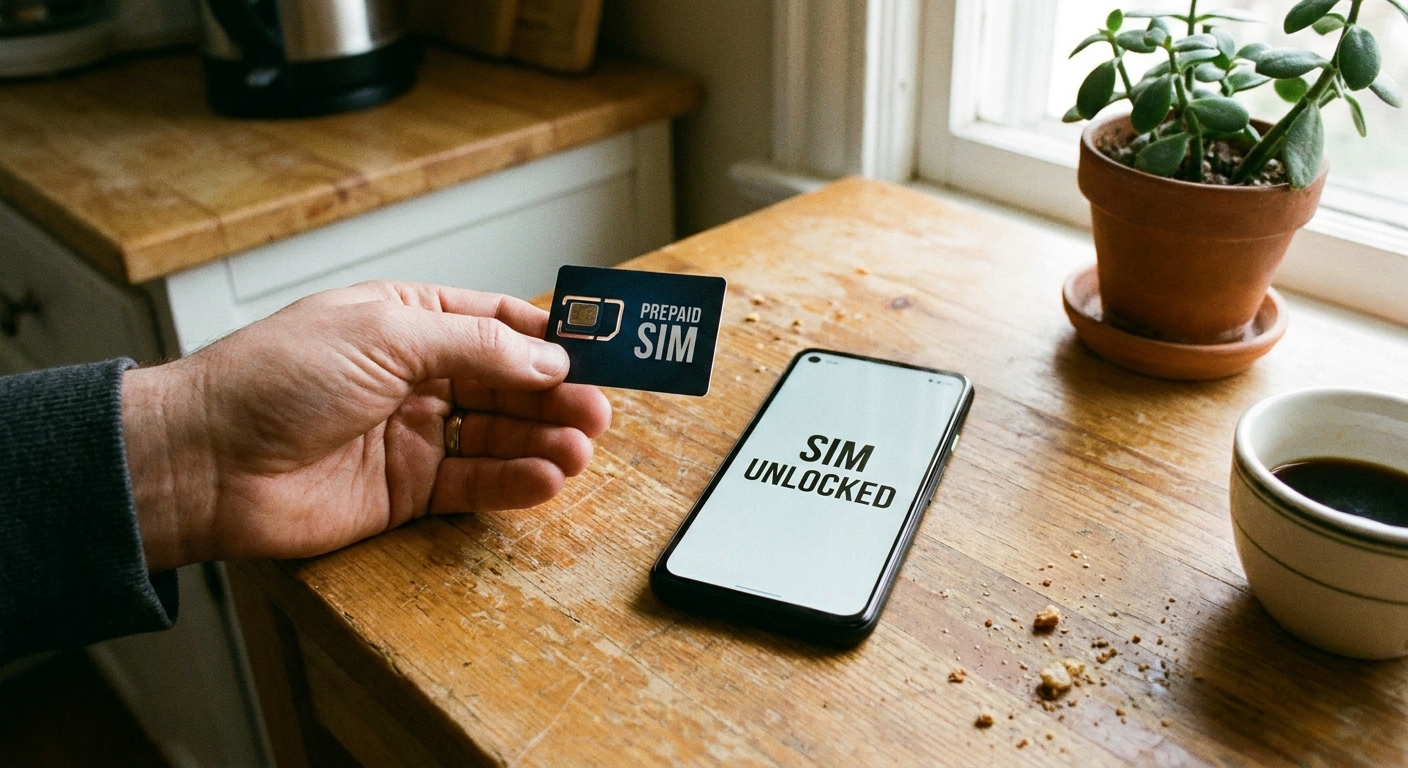
“Unlocked” should mean you can pop in the SIM you want. If you travel internationally, also make sure the model supports the LTE and 5G bands used where you live and where you travel.
- Quick check: Ask the seller to confirm “unlocked” in writing and provide the exact model number. Some models look identical but have different band support by region.
If avoiding travel texting fees is part of your plan, I have a full breakdown of ways to avoid international SMS roaming charges and still receive important messages.
3) Do not ignore the battery
Messaging is not demanding, but a weak battery turns every day into a charger hunt. For iPhones, “battery health” is easy to verify in settings after you receive the phone. For Android, you are relying more on the seller’s tests and your own early usage.
- What I look for: A seller that states a minimum battery standard or offers a warranty that covers abnormal battery performance.
- What I avoid: “No information on battery,” especially on older models.
- During the return window: Do a real-world test day. Set up your messaging apps, use Bluetooth for an hour, take a few photos, and see if battery drain looks normal.
4) Make sure it is not locked or blacklisted
Two common refurbished headaches: the phone is blacklisted (reported lost or stolen, or otherwise blocked by a network) or it is activation-locked (still tied to someone else’s account).
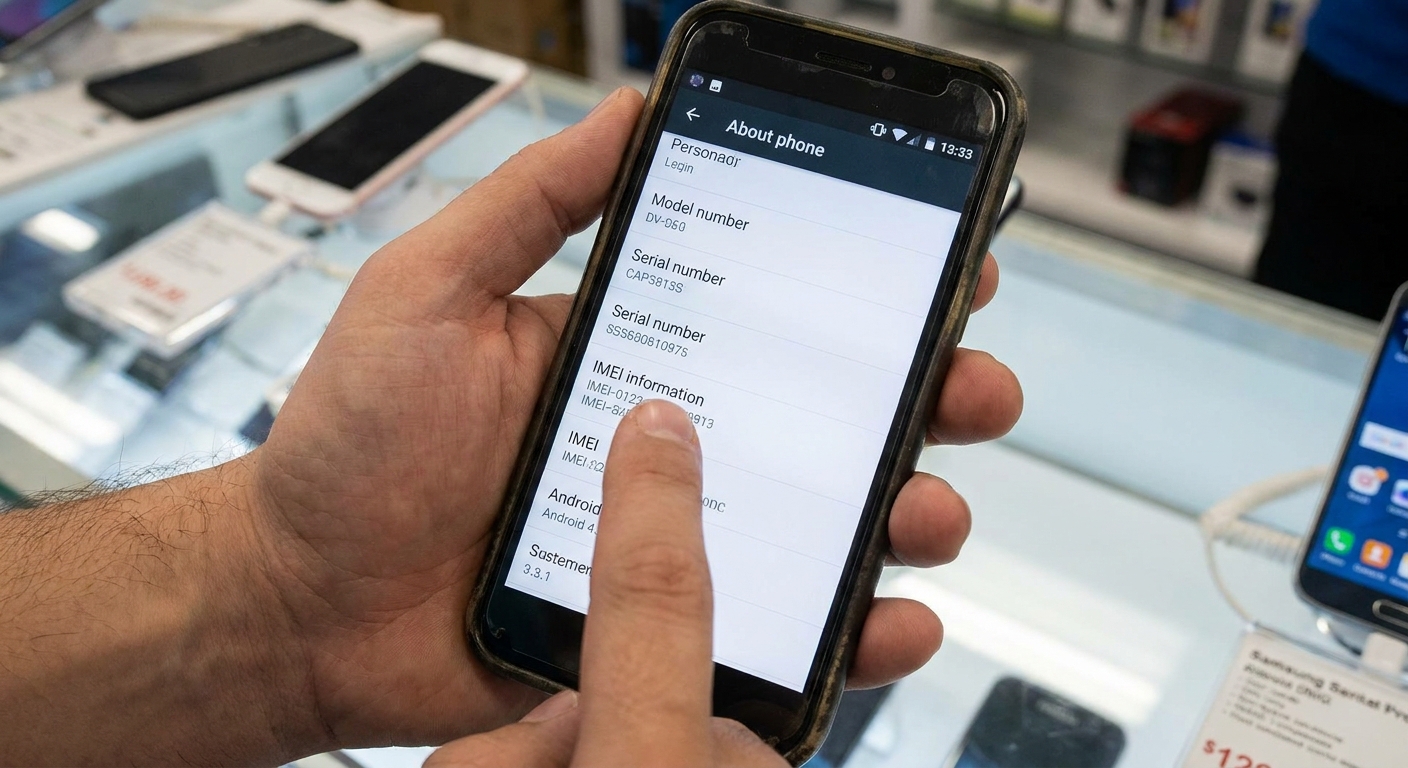
- Before you meet or before it ships: Ask for the IMEI/MEID and run a carrier compatibility check for your network. If a seller will not share the IMEI, I treat that as a no.
- iPhone: Activation Lock should be off. When you set it up, you should not be asked for someone else’s Apple Account.
- Android: Factory Reset Protection can block setup if the previous account was not removed properly.
If the seller cannot clearly explain how they handle locks and blacklists, I move on.
Specs that matter for messaging
You do not need a monster phone to text, but you do need a phone that is not constantly struggling.
- RAM: 4 GB minimum is workable, 6 GB or more usually feels smoother on Android. (iPhones manage memory differently, but newer models generally feel snappier for longer.)
- Storage: 64 GB minimum if you send photos and videos, 128 GB is the comfort zone if you are in lots of group chats.
- Wi-Fi: Dual-band Wi-Fi (2.4 GHz and 5 GHz) is important if you rely on Wi-Fi calling or Wi-Fi messaging at home.
- eSIM and dual SIM: Nice to have for travel and quick plan switching, but double-check the exact model. Some regions have eSIM, some do not, and some “dual SIM” setups mean one physical SIM plus eSIM.
If your main goal is to text for free on Wi-Fi with minimal cellular service, you can also repurpose older hardware. I have a step-by-step guide on turning an old phone into a Wi-Fi messaging device.
Common refurbished traps
- International model surprises: Sometimes cheaper models have limited band support in your country, which can wreck coverage.
- Aftermarket screens: Not always bad, but low-quality replacements can cause poor touch response and dim brightness.
- Water resistance assumptions: Refurbished phones might not maintain the original seal. Treat water resistance as a bonus, not a promise.
- Carrier financing baggage: A phone can look fine today and later get blocked by a carrier if it was tied to an unpaid balance or a financing agreement. This varies by carrier and region, but it is a real risk in local and peer-to-peer sales.
- Too-old bargain buys: A $60 phone that cannot get updates is often a false economy if your apps stop supporting it.
If you want one recommendation
For most people who want budget-friendly texting and calling with modern apps, my simplest safe play is:
- Buy from a manufacturer refurbished store when the price is reasonable.
- If that is too pricey, buy from a dedicated refurbisher with clear grading, a real warranty, and easy returns.
- Only buy from a general marketplace if you can confirm unlocked status, battery standard, and return policy in writing.
Once you have the phone, the next money saver is the monthly plan. I keep the bigger picture organized in the Frugal Living guide and the Phone and Bills guide so you can build a setup that stays cheap month after month.
FAQ
Is refurbished better than used?
Usually, yes. “Used” can be fine, but “refurbished” should mean it has been tested and graded, often with some kind of warranty. The warranty is the real difference.
Do I need 5G for messaging apps?
No. Messaging works great on LTE and on Wi-Fi only. 5G is more about faster downloads and network capacity than whether texts send.
Will RCS and iMessage work on refurbished phones?
iMessage and FaceTime work on iPhones as long as you can sign in with your Apple Account and the phone is not activation-locked. RCS (often through Google Messages) can depend on your carrier, region, and whether the phone is properly supported and certified, so it is worth testing during your return window.
What about a cheap tablet instead of a phone?
If you are mostly on Wi-Fi at home, a tablet can be a great messaging device. Here is my guide to turning a tablet into a free texting device.
How do I keep costs low after I buy the phone?
Start by making sure you are not paying for extras you do not use. This is why I like doing a quick phone bill audit before you switch plans or add a line.