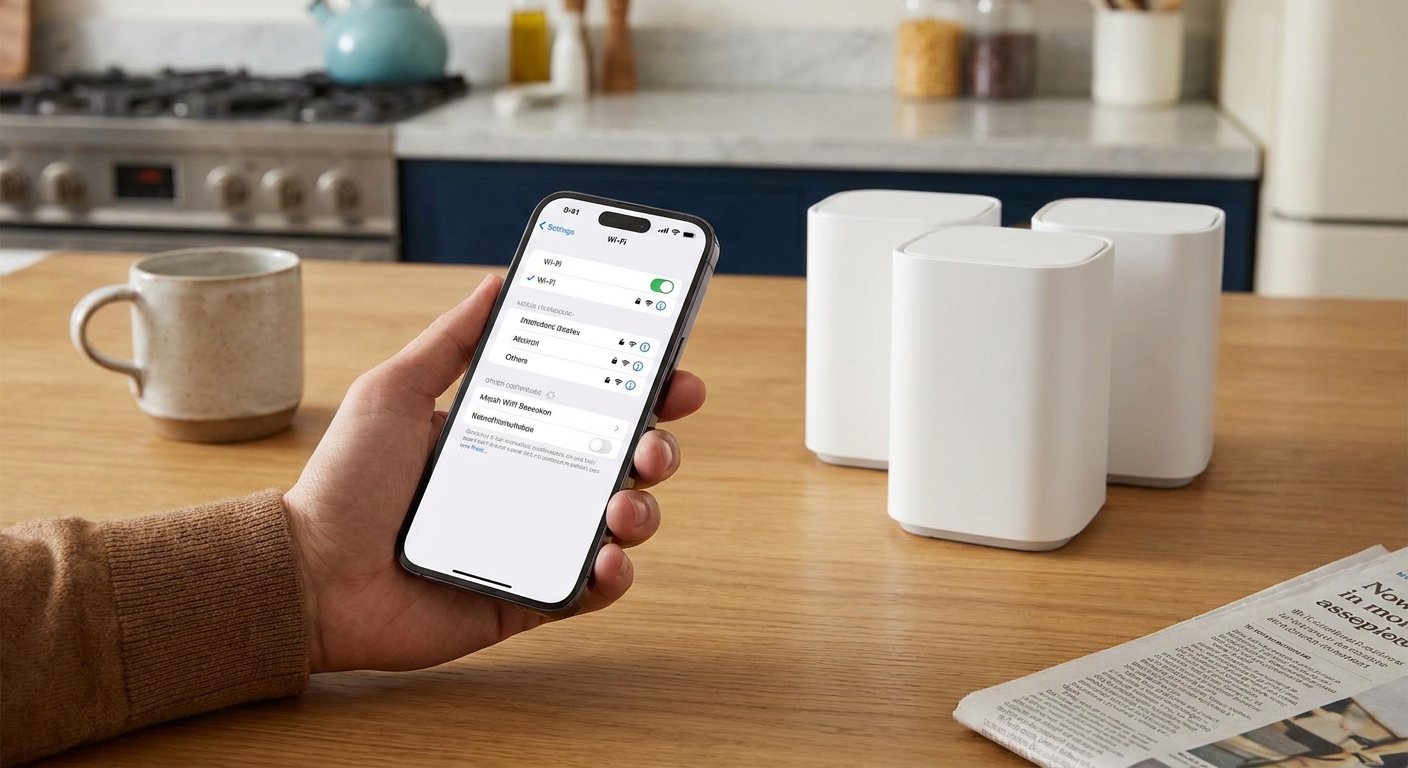
I grew up in a big, spread-out family, and I learned early that the cheapest way to stay close is to stop paying for every little text and minute. These days, if you do most of your messaging on Wi-Fi (WhatsApp, iMessage, Signal, Messenger, Google Voice, and similar apps), you can treat your mobile plan like a safety net instead of the main event.
This is where cheap MVNOs shine. An MVNO is a carrier that sells service on top of a bigger network. Some are closer to simple resellers, and some run more of their own network systems, but the practical point is the same: you can often pay less for the same coverage footprint. The catch is that plans vary wildly in what they include and what they quietly charge for. Below is how I’d pick a rock-bottom plan when free Wi-Fi texting is doing the heavy lifting.
What a Wi-Fi texting user needs
If your everyday texting happens on Wi-Fi, you can usually shrink your plan down to four essentials:
- Enough cellular data for the gaps. Think: leaving the house, maps, rideshare, a few messages, and a verification code when Wi-Fi drops. For a lot of Wi-Fi-first routines, that is often somewhere around 1 to 5 GB per month.
- Reliable coverage where you live and commute. MVNO pricing is meaningless if your phone is useless at the grocery store.
- Hotspot that works when you need it. Even a small hotspot allowance can save a day when your home internet goes out.
- Clean billing. Watch for “recovery fees,” activation costs, and autopay requirements that change the real monthly price.
One quick reality check on data: 1 GB can cover a month of basics like maps, messaging, email, and light browsing if you are on Wi-Fi most of the time. The moment you start watching a lot of video clips off Wi-Fi, you will chew through it fast.
If you’re building your whole setup around free messaging, it also helps to have backup options like web texting or a second number. I keep those ideas in rotation in my broader guides, like Free Texting and getting a free second phone number for texting and verification.
Quick picks by plan type
These are the quick categories I use to narrow things down. The same MVNO can fit more than one bucket depending on the specific plan you choose.
- Ultra-cheap talk and text with tiny data: best for Wi-Fi-first people who only need cellular “just in case.”
- Low-cost limited data with solid app performance: best for commuters, students, and anyone who regularly leaves Wi-Fi.
- Budget unlimited: best if you say “Wi-Fi texting,” but you actually stream, scroll, and hotspot a lot.
- Pay as you go: best for emergency phones or very light users who do not want a monthly bill.
Best cheap MVNO plans for Wi-Fi texting
Pricing and plan names change constantly in prepaid. Instead of promising a specific dollar amount that will be wrong in three months, I’m focusing on what each MVNO is usually best at, what to double-check before you switch, and the gotchas that matter for Wi-Fi texting users.
Tello (best for custom low-data plans)
If you want to dial in “just enough plan,” Tello is one of my favorite MVNOs to price out. Wi-Fi texters can often pick a small data bucket and keep the monthly cost down without paying for stuff they will not use.
- Why it works for Wi-Fi texting: flexible plan builder, easy to right-size data.
- Best for: people who want a small amount of data (or a small amount plus minutes) and do most communication on apps.
- Check before buying: confirm coverage where you live and whether hotspot is included on the plan you choose since allowances and rules can change.
US Mobile (best for options and features)
US Mobile is often the “power user” pick in the budget world because it tends to offer multiple network choices and feature-rich plans. For Wi-Fi-first users, that can translate into a cheap plan that still feels modern, especially if you care about hotspot or want account tools that are easy to manage.
- Why it works for Wi-Fi texting: plan variety and (often) flexible network selection.
- Best for: people who want a low monthly price but still care about features and coverage options.
- Check before buying: which underlying network you are selecting, and whether taxes and fees are included or added at checkout.
Mint Mobile (best if you can prepay)
Mint is popular for one reason: prepaying multiple months can drop the effective monthly price. If you are stable in your usage and you know you will keep service, bulk prepay can be a real win for Wi-Fi texters who do not need unlimited everything.
- Why it works for Wi-Fi texting: the “real” deal is the multi-month pricing, and moderate data tiers are often plenty.
- Best for: people with predictable usage who are comfortable paying upfront.
- Watch out for: paying for months you might not use if your situation changes.
Ting Mobile (best for light users who compare carefully)
Ting has long been a friendly option for lighter usage patterns. If your phone plan is basically there for calling, occasional data, and receiving the odd SMS code, Ting is worth comparing.
- Why it works for Wi-Fi texting: light usage can stay reasonable, and the experience is usually straightforward.
- Best for: light users and families who want a simple setup.
- Check before buying: Ting’s plan structure has changed over time, so compare current tiers carefully and make sure your estimate matches how they bill data and lines today.
Visible (best cheap unlimited for heavier users)
I’m including Visible for the people who think they are Wi-Fi texters, but reality says otherwise. If you leave Wi-Fi a lot, rely on mobile data, or you hotspot regularly, a budget unlimited plan can be cheaper than constantly buying more data.
- Why it works for Wi-Fi texting: you can still use Wi-Fi texting apps, but you are not stressed when Wi-Fi disappears.
- Best for: heavy data users on a budget.
- Tradeoff: speeds may be deprioritized during congestion depending on the plan and your location.
Boost Mobile (best when promos are strong)
Boost pricing and promos can be aggressive. For Wi-Fi-first users, it can be a good “deal hunting” option if you are willing to read the fine print and verify what happens after promotional periods.
- Why it works for Wi-Fi texting: promos can make moderate data very cheap.
- Best for: deal hunters who will set a calendar reminder to re-check pricing later.
- Check before buying: the standard rate after any intro pricing and any required autopay.

Pick the right MVNO fast
1) Confirm which big network is best for you
MVNOs ride on major networks, but your experience is still local. Ask friends, check coverage maps, and test your current phone in your dead zones like your kitchen, basement, or the back of your workplace.
2) Measure your “away from Wi-Fi” data
Look at the last 2 to 3 months of cellular data usage, not total data. If you are always on Wi-Fi at home and work, your cellular number is what matters. Many people discover they are under 3 GB and can save immediately.
3) Do a quick device compatibility check
This is where a lot of “cheap plan” switches go sideways. Before you port your number, confirm:
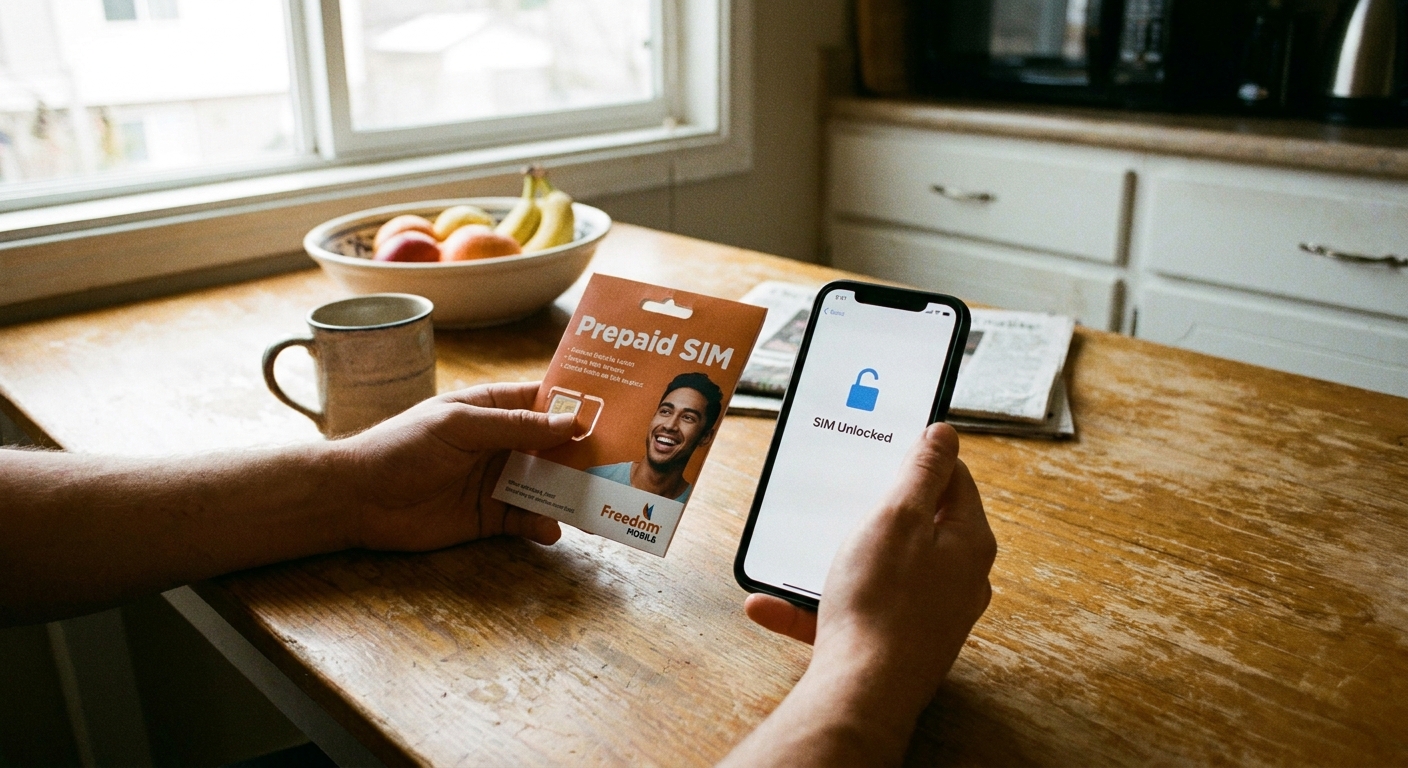
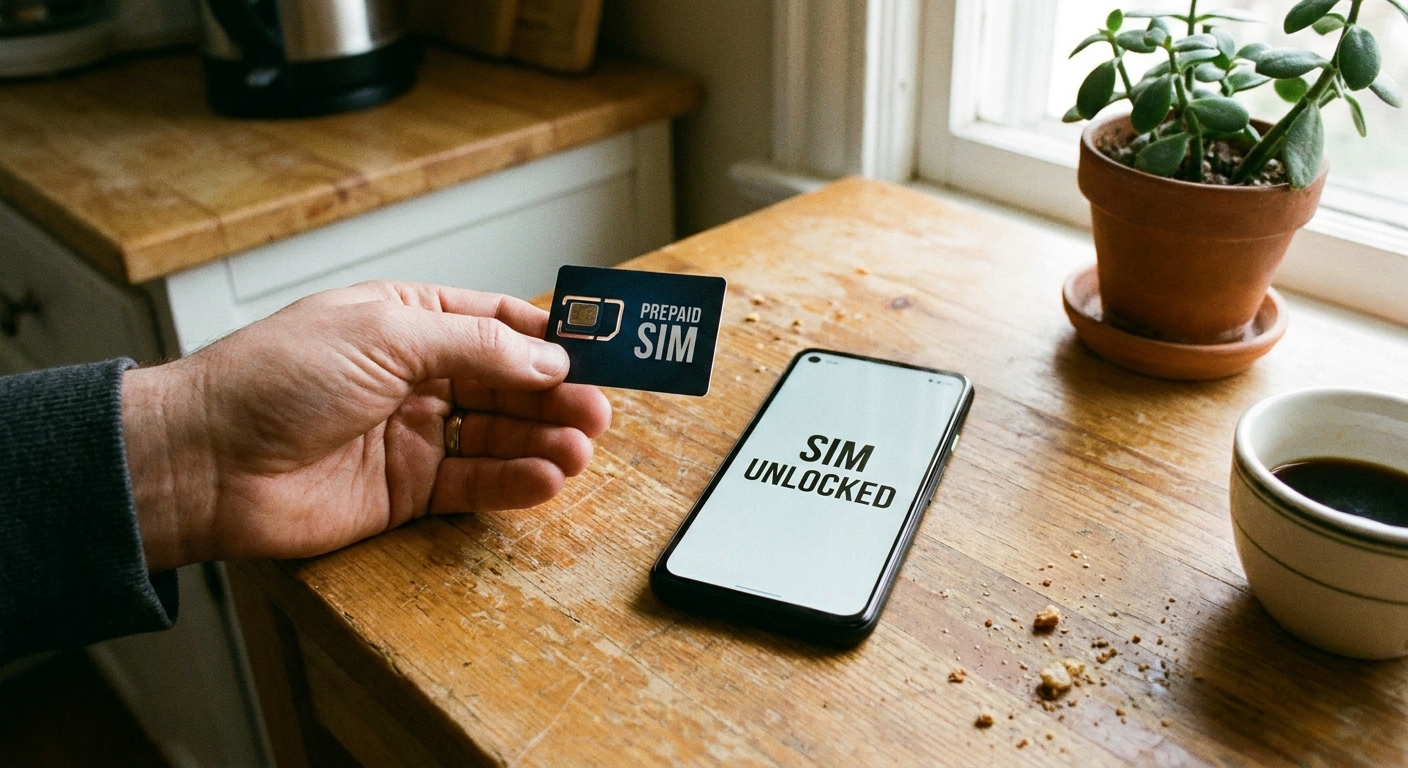
- Your phone is unlocked
- Your phone supports VoLTE (most modern phones do, but older ones can be a problem)
- If you want eSIM, your phone and the MVNO both support it
- If you want Wi-Fi calling, your phone model and the MVNO support it, and you can complete any required setup (in the US this often includes setting an E911 address)
4) Confirm hotspot rules
Some plans include hotspot but limit speed or the amount. For Wi-Fi-first users, hotspot is often your “internet outage insurance.” Verify it before you port your number.
5) Add up the real monthly cost
When you compare MVNOs, look for:
- Taxes and fees (included or added)
- Activation and SIM charges
- Autopay discounts (and what happens if autopay fails)
- Price changes after promo periods
If you want a structured way to catch sneaky line items, this pairs well with my approach in Audit your phone bill before switching.
6) Port your number the safe way
If you are keeping your number, do not cancel your old plan first. Start the port with the new MVNO while your old SIM is still active, and keep the account number and transfer PIN handy. Most ports are quick, but you want service to overlap until everything is fully working.
Wi-Fi texting tips that help
Turn on Wi-Fi calling
Wi-Fi calling is separate from app-based messaging, but it is a lifesaver when cellular reception is weak indoors. It only works if your phone and carrier support it, and in the US you may need to set an E911 address during setup. Enable it in your phone settings and test it at home.
Use one “real texting” backup
If your main messaging is app-based, pick one backup method that works on more screens. For example, texting from a computer can be handy when your phone is charging or you are working. Here’s my walkthrough: Send free SMS from your computer.
Be smart on public Wi-Fi
If you rely on coffee shop Wi-Fi, treat it like a shared space. Avoid sensitive logins on wide-open networks when you can, and lean toward apps and sites that are clearly encrypted. If privacy is a priority for you, I keep a running list of safer options in The most secure free texting apps for privacy and the site-wide Privacy page.
Watch for premium SMS traps
Cheap plans do not automatically protect you from shady premium text charges. If you ever see mystery fees, stop and investigate. Also ask your carrier or MVNO support if premium SMS blocking is available for your line. I wrote a full guide here: Hidden premium SMS charges: how to spot and block them.
Common questions
Do I need unlimited talk and text?
Not always, but it is usually inexpensive to include, and it prevents headaches with verification codes and the occasional old-school text from a doctor’s office. If the price difference is tiny, I usually choose unlimited talk and text and keep data small.
Is a 1 GB plan enough?
For true Wi-Fi-first routines, it can be. Maps, email, and light messaging are not huge data hogs. The problem is video and social apps. If you tend to watch clips when you are out, you will want a bigger data bucket.
Will Wi-Fi texting work when I travel?
Often, yes, as long as you have Wi-Fi or a local data connection. The bigger challenge is avoiding roaming charges and making sure you can still receive critical texts. If travel is a big part of your life, start here: Avoid international SMS roaming charges abroad and send free international texts without carrier fees.
Should I use an eSIM with an MVNO?
If your phone supports it, eSIM can make switching easier and faster. Just make sure your device is unlocked, compatible with the MVNO you pick, and that you understand how to move the eSIM if you upgrade phones later.
My bottom line
If free Wi-Fi texting is your everyday habit, the “best” cheap MVNO is usually the one that gives you reliable coverage plus a small, predictable amount of data at the lowest all-in monthly cost.
Start by checking which network is strongest where you live, then price out a small-data plan from flexible MVNOs like Tello or US Mobile, compare against bulk-prepay options like Mint, and only jump to budget unlimited options like Visible if you keep blowing past your data cap.
For more ways to reduce your monthly communication costs, I keep my running playbook updated in Guide: Save Money and Guide: Phone and Bills.