

I grew up in a big, scattered family, which meant two things were always true: somebody was always moving, and somebody was always trying to call from a spotty connection. When I finally switched most of my day to Wi-Fi texting apps, I realized something that felt unfair: my “free texting” habit was now riding on the most expensive bill in the house.
The good news is you can usually cut your home internet cost without messing up the reliability you need for WhatsApp, Signal, iMessage, Google Messages over Wi-Fi, or Wi-Fi calling. Below are five ways I’ve used (and helped friends use) to get the bill down while keeping texts and calls stable.
1) Negotiate like you are renewing
Internet providers love “introductory pricing.” They love when your bill quietly creeps up year after year even if you never change anything. If your bill jumped in the last year, you have leverage because you are not asking for a favor. You are asking to be priced competitively so you do not switch.
My quick negotiation script
Call the billing or retention department (often called “loyalty”). Keep it friendly, then be specific:
- “My bill is $___ now, and it used to be $___. I’m looking for any current promos or loyalty pricing you can apply.”
- “I don’t need extras.” Just internet. What’s the lowest price for my address for internet only?”
- “If you can’t do that, what can you do if I commit to 12 months?” (Sometimes a term discount appears.)
- “Can you waive fees?” Like the router rental, modem fee, or any add-ons?”
- “What will the price be after the promo ends?” And is there any early termination fee?”
If they offer a lower price but it includes a bundle you do not want, ask for the internet-only equivalent. Bundles often sneak in equipment rental or “security” services that raise the real cost. If bundling is tempting, read this first: The hidden costs of bundling cell phone and home internet.
Two small moves that help
- Ask for the discount details in plain language (price before tax, how long it lasts, and what it becomes after).
- Put a calendar reminder for 2 weeks before the promo ends so you can renegotiate again.
2) Stop renting their router
Router and gateway rental fees are one of the easiest “silent” costs to kill. Providers often charge a monthly equipment fee, and it adds up fast. Owning your own gear is usually cheaper over time and gives you more control when you are troubleshooting Wi-Fi texting drops.
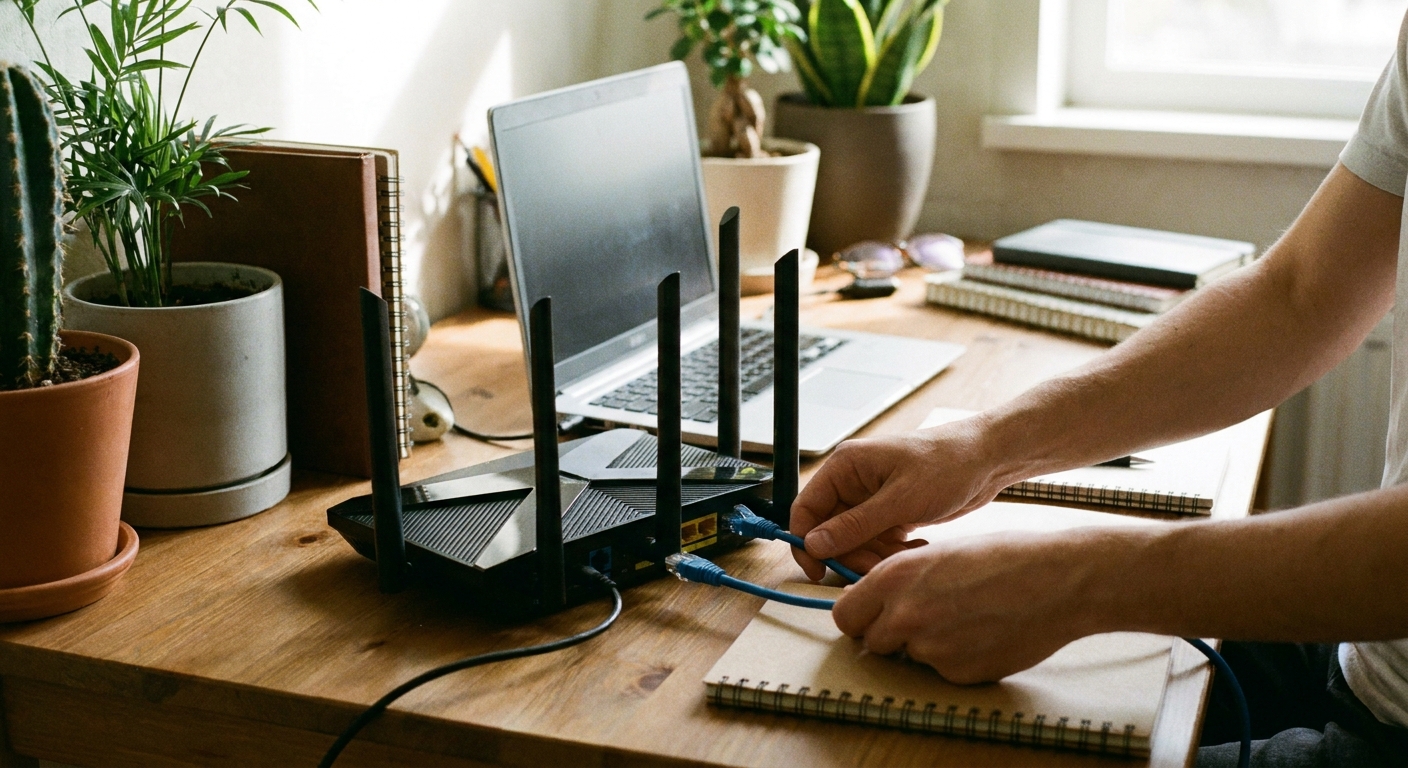
Before you buy anything: check whether your provider allows customer-owned equipment and whether you have a separate modem and router, or a single combo gateway. Some fiber setups require their ONT or gateway for authentication, but you may still be able to use your own router behind it.
If you are on cable internet, also confirm modem compatibility (your provider’s approved modem list and the DOCSIS version they support) so you do not accidentally buy something that can’t hit your plan’s speed tier.
How to avoid a Wi-Fi texting headache
- Prioritize stability over “top speed.” A solid midrange router placed well usually beats an expensive router stuffed behind a TV.
- Use WPA2 or WPA3 security and keep firmware updated.
- If your home is long or multi-floor, consider mesh so messages do not stall when you walk to the back room.
If your “free texting” setup is running on an old spare phone or tablet, better Wi-Fi coverage matters even more. This pairs well with Turn an old phone into a Wi-Fi messaging device and Turn your tablet into a free texting device.
3) Pay for the speed you need
What matters most is that your connection stays steady. Wi-Fi texting uses very little bandwidth. Reliability is mostly about signal strength, congestion, latency, and packet loss, not buying the biggest speed tier your provider can sell.
A simple way to right-size your plan
- List your household’s heavy uses: 4K streaming, gaming, work video calls, cloud backups.
- Count simultaneous users during peak time (usually evenings).
- Downgrade one tier and test for 2 weeks. If nobody complains, you keep the savings.
A concrete example: if you are paying for 1 Gbps and your heaviest regular use is two 4K streams plus a couple of work calls, try something in the 300 to 500 Mbps range first. For texting and Wi-Fi calling, you probably will not notice the change, but your bill might.
If your provider tries to upsell by saying you “need” gigabit for stable calling, ask them to explain how speed fixes dead zones or interference. It does not.
Do not ignore upload speed
If you do lots of video meetings, uploads matter. Still, that does not mean you need the highest download tier. Ask if there is a cheaper plan with better upload, especially on fiber.
4) Remove junk fees
Even if your base rate is fine, the “extras” can bloat your bill. The fastest way to spot them is to open your last 2 to 3 statements and circle anything that is not the core internet service.
Common add-ons to question
- Equipment rental (modem/router/gateway)
- Unlimited data add-on (sometimes unnecessary, sometimes critical if you have a low cap)
- Installation or “service” plans
- Bundled security software
- Price increases labeled as “network enhancement” or similar
If you are trying to keep your entire communication budget lean, it helps to do the same kind of clean-up on your phone side too. I keep a regular routine similar to audit your phone bill before switching and audit your smartphone for hidden communication subscriptions.
A note on data caps
If your provider has a monthly data cap, watch your usage for a month before dropping an “unlimited” add-on. Wi-Fi texting barely moves the needle, but 4K streaming and game downloads absolutely do. If you are close to the cap, a cheaper speed tier might still be fine, but you may need to keep the unlimited option to avoid overage fees.
5) Compare options and switch
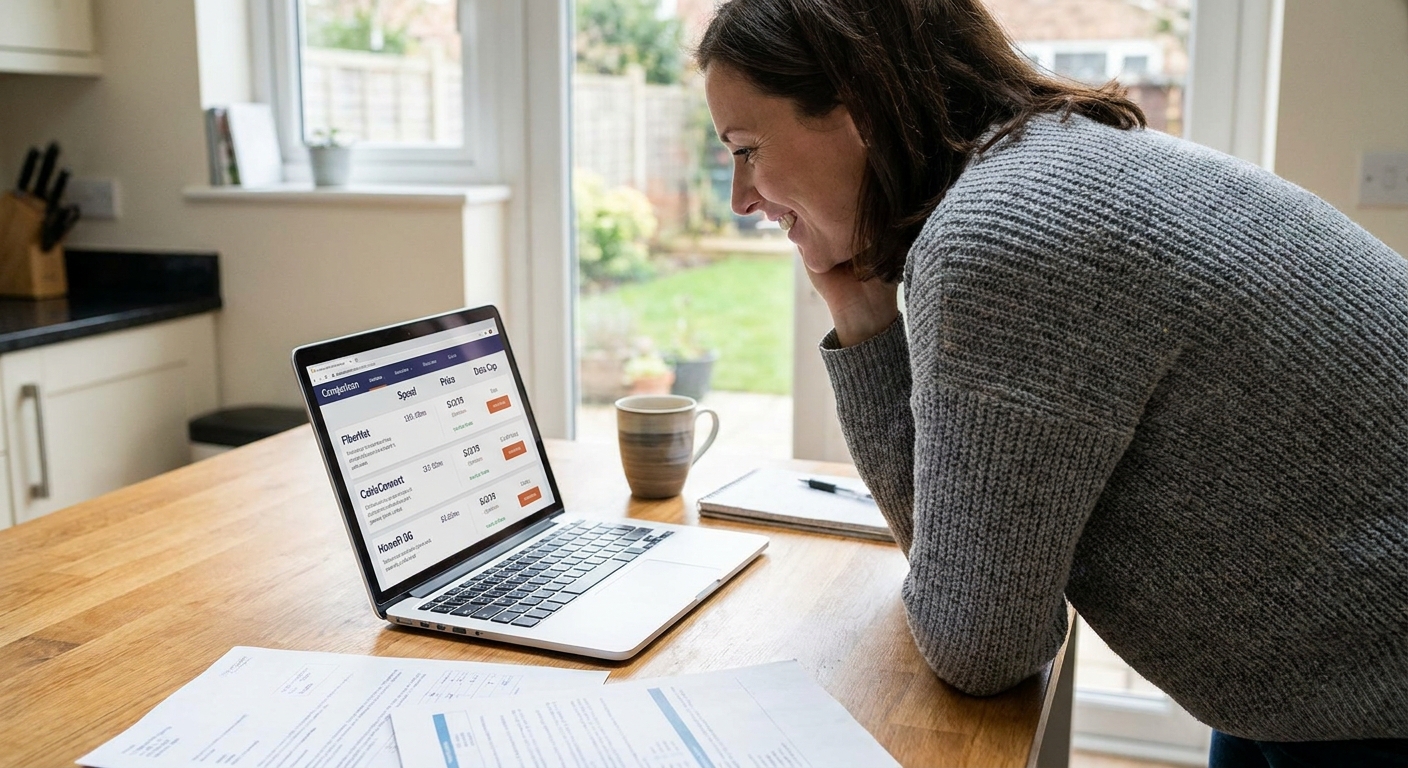
This is the move that gives you real power in negotiation: knowing what else you can get. Availability varies street by street, so the only way to know is to check your specific address.
Cheaper alternatives that often work well
- Fiber (if available): sometimes cheaper than cable for similar performance, with better uploads.
- Fixed wireless: can be a solid budget pick, especially for small households.
- 5G home internet: convenient and often priced aggressively, but performance can vary by signal and congestion.
- Smaller local providers: not always flashy, but sometimes the best value and simplest billing.
If you are considering 5G home internet, one quick heads-up: some setups use CGNAT, which can affect certain gaming or remote access needs. That is usually not a problem for Wi-Fi texting, but it can matter for the rest of your household.
If you do switch, plan it like a tiny project:
- Overlap service for a few days if you can, so you do not lose Wi-Fi calling and texts mid-week.
- Test Wi-Fi calling specifically on your phone after the new install.
- Return rented equipment promptly and keep the receipt photo to avoid surprise charges.
Once your home Wi-Fi is stable and affordable, you can push your phone bill down even further. A few good next reads: Enable Wi-Fi calling and texting on your phone and Ditch your voice and text plan for data only.
Quick testing plan
Any time you change your plan, swap equipment, or move your router, I do a quick test so I do not “save money” and then pay for it in dropped calls.
- Test at peak time (evening): run a quick speed test and pay attention to latency, not just download speed.
- Do a real Wi-Fi calling test: call voicemail or a friend for a minute.
- Walk to your weak spots: back bedroom, basement, or wherever you normally lose bars, and repeat the test.
- Watch for packet loss signs: choppy audio, calls that connect but cut out, messages that spin before sending.
Wi-Fi placement basics
A lot of “bad internet” is really just bad Wi-Fi. Two simple rules help more than people expect:
- 5 GHz is faster but shorter range. Use it when you are close to the router for less interference.
- 2.4 GHz reaches farther but is noisier. Use it for longer distances or through walls, especially if your phone lives at the edge of coverage.
When in doubt, place the router out in the open, as central as you can, and not behind a TV or inside a cabinet.
Quick checklist
- Place your router in the open, as central as possible, not inside a cabinet.
- Use the 5 GHz band nearby for less interference, and 2.4 GHz for longer range.
- Troubleshoot in order: check for ISP outages first, then reboot modem and router, then test again.
- Update router firmware a few times a year.
- Turn on Wi-Fi calling if your carrier and phone support it, and verify your emergency address in your carrier settings if prompted.
FAQ
Will slower internet mess up Wi-Fi texting?
Usually no. Text messages and voice calls use little data. What matters more is a strong Wi-Fi signal, low congestion, low packet loss, and a stable connection. You can often downgrade one speed tier and never notice a difference for messaging.
Is it worth switching providers just for a lower bill?
If the savings are meaningful and the alternative is reliable at your address, yes. Switching also gives you leverage with your current provider. The key is avoiding downtime by overlapping service or scheduling the new install before you cancel.
Do I need gigabit internet for Wi-Fi calling?
No. Gigabit is great for large households with lots of simultaneous high-bandwidth use, but Wi-Fi calling itself does not require it.
If I buy my own router, will my provider support it?
They may offer limited support, but you do not need much once it is set up. Just confirm compatibility, return any rented gear so the rental fee actually stops, and keep a note of your login details in case you ever need to factory reset.
Where do I find Wi-Fi calling on my phone?
Most phones include a Wi-Fi calling toggle in settings, but it depends on your device and whether your carrier supports and provisions the feature on your line. If you do not see it, check your carrier settings and your phone’s software updates.