I grew up in a big, scattered family. Group chats were basically our family dinner table, and international texts were the expensive “long distance bill” of my generation. Once I realized I was paying every month for carrier minutes and SMS I barely used, I started testing a different approach: pay for data only, then do calling and messaging through apps and (when it applies) Wi-Fi calling.
If you do it right, a data-first setup can cut your monthly bill a lot without turning your phone into a flaky science project. This guide walks you through the cleanest way to make the switch, what to watch out for (especially 2FA verification texts), and a few “safe defaults” I use when I set this up for friends and relatives.
What “data-only” really means
A data-only mobile plan gives your phone internet access over the cellular network. Typically, it gives you data and little or no traditional talk and text.
- Data access so you can use messaging and calling apps anywhere you have coverage
- No traditional voice minutes (no carrier calling), or not enough to rely on
- No carrier SMS/MMS (or a tiny amount you do not want to build your life around)
One quick clarification that saves a lot of confusion: there is a difference between:
- True data-only: the SIM or eSIM is meant for internet only.
- “Almost data-only”: a very cheap prepaid plan that includes minimal talk and text, but you mostly use apps and Wi-Fi. This is often the smoother choice if you need SMS for verification.
In practice, your phone can still feel normal, because you replace “carrier talk and text” with:
- App-to-app messaging (WhatsApp, Signal, Messenger, Telegram, iMessage, and others)
- VoIP calling (a calling app, or calling inside the messaging app)
- Wi-Fi calling and texting (a carrier feature, usually tied to an active carrier line and number, not the data-only line itself)
There are a few different ways to build this. The best option depends on whether you need to keep your current number and whether you must reliably receive verification codes.
Who should consider this (and who should not)
Great fit if you:
- Mostly message over Wi-Fi or apps already
- Work or study where you have reliable Wi-Fi a lot of the day
- Want a cheaper second line for work, travel, or a kid’s phone
- Are comfortable telling a few people “message me on WhatsApp or Signal”
Think twice if you:
- Live in an area with weak data coverage and rely on fallback voice service
- Work a job where you must be reachable via standard calls and SMS from anyone
- Depend on banks or employers that only support SMS-based 2FA and will not accept app-based authentication
- Need predictable emergency calling behavior without extra homework
If you are on the fence, a good middle ground is to keep a cheap plan with minimal talk and text while you test data-first behavior for 30 days. I cover cost traps like this in Audit Your Phone Bill Before Switching.
Three ways to do it
Option A: Data-only plan + keep your main number active (most reliable)
This is the “I want savings without drama” approach.
- Keep your primary number on a very low-cost plan with SMS, or keep it on your current carrier while you downgrade.
- Use a separate data-only SIM or eSIM for cheaper internet.
- Your phone uses data for almost everything, but your number stays “real” for incoming calls, texts, and verification codes.
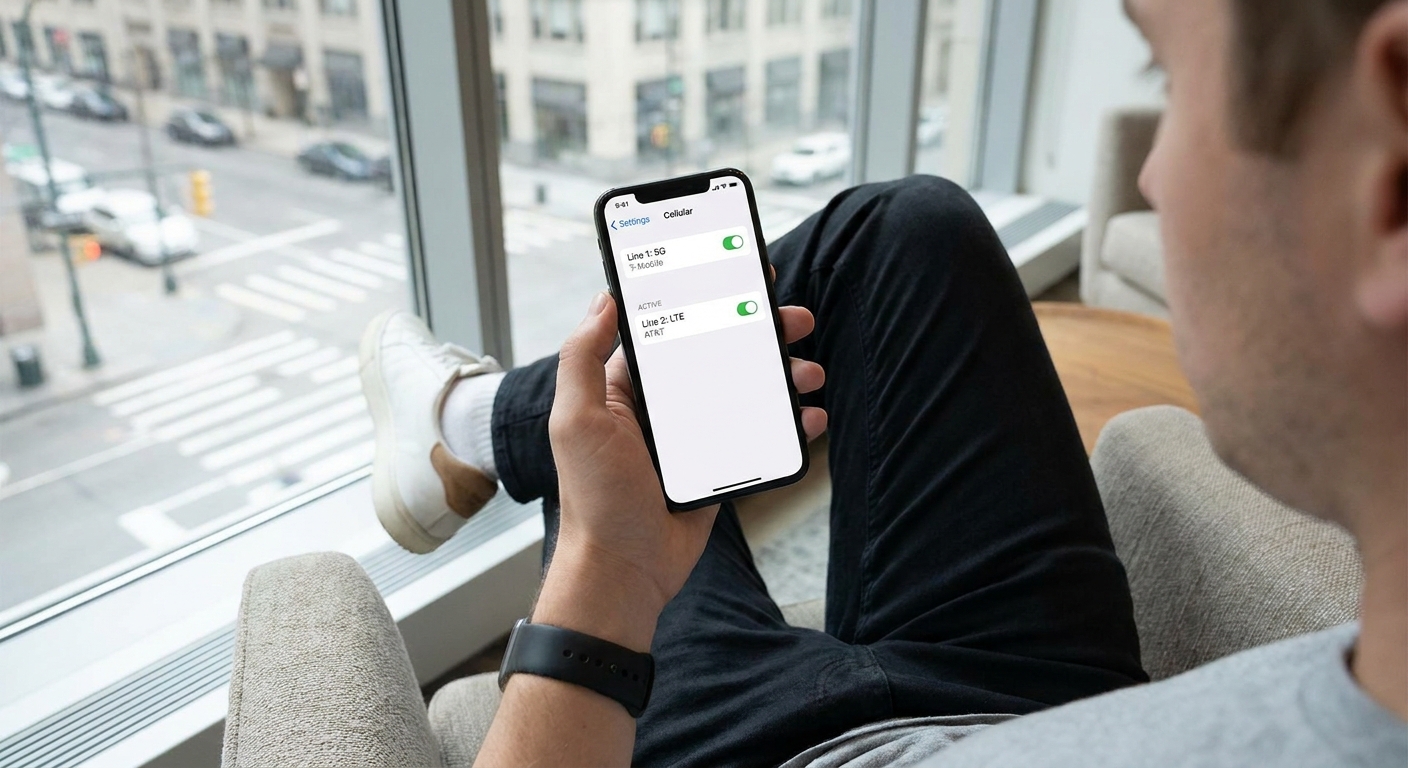
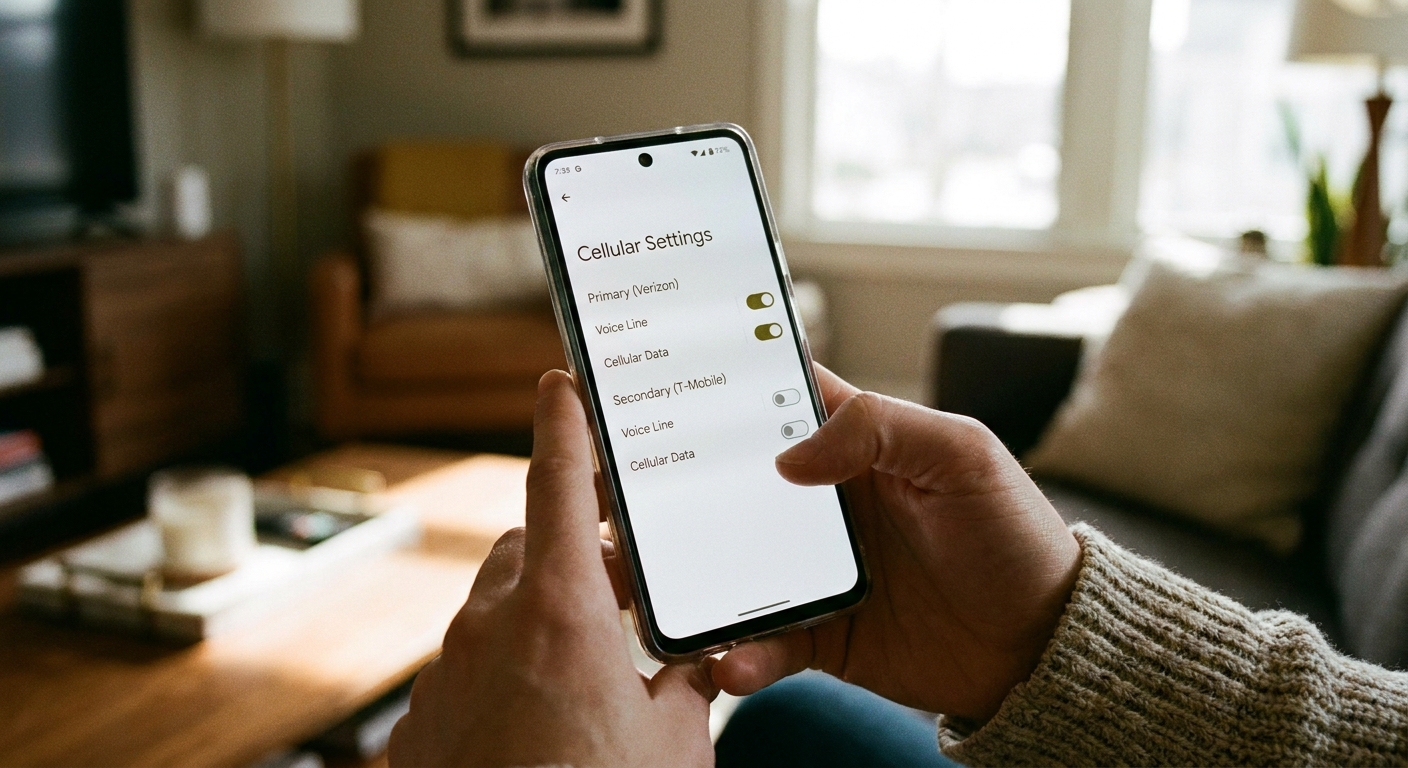
If your phone supports dual SIM (physical SIM + eSIM, or dual eSIM), this is a strong setup. Start here: Use a Cheap Data-Only eSIM With Your Main Number.
Option B: Data-only plan + app-based number (cheap, but 2FA can bite)
You get a data-only plan and use an app-based number for calls and texts. This can be extremely affordable, but some banks and services reject VoIP numbers for verification. In other words: it can be reliable for day-to-day calling and texting, and still be unreliable for 2FA.
If you go this route, plan your verification strategy first: Free Second Phone Number for Texting and Verification.
Option C: Data-only plan + app-only life (ultra cheap)
This is for people who can live entirely inside apps (Signal, WhatsApp, iMessage/FaceTime, Messenger). It works surprisingly well for families and friend groups if everyone agrees on one or two apps. The tradeoff is simple: you are not “SMS reachable” for random businesses, delivery drivers, or older relatives who only text phone numbers.
If you want a curated list of apps that actually work over Wi-Fi and data, see The 7 Best Apps for Free Texting Over Wi‑Fi.
How people can reach you
This sounds obvious, but it is the part that makes or breaks a data-only switch. Before you cancel anything, decide what you want to be true:
- “Anyone can call or text me.” Keep a real mobile number active somewhere (Option A, or an “almost data-only” cheap plan).
- “My people can reach me.” Standardize on one mainstream app plus one backup app.
- “I do not care about SMS at all.” Option C is fine, but accept the friction when a pharmacy, school, or delivery driver wants to text a phone number.
Also note the messaging split: carrier messaging (SMS, MMS, and sometimes RCS) is not the same thing as app messaging (Signal, WhatsApp, iMessage). If you are mixing iPhone and Android in group chats, app messaging usually avoids the “why is this chat broken again” problem.
Before you cancel anything
1) Check eSIM and dual SIM support
Dual SIM makes data-only life much easier because you can keep a “real number” active while using cheaper data. On iPhone, look under Settings > Cellular. On Android, look for SIMs or eSIM in Settings.
2) List the accounts that text you
Make a quick list of anything that sends you important SMS:
- Bank logins and card fraud alerts
- Work accounts
- Medical portals
- Delivery apps
- Social media account recovery
This prevents the classic mistake: switching to data-only, then getting locked out of a critical account because you cannot receive a code.
3) Audit your current bill for “extras”
Data-first can cut the main plan cost, but many people still bleed money through add-ons and subscriptions tied to carrier billing. Run through Audit Your Smartphone for Hidden Communication Subscriptions and Decode and Cut the Fees on Your Cell Phone Bill.
4) Get clear about emergency calling
In many countries, phones can place emergency calls even without an active voice plan if they can connect to a compatible cellular network. But it is not something to assume. Coverage, device model, SIM state, and local rules all matter.
If you are setting this up for a teen, a senior, or anyone who needs high reliability, treat emergency calling like a feature you confirm, not a feature you hope you have.
Step-by-step switch
Step 1: Choose your primary identity
Pick one of these as your core communication identity:
- Your existing mobile number (kept on a minimal plan, or kept active alongside data-only)
- A VoIP number (good for cost, mixed results for verification texts)
- No number, app-only messaging (cheap and simple once everyone is onboard)
Step 2: Pick the apps you will standardize on
I recommend choosing:
- One “everyone has it” app (often WhatsApp, Messenger, or iMessage depending on your circle)
- One privacy-focused app (Signal is my usual pick for people who care about security)
If you want a security-first breakdown, I wrote this for you: The Most Secure Free Texting Apps for Privacy.
Step 3: Set up Wi-Fi calling where it applies
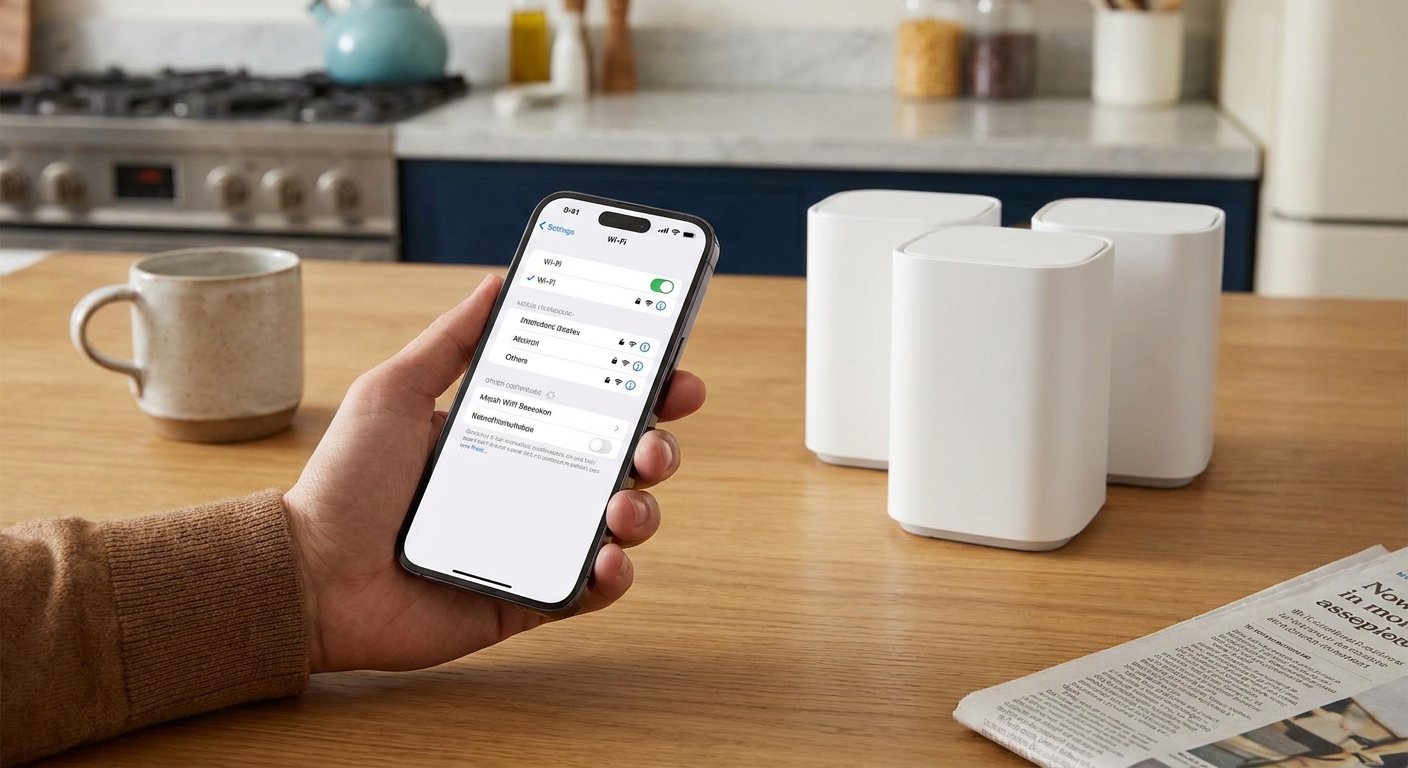
Wi-Fi calling can be a lifesaver in buildings with weak reception, but it is usually a carrier feature tied to your carrier line and number. That means it commonly fits best with Option A (keep a real number active somewhere), not with a true data-only line by itself.
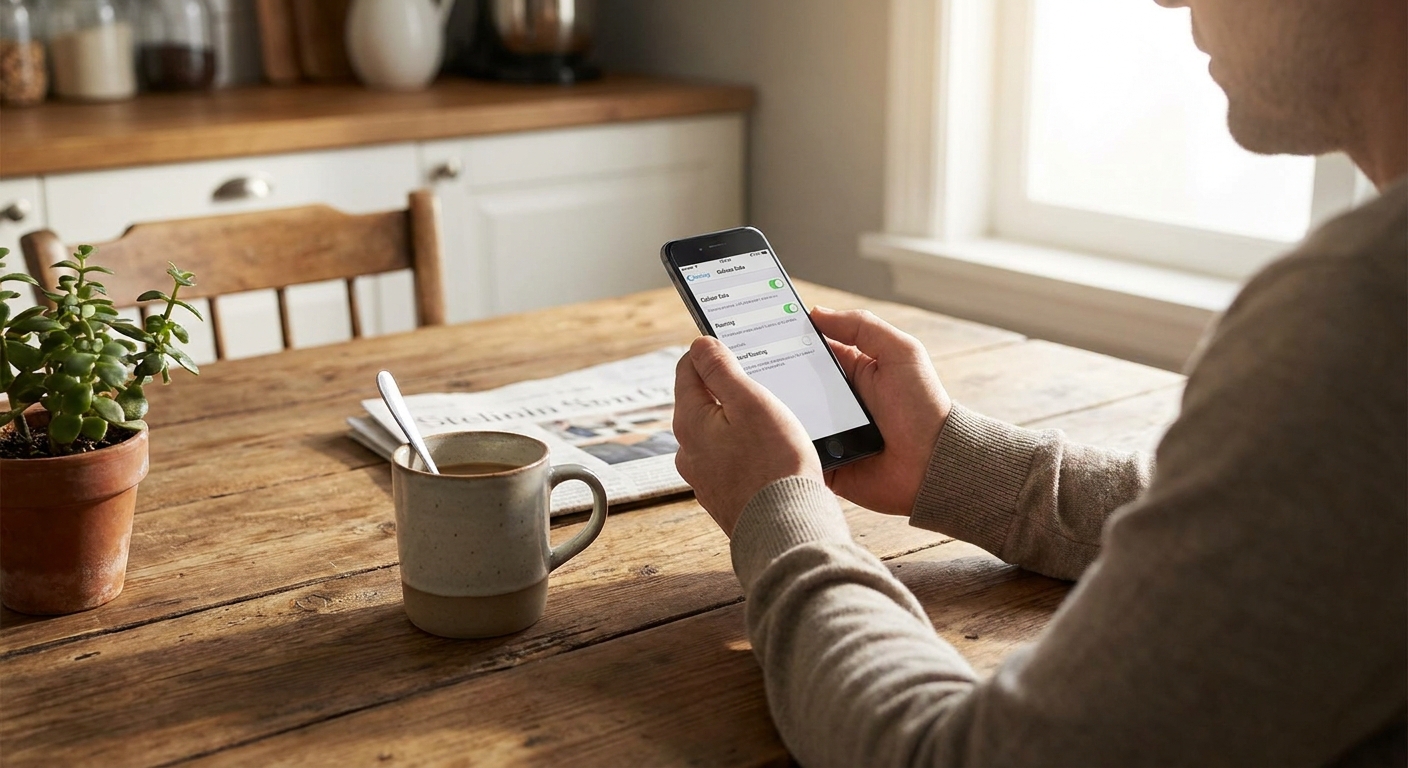
Here is the walkthrough: Enable Wi‑Fi Calling and Texting on Your Phone.
Step 4: Add the data-only SIM or eSIM and test for 48 hours
Do not cancel your old plan the same day you activate data-only. For two days, test your real routines:
- Make app calls on cellular data, not just Wi-Fi
- Send pictures and voice notes
- Receive a verification code on your chosen number strategy
- Try navigation while streaming music (a sneaky data drain)
And do not just test at home. Test on your commute, in your usual dead zones, and anywhere you regularly need your phone to behave.
If everything is stable, then you can safely downgrade or cancel the old voice and text plan.
Step 5: Port numbers carefully (if you are porting)
Porting is where mistakes happen. A wrong account number or PIN can delay the transfer, and in rare cases create a bigger mess than it needs to be. Triple-check details, and keep the old service active until the port completes.
If your goal is to cancel a landline and keep the number, the steps differ. See Cancel Your Landline and Port Your Number for Free.
How much data do you need?
People overbuy data because “unlimited” sounds safe. If you are using messaging apps as your main communication, data use is often lower than you think.
- Text messages inside apps are tiny.
- Voice calls use more, but still manageable for most people.
- Video calls are the big one. A few long video calls can blow through a small plan.
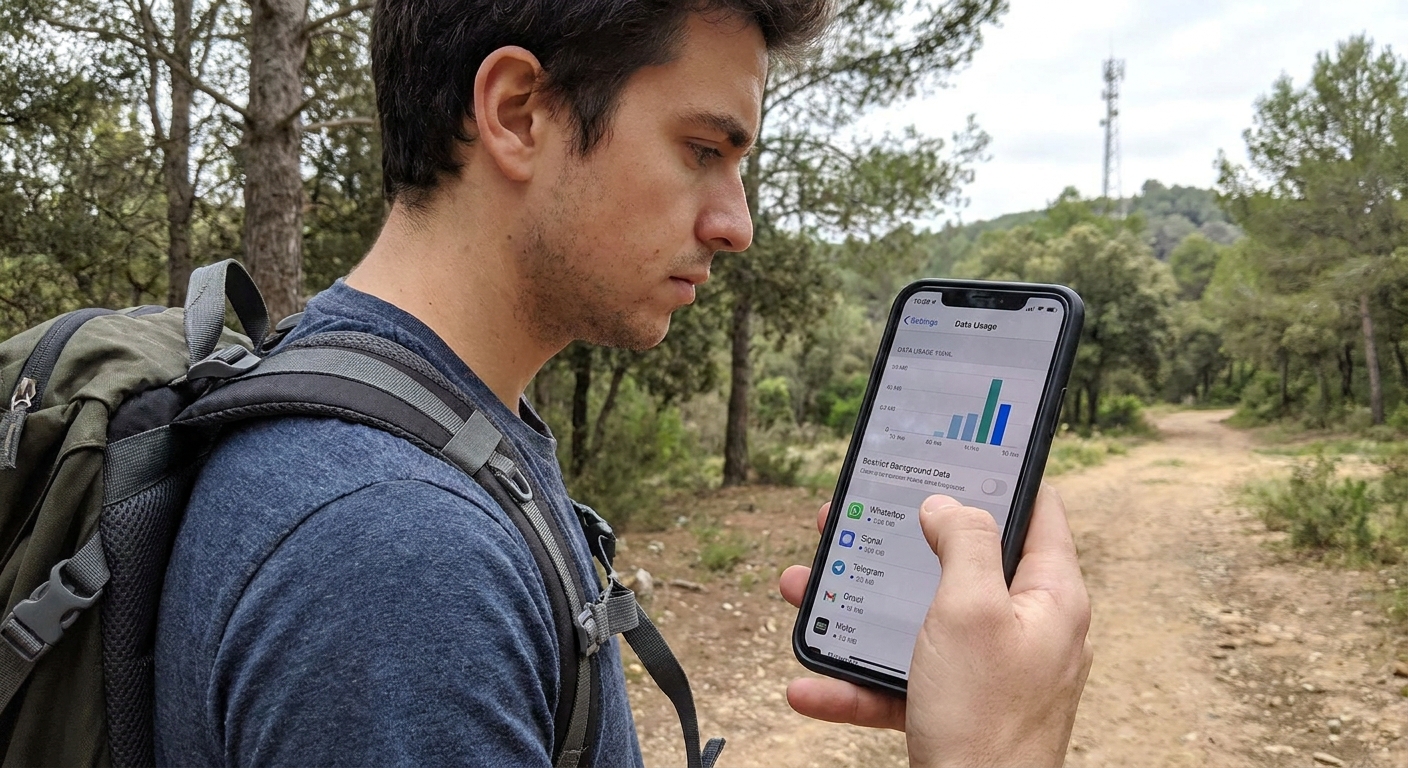
If you want to estimate your needs and reduce background usage, start here: How Much Data Free Texting Apps Use (and How to Cut It) and Set Strict Background Data Limits on iOS and Android.

Keeping verification codes working
Here is the blunt truth: some services do not like VoIP numbers. If you switch to app-based calling and texting and your bank decides your number is “not mobile,” you can end up locked out when you least need the hassle.
Safer ways to handle 2FA
- Use authenticator apps when a service offers it. This avoids SMS entirely.
- Keep one real mobile number active on the cheapest plan you can tolerate, and use data-only for everything else.
- Plan for travel. If you need codes abroad, you do not want roaming surprises. See Receive 2FA Texts Abroad Without Roaming Fees.
If you already know you will need occasional carrier SMS, sometimes the best move is not pure data-only. Instead, choose the cheapest plan that still gives you reliable SMS, then push everything else into apps.
Setups I recommend
Setup 1: High reliability
- Cheap minimal plan for your main number (for SMS and calls)
- Data-only eSIM for most of your usage
- Signal or WhatsApp for day-to-day messaging
This costs more than pure data-only, but it keeps verification and reachability solid.
Setup 2: Family group chat
- Data-only plan
- WhatsApp (or iMessage/FaceTime if your family is all Apple)
- A backup free or cheap number only for the few things that require it
This is the sweet spot if your circle already lives in one app.
Setup 3: Kid’s first phone
- Data-only plan
- A kid-safe messaging app choice and parental settings
- Strict background data limits
If you are building something for kids, start with Safe Free Texting Apps for Kids Without a Cell Plan.
Common gotchas
MMS and group chat weirdness
Carrier MMS is where “unlimited texting” plans quietly get messy, especially on budget plans. App messaging avoids most of that, but if you still keep any carrier messaging (SMS, MMS, or RCS), read Why Group Chats and Picture Messages Cost Extra on Basic Plans.
One iPhone-specific note: iMessage works great on data, but some features and setups still assume you have a reachable phone number. If your friend group is mixed iPhone and Android, picking one shared app can save a lot of friction.
Public Wi-Fi safety
Data-only users often lean on public Wi-Fi. Use basic common sense: avoid sensitive logins on sketchy networks, keep your phone updated, and consider sticking to apps with end-to-end encryption for personal chats. I also put together practical tips here: Free Public Wi‑Fi Messaging Without a Premium VPN.
Hidden premium SMS charges (if you keep any carrier SMS active)
If you keep a low-cost SIM for verification texts, protect it from junk subscription traps: Hidden Premium SMS Charges: How to Spot and Block Them.
FAQ
Can I do this with one phone?
Usually yes. If your phone supports dual SIM or eSIM, it is much easier. Otherwise, you can still do app-only messaging on a single data-only SIM, but you may lose reliable access to standard SMS and voice calling.
Will I still be able to call regular phone numbers?
Yes, if you use a calling-capable app (VoIP) or Wi-Fi calling that is tied to an active carrier line and number. App-to-phone calling can work well, but emergency calling behavior and caller ID can vary depending on the service.
What is the easiest way to start without committing?
Add a cheap data-only eSIM for a month and keep your current plan active. Use the data-only line as your default cellular data and see how often you truly need carrier talk and text.
Is data-only worth it if I already have a cheap prepaid plan?
Sometimes. In many cases, prepaid plans are priced close to data-only and include SMS, which makes verification easier. If you are comparing, this will help you think it through: Prepaid vs Postpaid Plans: Which Saves More on Texting? and Are Pay As You Go Plans Still Worth It?.
My do-this-first plan
If you want the cheapest setup that still behaves like a normal phone, I would start with this order:
- Enable Wi-Fi calling if your current carrier line supports it.
- Add a data-only eSIM and run it for a week while keeping your current plan.
- Move daily messaging to one app your people will actually use.
- Only then downgrade or cancel the old voice and text plan once you are sure verification and reachability are covered.
You are not trying to win a prize for suffering. The goal is simple: pay for the connectivity you actually use and stop funding minutes and SMS that sit untouched every month.