

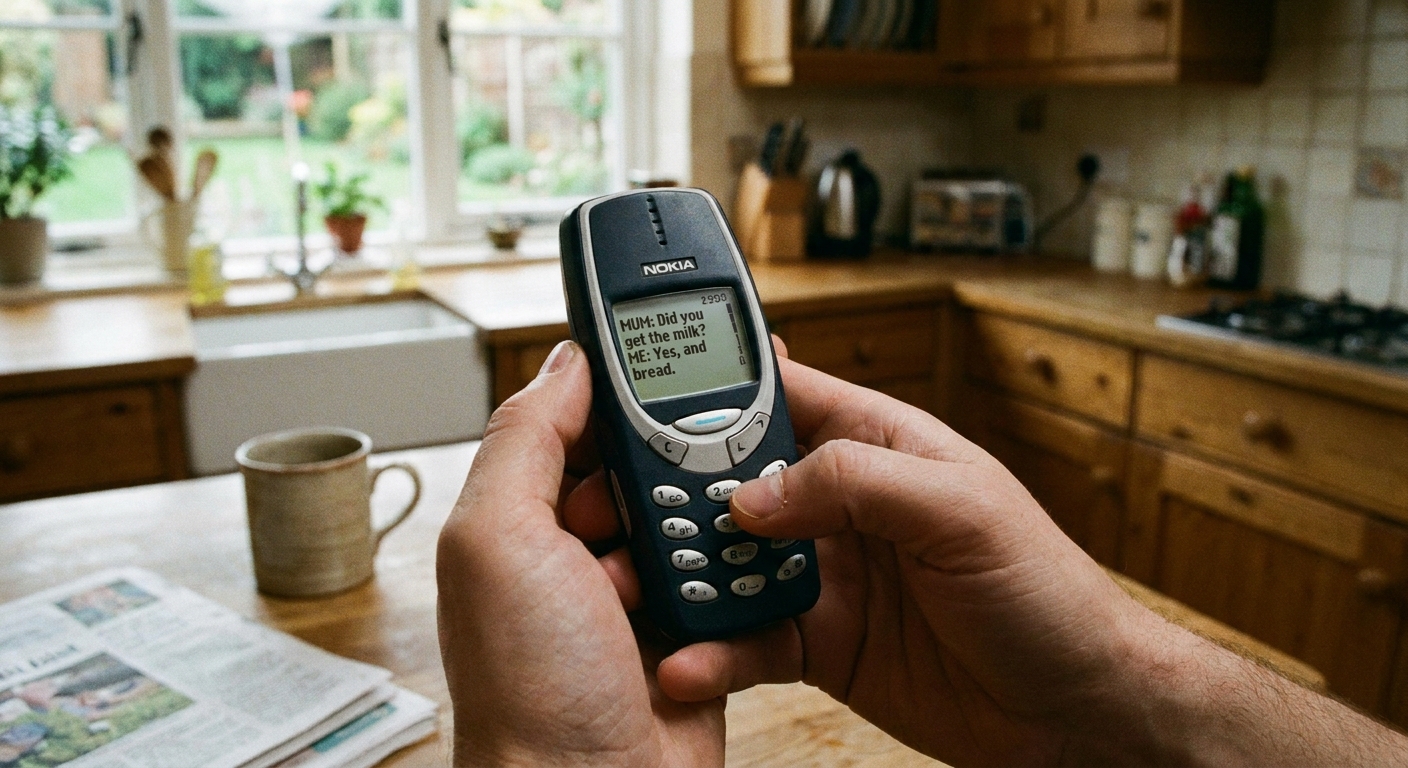
I grew up in a big, scattered family, which meant two things: somebody was always traveling, and somebody was always forgetting to pay their phone bill on time. That is basically how I learned the real value of texting. Not the fancy stuff. The basic stuff that keeps life moving: “running late,” “can you grab milk,” “here’s the address,” and yes, the dreaded group text that somehow becomes the main family calendar.
If you are eyeing a dumbphone to save money (or just to get your attention span back), you can absolutely do it without giving up the texting features that matter. You just need to downgrade with a plan.
Quick reality check: what “essential texting” means
Before you buy anything, write down what you cannot lose. For most people, “essential texting” usually means:
- Normal SMS texting with everyone, not just app-to-app chats
- Group texts with family, school, work, or your neighborhood thread
- Picture messages once in a while
- 2FA verification texts from banks, email accounts, and medical portals
- Reliable delivery in weak-signal areas (where Wi-Fi can help)
Here is the catch: many cheap dumbphones do plain SMS just fine, but group texts and pictures can get weird fast depending on your carrier, your plan, and whether the phone supports the right network and messaging settings.
If you want the short version: prioritize a phone that supports 4G LTE and VoLTE, and be picky about your plan’s messaging terms.
Know the three paths
Path 1: True dumbphone with carrier texting
This is the simplest setup: your SIM goes in, you text like it is 2009, and you call it a day. It can work great if your group threads behave on your carrier.
Best for: people who want minimal distractions and mostly text one-on-one.
Path 2: Dumbphone plus Wi-Fi sidekick at home
This is my favorite frugal compromise. You use a dumbphone day-to-day, but keep an old smartphone (or a tablet) on Wi-Fi at home for the messy stuff: long messages, photo sharing, and certain group threads.
Best for: people who want dumbphone calm but still need modern messaging sometimes.
TextForFree has a full walkthrough for repurposing hardware here: Turn an old phone into a Wi-Fi messaging device and Turn your tablet into a free texting device.
Path 3: Hybrid “dumb-ish” phone
Some phones look like feature phones but run a few apps. I treat this as a separate category because it can pull you right back into doom-scrolling if you are not strict. Still, it can solve group messaging headaches for people who need one specific app.
Best for: people who must have a specific messaging app but want a simpler device.
Step by step: downgrade safely
1) Audit what you pay for now
If you are downgrading to save money, you want to know where the money is actually going. A surprising number of people are paying for extras they never use (insurance, device payment plans, add-ons, international features they forgot about).
I have a checklist-style approach here: Audit your phone bill before switching.
2) Check MMS and group messaging on your plan
On many carriers, group texts and picture messages are usually handled as MMS, not plain SMS. It is not identical everywhere, but it is common enough that it can make or break your dumbphone experience.
What to look for in plan details:
- Messaging listed as SMS and MMS included (not pay-per-use)
- Any mention of picture messaging limits or reduced speeds for multimedia
- Any note that MMS requires mobile data or a compatible phone configuration
If you have ever wondered why “group chat” sometimes costs more, this explains what is going on behind the scenes: Why group chats and picture messages cost extra on basic plans.
3) Do a compatibility check before you buy
This is the unsexy part that saves you the most frustration. In the US, 3G is gone and many networks effectively expect VoLTE for calling. Some carriers also restrict certain unlocked phones unless the device is on their compatibility list.
Before you buy an unlocked dumbphone, use your carrier’s IMEI/compatibility checker (or ask support) to confirm it will actually be allowed on the network and support VoLTE.
In general, a phone that is not properly compatible can cause:
- Calls that fail or drop
- No voice service even if the signal looks fine
- Overall flaky service, and in some cases unreliable messaging
4) Move your contacts the easy way
Here are the two least painful options:
- SIM transfer: export contacts to SIM from your smartphone (if supported), then insert SIM into the dumbphone.
- Account export: export contacts to a file or sync them, then import them using whatever method your dumbphone supports (some allow basic imports over Bluetooth or via a carrier tool).
My rule: do one test first. Transfer 5 contacts, confirm names and numbers look right, then do the full move.
5) Keep your smartphone charged until everything works
Do not factory reset anything yet. Keep your smartphone powered on and available for a few days while you confirm group messaging, bank logins, and verification texts are landing where they should.
6) Test group texting before you fully commit
Do this while you still have your smartphone as a backup:
- Create a new group text with 3 people (mixed iPhone and Android if possible).
- Send a short message.
- Have two people reply.
- Send a picture (even a quick photo of your coffee mug).
If messages split into separate threads, show up out of order, or fail only for certain people, you likely have a carrier, plan, or APN issue. It is not a personal failing.
Keep group texts working
MMS usually needs data
A lot of people assume “texts do not use data.” Plain SMS generally does not. But MMS usually does, and on many carriers group texts are often routed through MMS. That means:
- You may need a plan with at least a small amount of data.
- You may need correct APN settings for MMS to send and receive.
- Some carriers may treat MMS differently (including how it is counted or rated), so it is worth checking your plan fine print.
APN settings are a common culprit
If picture messages fail or group texts arrive as “download” links that never download, APN and MMS settings are often the reason. Some phones auto-configure. Some do not.
If your carrier offers an APN setup page, use it. If not, customer support can usually provide the correct MMS APN values for your plan.
RCS is not a given on dumbphones
One more “gotcha” that trips people up: many Android-to-Android chats today use RCS (sometimes labeled “chat features”). Most dumbphones do not support RCS. The good news is that SMS and MMS still work, but you may lose typing indicators, read receipts, high-quality media, and some of the smoother group chat behavior you are used to.
Mixed iPhone and Android groups can be messy
If your old smartphone was an iPhone and you are moving to a non-iPhone dumbphone, you may need to turn off iMessage so people’s texts to you do not disappear into Apple’s system. Apple provides official instructions here: https://support.apple.com/en-us/HT203042.
Do not lose 2FA texts
Two-factor authentication texts are where downgrades can get painful, especially if you change your number or lose access mid-swap.
Before you move the SIM
- Update account recovery options for your email first (backup email, recovery phone, authenticator app if you use one).
- Save backup codes for critical accounts (banking, email, cloud storage).
- Keep your number the same if at all possible.
One caution I have learned the hard way: if you start thinking about switching to a VoIP number for savings, know that some banks and services will not send 2FA codes to VoIP numbers. If 2FA is non-negotiable for you, test first or keep your main mobile number for verification.
If you travel, plan for verification texts
If your downgrade is partly about cutting fees while traveling, think about how you will receive verification texts abroad. I have a detailed guide here: Receive 2FA texts abroad without roaming fees.
My favorite frugal setup
If you want the lowest monthly cost without giving up modern texting entirely, here is the setup I keep recommending to friends:
- Daily carry: a dumbphone with a low-cost plan that includes voice, SMS, and enough data for MMS.
- Home base: an old smartphone on Wi-Fi for long messages, media, and any app-based chats you truly need.
You can also send texts from a computer in some situations, which is great for long group messages that would be miserable to type on a keypad. Here is how: Send free SMS from your computer.
Pick a cheap plan that will not fight you
Plans that look cheap on paper can get expensive if MMS is not included or if Wi-Fi calling is missing. When I compare plans for a dumbphone, I look for:
- Unlimited SMS (basic, but non-negotiable)
- Clear MMS support (especially if you do group texts)
- Enough data for MMS (even if it is a small bucket)
- Wi-Fi calling if your home signal is weak
- No surprise add-ons
If you want a starting point for low-cost carriers and Wi-Fi-friendly plans, this roundup helps: Best cheap MVNO plans for Wi-Fi texting.
Clean break checklist
Once your dumbphone is working, do not just toss your smartphone in a drawer while it is still logged into everything. Do a quick cleanup:
- Back up photos you want to keep.
- Remove SIM (if you moved it) and label the phone.
- Turn off iMessage if applicable (see earlier section).
- Log out of banking and email apps if you are storing the phone as an emergency backup.
- Disable expensive add-ons on your carrier account if they were tied to the smartphone.
Troubleshooting
Group texts come in as individual texts
- Check that group messaging is enabled in the messaging settings (some dumbphones have a toggle).
- Confirm your plan includes MMS.
- Confirm APN and MMS settings are correct.
Picture messages will not send or receive
- Restart the phone after inserting the SIM.
- Verify mobile data is enabled (MMS often needs it).
- Ask your carrier for the correct MMS APN settings.
You stop receiving texts from iPhone users
- Likely iMessage is still on for your number. Follow Apple’s steps to deregister: https://support.apple.com/en-us/HT203042.
Spam or weird paid texts show up
Dumbphones can be more annoying for spam because managing filters is harder. If you see premium SMS charges, block them immediately. I wrote up what to look for here: Hidden premium SMS charges: how to spot and block them.
My bottom line
Downgrading to a dumbphone can be one of the fastest ways to cut your monthly bill and your screen time at the same time, but only if you treat texting like the essential utility it is. Do not assume “texts are texts.” Test group messaging, confirm MMS support, and keep a Wi-Fi sidekick device if your life depends on long threads and photos.
If you want the frugal win without the frustration, aim for boring reliability over fancy features. Your future self, and your group chat, will thank you.