The first time I really cared about texting without a signal was on a family hike that went longer than planned. No bars, and the kind of “I should probably let someone know we are fine” feeling that hits all at once. The good news is you can send messages off the grid with the phone you already have, as long as you understand one key idea.
If there is truly no cell service and no Wi-Fi, your phone cannot reach the wider internet. So you are not sending an SMS to a phone number in the normal sense. Instead, you are sending a message directly to nearby devices using Bluetooth (and sometimes Wi‑Fi Direct), or indirectly through nearby devices using a mesh network (phone-to-phone hops).
What “reliable” means here: the most reliable off-grid messaging is direct phone-to-phone within range. Multi-hop mesh can work well, but it becomes less predictable because you are depending on other people’s phones, permissions, and background behavior to relay your message.
Quick safety note: Bluetooth and mesh messaging is not an emergency system. If you might need SOS or guaranteed long-distance contact with no towers, you are in satellite communicator territory. Also remember that 911 calling typically will not work without a usable network. If any signal exists, your phone may still be able to place an emergency call, but in true no-service conditions you should assume it will not.
This guide walks you through the most reliable way to do it, what to expect for range, and the mistakes that make people think these apps “do not work.”
Quick reality check
Before you download anything, set expectations the right way.
- Works: Messages between people who are physically near each other, using Bluetooth or device-to-device connections.
- Sometimes works: Messaging across a campground, a festival, a neighborhood, or a trail system if enough users are running the same mesh app to pass messages along.
- Does not work: Reaching someone miles away when there are no intermediate phones to relay the message and no internet gateway. You cannot magically text a normal phone number with zero network.
If you need “I can reach anyone anywhere” without cell towers, you are into satellite messenger territory. This article stays focused on free and off-grid options that use Bluetooth and mesh.
Option 1: Mesh messaging apps
Mesh apps are the closest thing to true off-grid texting most people can do with just phones. They create a local network where each phone can act like a tiny relay station, passing messages to the next phone, until the message reaches your friend.
Best use case: groups, events, or situations where you expect other phones to be around and participating.
One thing that trips people up: many consumer “mesh” apps are opportunistic. They are not a guaranteed store-and-forward network, especially when phones are locked, battery saving is on, or the operating system limits background activity.
How mesh texting works
- Your phone sends a message over Bluetooth (and sometimes Wi‑Fi Direct, depending on the app).
- Nearby phones running the same app can relay it onward automatically, when the app and the operating system allow it. On iPhones especially, background limits can reduce relaying unless the app is open.
- The message “hops” until it reaches the recipient or expires.
Two important notes:
- Everyone must have the same app installed and permissions enabled, ideally before you lose connectivity. Many apps also require you to add contacts or exchange keys ahead of time, which is part of what makes it work later.
- More users equals better range. With only two people, your range is typically limited to Bluetooth or Wi‑Fi Direct range. With a crowd, the effective coverage can expand a lot through short hops.
Apps people actually use
I am not going to pretend there is one perfect app for every phone and every trip, because off-grid messaging lives and dies by device compatibility, battery settings, and whether other people are using it.
Two popular starting points:
- Briar (Android): Privacy-first and designed for resilience. It can use Bluetooth and Wi‑Fi Direct for local messaging, and it can sync over the internet when available. Briar is also clear about its security model, which I like when privacy is part of the point. More here: https://briarproject.org/
- Bridgefy (Android and iOS): A well-known option for nearby Bluetooth-based messaging. Caveat: security and reliability vary a lot across mesh apps, and some have had past security concerns. Also, iOS background restrictions can limit true relay behavior unless the app is open, so treat iPhone relaying as “test first,” not “assumed.” More here: https://bridgefy.me/
My baseline recommendation: for an Android-only group where privacy matters, I would start by testing Briar. For mixed iPhone and Android groups, pick one app everyone can run and then test it hard in the exact conditions you care about (screens locked, phones in pockets, low power mode on and off).
My practical advice: if this is for a trip, do not pick an app the night before. Pick one a week early, test it with your people, and make sure everyone can reliably receive messages.
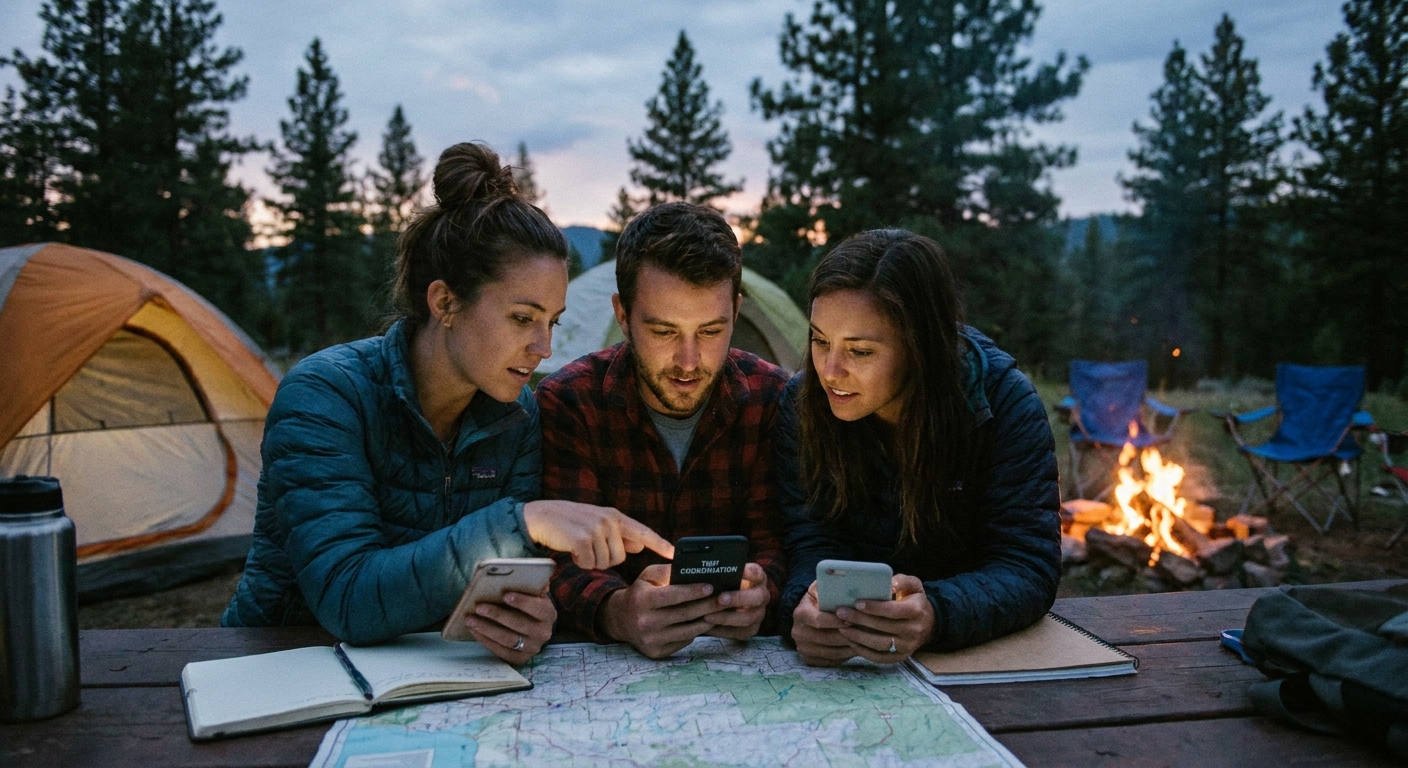
Mesh setup checklist
If a mesh app “does not work,” it is usually one of these:
1) Permissions and radios are not fully enabled
- Turn on Bluetooth.
- On Android, allow Nearby devices, Location (often required for Bluetooth scanning), and notifications. Yes, it is annoying. Yes, it matters.
- Disable Battery optimization for the mesh app so it can keep scanning in the background.
2) The app is not allowed to run in the background
Some phones silently kill background apps to save power. Look for settings like:
- Unrestricted battery usage
- Allow background activity
- Do not put app to sleep
3) You did not set up contacts before you lost signal
Do the handshake while you still have time:
- Open the app with your group together.
- Add each other as contacts inside the app (often via QR code or a nearby scan).
- Send a test message both directions.
4) People locked their screens and the app went idle
On some setups, reliability improves when the app is open and the phone is awake. If you are trying to get a critical message through, have both people open the app for a minute.
Option 2: Bluetooth-only messaging
If you are not trying to build a multi-hop mesh and you just need to message someone who is close, Bluetooth-only messaging can be enough.
One key requirement: this still requires both people to have the same compatible app installed and set up ahead of time. Your built-in SMS app will not suddenly start sending texts over Bluetooth.
Realistic range
Range depends on phones, obstructions, and interference. Rough expectations in normal conditions:
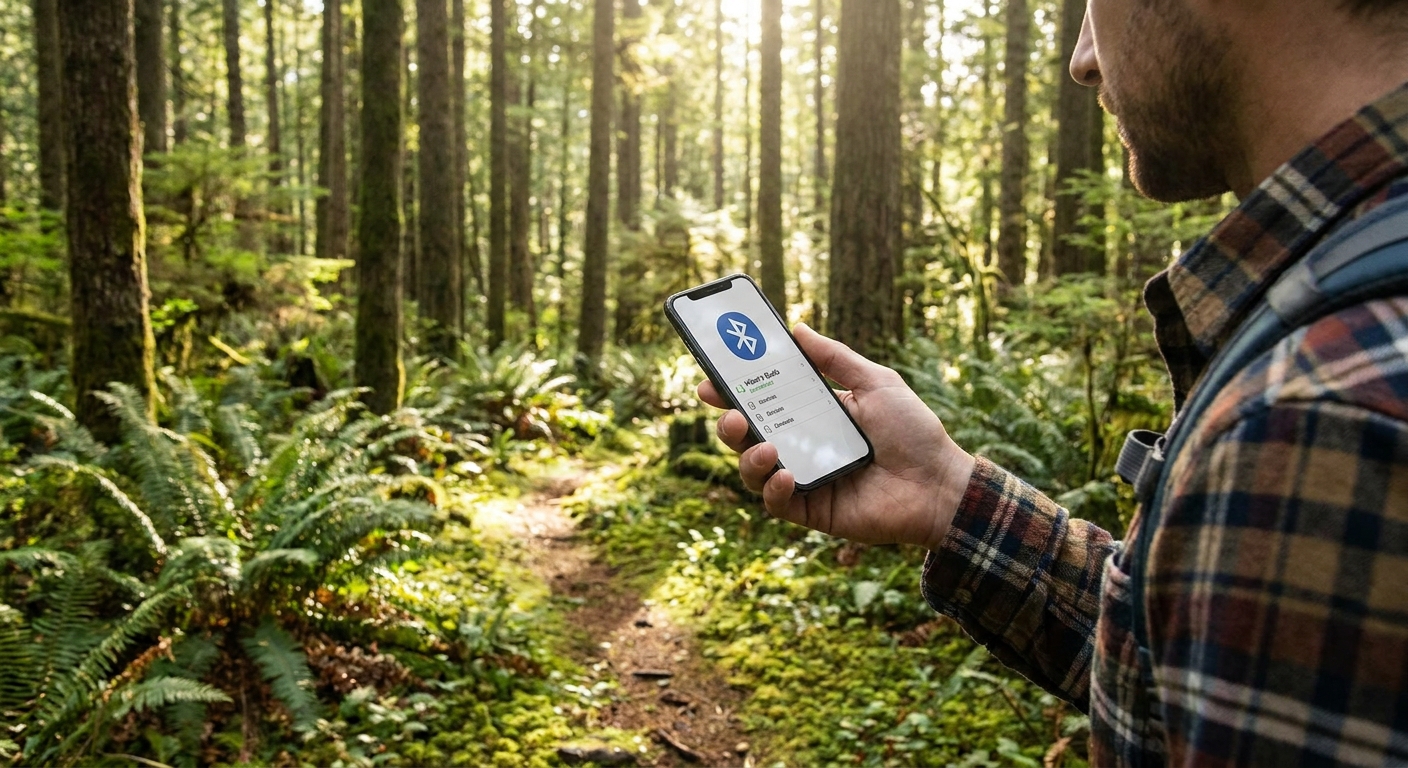
- Bluetooth: often around 10 to 100 meters (about 30 to 300 feet), but walls, terrain, and pockets can cut that down fast.
- Wi‑Fi Direct (when an app uses it): sometimes comparable or better in ideal conditions, but do not treat it like a long-distance solution.
That is why mesh is useful in crowds: it replaces “one long link” with “lots of short hops.”
When Bluetooth-only is the right tool
- You are car-to-car in a convoy and stopped close together.
- You are at a campsite and want to message between two tents nearby.
- You are at an event and your friend is somewhere in the same venue.
Most mesh apps also work as two-phone, nearby messengers. The big difference is whether your app supports relaying and store-and-forward behavior when other phones are around.
The off-grid plan I use
If you want this to be more than a fun experiment, treat it like a plan, not a miracle.
Step 1: Pick one app for the whole group
Mesh only helps if people are on the same platform. One app, everyone installs it.
Step 2: Agree on simple rules
- Keep Bluetooth on during the window you might need it.
- Check in at set times (example: top of every hour) by opening the app for 60 seconds.
- Use short messages and avoid sending photos or big attachments off-grid.
Step 3: Write messages like you might not get a reply fast
Off-grid messaging can be delayed. I format messages like this:
- Where I am
- Where I am going next
- When I expect to check again
Example: “At trail junction near the lake. Heading back to parking lot. Will check messages at 4:30.”
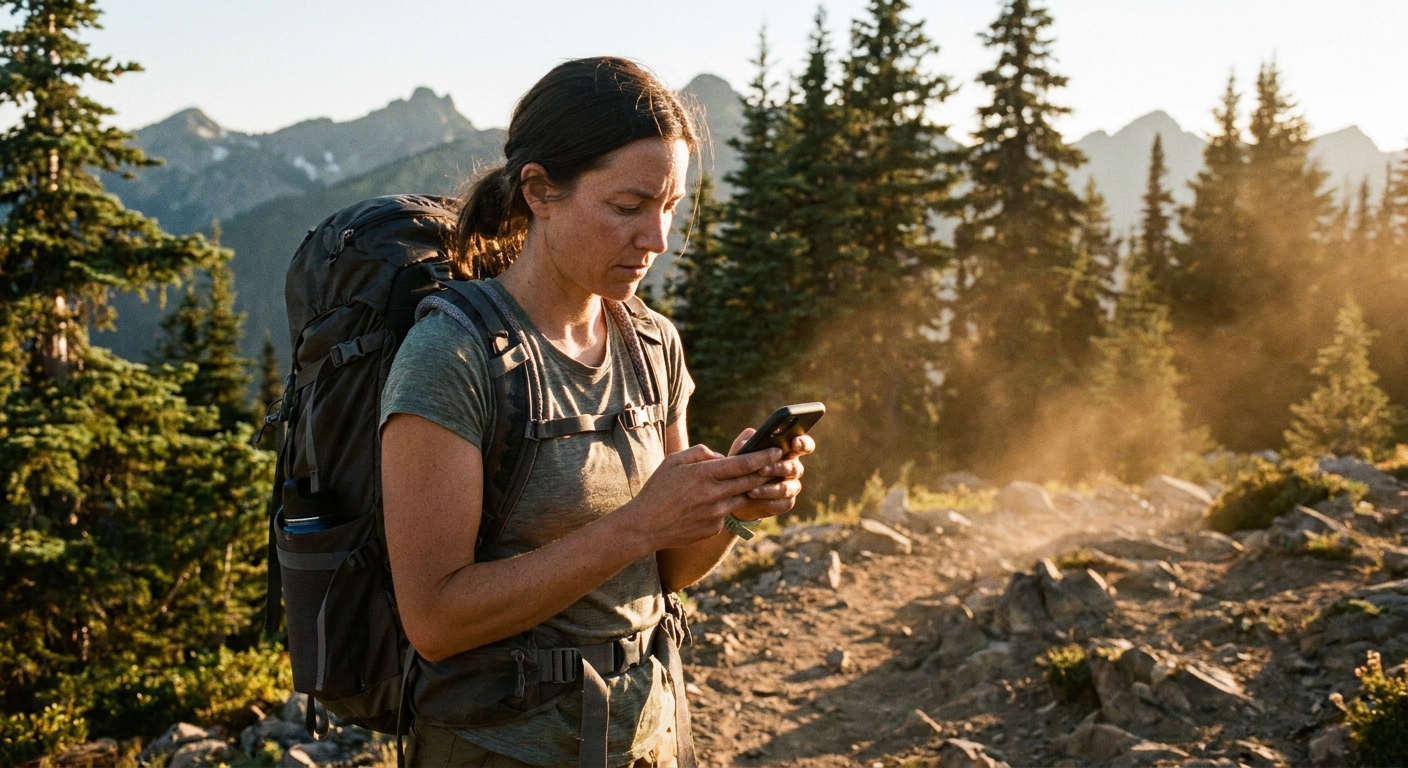
Battery and privacy
Battery: scanning can chew power
- Bring a small power bank if you are relying on this for safety.
- Close heavy apps, lower screen brightness, and use airplane mode (then re-enable Bluetooth) if you want to reduce background drain.
Privacy: treat mesh apps like radios
Some apps are designed with strong encryption, some are more casual, and some have changed over time. Even when encryption is present, assume:
- People nearby can see that you are using a mesh app.
- Metadata can exist (who contacted whom, and when) depending on the app and the operating system.
If privacy is a major goal, read the app documentation carefully and use tools built for secure communication. I also keep a separate guide on privacy-focused texting apps here: /the-most-secure-free-texting-apps-for-privacy/.
Troubleshooting
No one else is relaying
If you and your friend are far apart and there are no phones in between running the same app, your message has nowhere to go.
Phones are in low power mode
Low Power Mode and aggressive battery management can pause scanning or background activity. If delivery matters, temporarily disable those restrictions for the app.
Bluetooth is on, but discovery is not
Some platforms behave differently when the screen is off, or when permissions are limited. Re-check Nearby Devices, Location permissions, and notification access.
App versions do not match
If one person updated and another did not, weird compatibility issues can pop up. Get everyone on the same current version before the trip.
iPhones are not relaying reliably
This is a common pain point. iOS tends to be stricter about background activity, which can make “always-on” relaying and store-and-forward behavior less reliable than on Android. If your group is iPhone-heavy, test with screens locked and phones in pockets, not just with the app open on a table.
If Wi-Fi shows up later
A lot of people say “no service” when they mean “no carrier signal.” If you might bump into Wi-Fi at a lodge, coffee shop, library, or hotel, your options get much easier:
- Use Wi-Fi texting and calling features on your phone: /enable-wi-fi-calling-and-texting-on-your-phone/
- Use free texting apps efficiently without burning through data: /how-much-data-free-texting-apps-use-and-how-to-cut-it/
- If you need to message from a laptop when Wi-Fi returns: /send-free-sms-from-your-computer/
FAQ
Can I send a free SMS with no service and no Wi-Fi?
Not a real SMS to a phone number, no. Without any connection to a carrier or the internet, you can only message nearby devices directly (Bluetooth or Wi‑Fi Direct) or via local relays (mesh apps).
Do iPhones support off-grid mesh texting?
iPhones can use Bluetooth-based messaging apps, but iOS background restrictions can make continuous relaying less consistent than on Android. If your group is mixed iPhone and Android, test your chosen app ahead of time and verify two-way delivery with screens locked and unlocked.
How far can mesh texting reach?
It depends on how many phones are participating and the environment. In a dense crowd (festival, big event), mesh can reach much farther than a single link because messages hop device-to-device. With only a couple people, expect Bluetooth or Wi‑Fi Direct range results.
What is the simplest setup for a family trip?
Pick one app, install it on everyone’s phones, add contacts before you leave, and set a check-in schedule where everyone opens the app at agreed times.