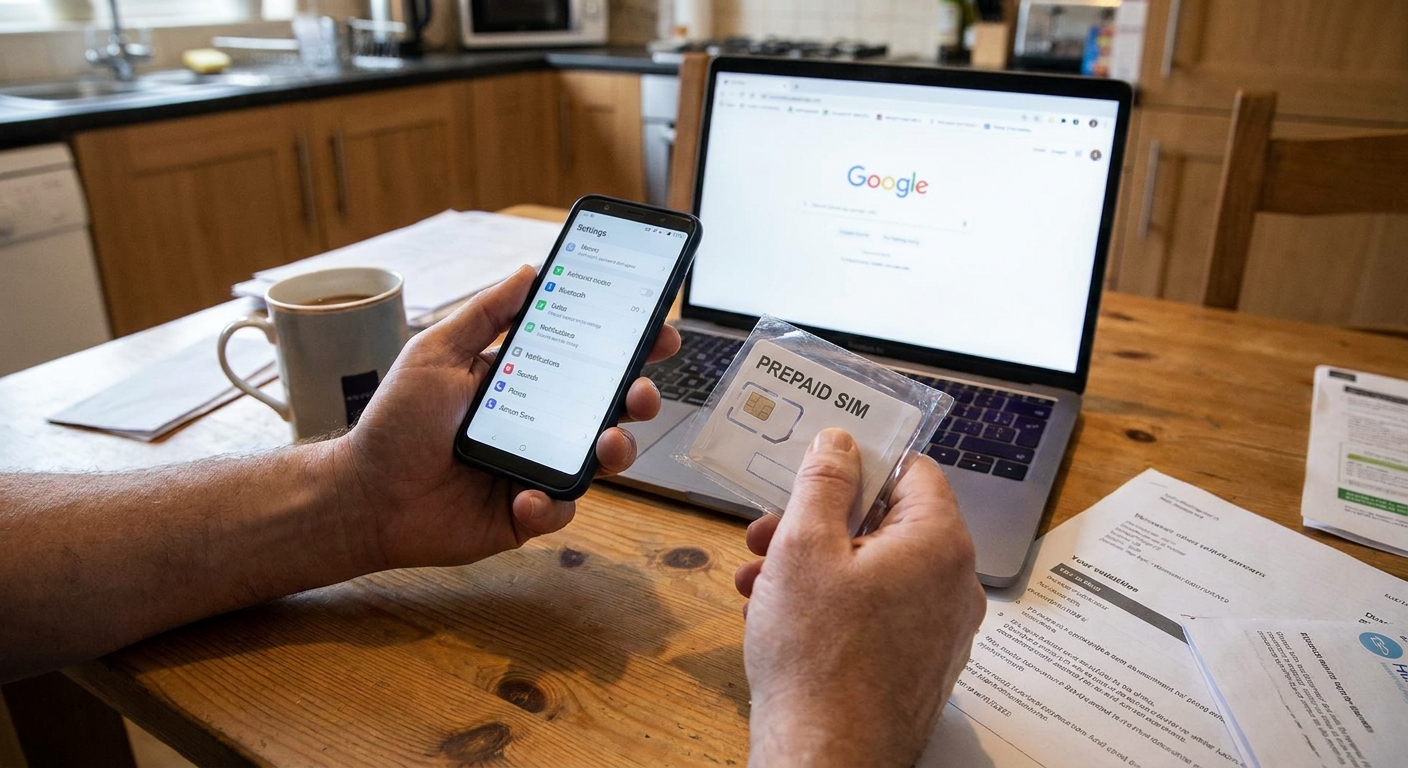
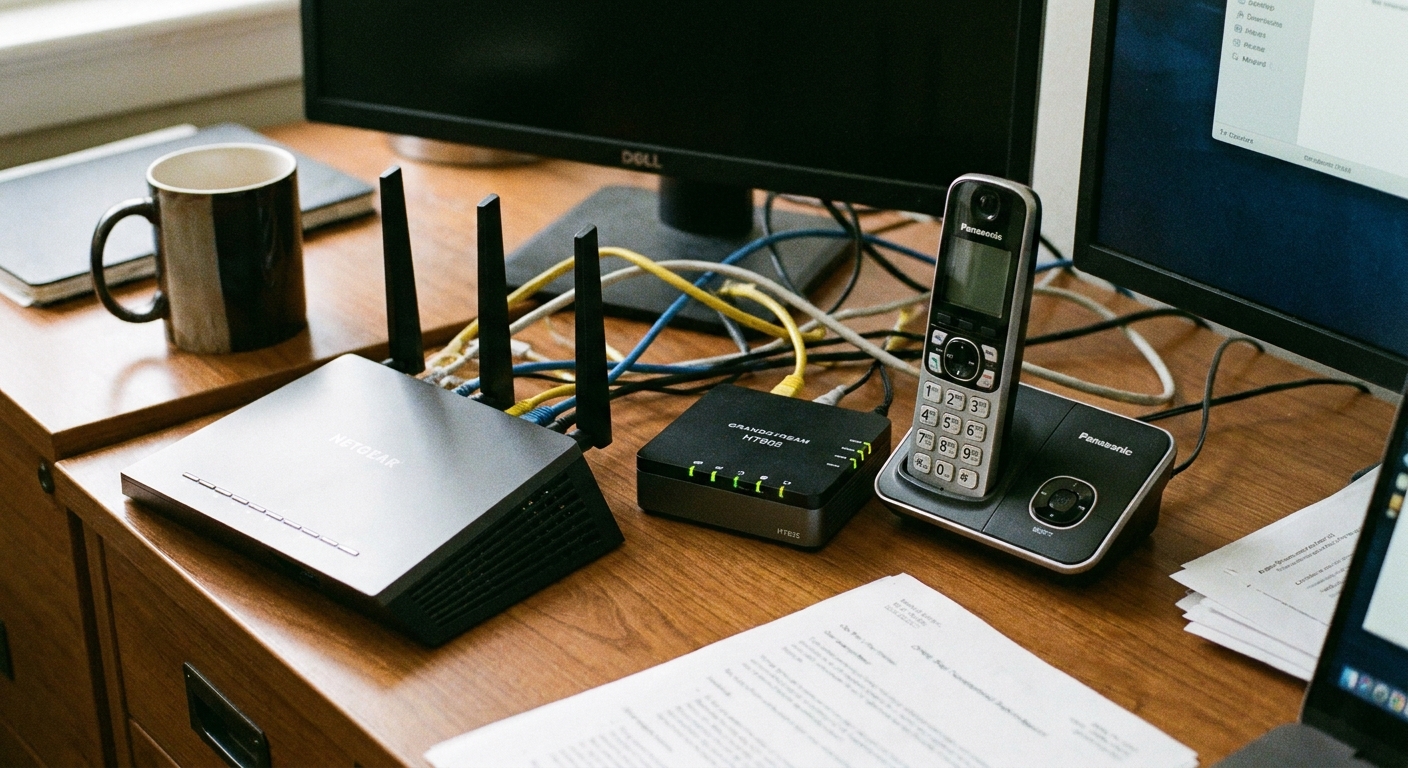
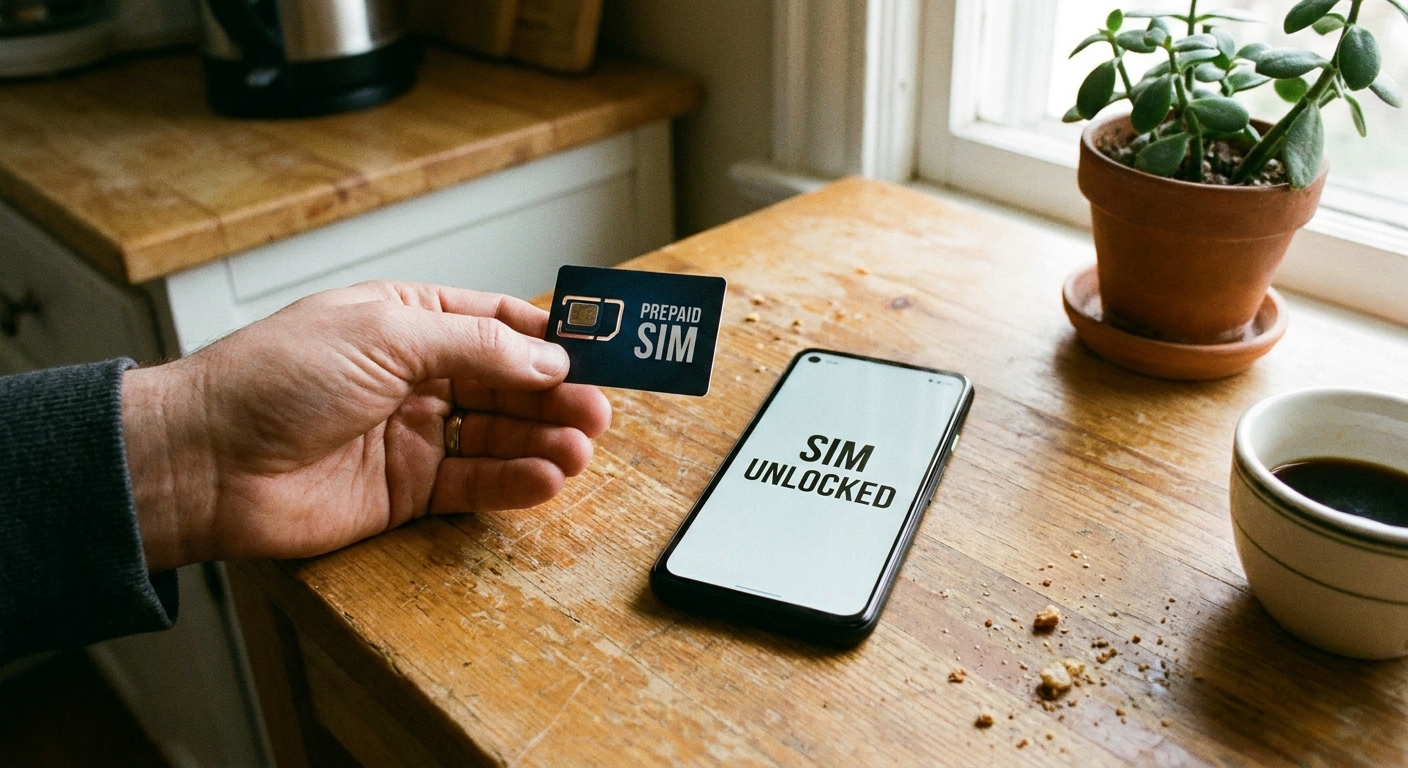
I grew up in a big, scattered family, and our home phone number was basically the family lighthouse. Everyone had it memorized. So when I started helping relatives cut bills, this was the question I heard over and over: “Can I cancel the landline without losing the number?”
Usually, yes. In most cases you can port your legacy landline number to a digital service (often called VoIP) and then cancel the expensive home phone plan. Most numbers are portable, but it depends on your provider and your local rate center, so it is smart to confirm portability before you start.
This guide walks you through the whole process, including the gotchas that cause people to lose their number or get stuck paying for two services at once.
Before you start: what “porting” means
Porting is transferring your existing phone number from your landline provider to a new provider. The key rule is simple:
- Do not cancel your landline first. In many cases, canceling can release the number back to the pool, and then there is nothing left to port.
- Start the port with the new provider. They “pull” the number over.
Porting a landline number is common, but it can take longer than mobile number ports. Expect anything from a few business days to two weeks or more, especially with older accounts, rural exchanges, or business-class service.
A quick safety note about 911 and outages
This matters more than people expect. Traditional landlines can sometimes keep working during local power outages, while many VoIP and cable-based phone setups need power and internet. Also, E911 depends on the address you register with the new provider. If this number is tied to emergencies for an older relative or a household with spotty internet, treat 911 and outage reliability as a must-check before you switch.
Step 1: figure out what you have
Landline bills are famous for burying the real total under fees and add-ons. Before you make changes, get a clean picture of your costs and what is attached to that line.
Check these items on your bill
- Who the provider is (the actual company name on the bill matters for porting)
- Account number
- Service address (must match exactly during porting)
- Any PIN or security passcode noted on the account
- Bundled services (internet, TV, home security, medical alert)
- Taxes, regulatory recovery fees, “inside wire” plans and other extras
If your landline is part of a bundle, porting the number away can change pricing on the remaining services. This is where a quick audit saves real money.
If you want a systematic way to do that, start with my walkthrough on auditing your phone bill before switching.
Step 2: pick where the number will live
You have a few realistic targets for a former landline number. The right choice depends on what you want to do with the number after you cancel the landline service.
Option A: Port to a VoIP home phone replacement
This keeps the “home phone” feel. You can use a VoIP adapter with regular cordless phones, or use an app. Monthly cost is often low, but usually not truly free.
Option B: Port to a mobile carrier or low-cost MVNO
If you want the number on a cell phone, you can port it to a mobile plan. If you mostly text on Wi-Fi, an MVNO plan can be a cheap landing spot. My roundup of cheap MVNO plans for Wi-Fi texting can help you compare the tradeoffs.
Option C: Port to a “second number” or app-based service
Some services will accept ports and let you use the number in an app, often with a small monthly fee. This can be great for keeping the number for calls and texts without paying for a full landline.
I keep a running guide to the “second number” world here: free second phone number for texting and verification. (Even if you do not use a fully free option, it will help you spot the common limits and verification issues.)
Confirm features you care about
Before you choose a destination, make sure it supports what you actually use. Some landline features do not carry over cleanly, including caller ID name (CNAM), directory listings, and certain call blocking options. And if you want to text from this number, confirm SMS support before you port. Some VoIP setups can take extra steps to enable texting, and some numbers are not treated as SMS-capable by every provider.
What “port for free” usually means
I want to be totally straight with you: “Porting for free” is sometimes a marketing phrase. There are three places fees can show up:
- Your current provider may charge a disconnection fee or an early termination fee if you are under contract.
- Your new provider may charge a one-time port-in fee.
- Both providers can create overlap where you pay for two services during the transition.
The goal is to make the transfer itself cost $0 by choosing a destination service with free port-in and timing it so you avoid extra months of landline billing. Even with perfect timing, some providers do not prorate cancellations and may bill through the end of a billing cycle, so expect a final bill.
Step 3: gather the exact account info
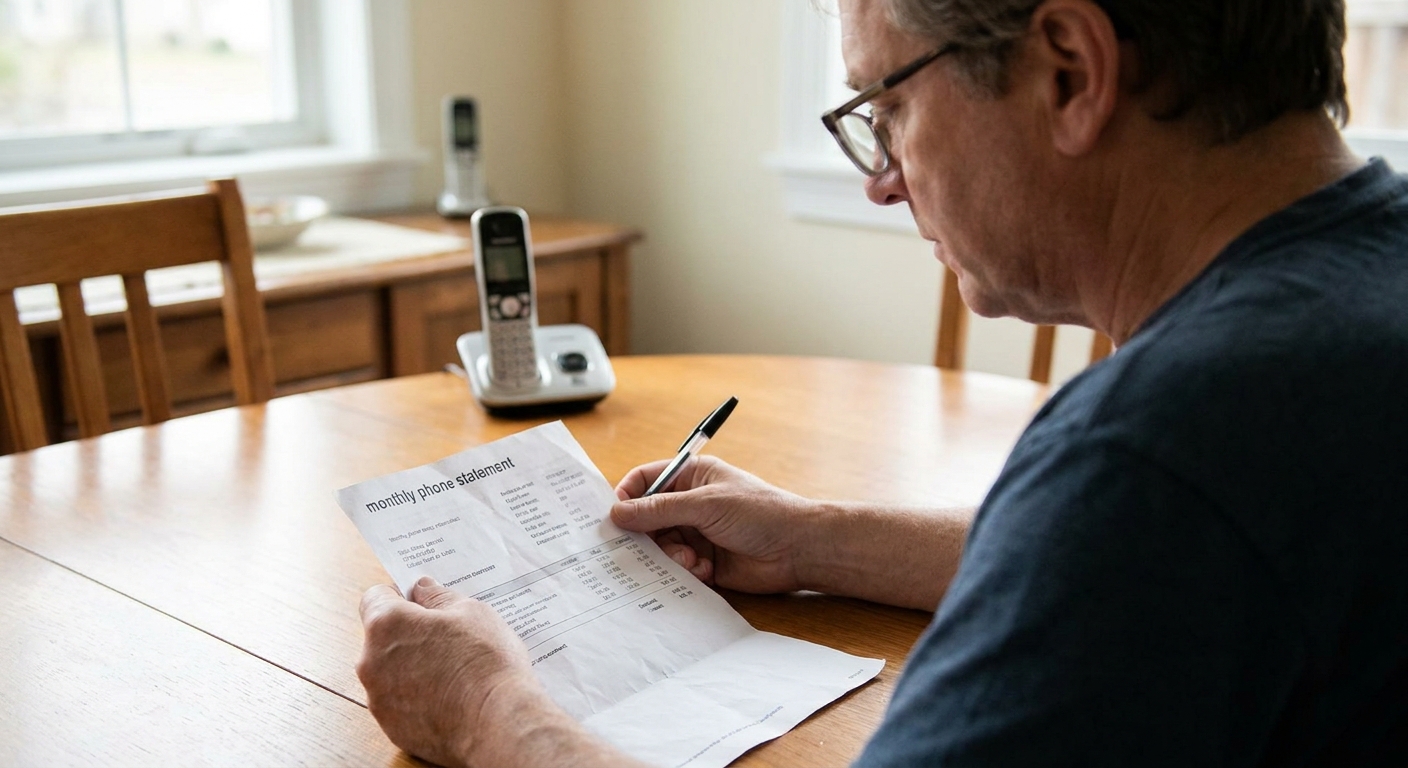
Most failed ports fail for one boring reason: the information submitted does not match what the old carrier has on file.
Have this ready
- Account holder name (spelling and initials matter)
- Service address exactly as it appears on the bill
- Account number
- Any PIN, passcode, or “port-out” PIN if your provider uses one
- The phone number(s) you are porting
If the landline is with a cable company, the account number can be on the internet or TV statement, not the phone section. If it is a traditional phone company, it is often printed near the top of the bill.
Step 4: start the port with the new provider
This step varies by company, but the flow is usually:
- Submit a port request through the new provider’s website or support team.
- Approve a Letter of Authorization (LOA), often an e-sign form. This is your permission slip for the transfer.
- Wait for confirmation and a transfer date or status updates.
What to expect while you wait
- Your landline will usually keep working until the port completes.
- You might get a temporary number from the new provider while the port is pending.
- Ports can take longer if there are multiple numbers on the account, older copper lines, or business-class service.
If the port is rejected, do not panic. Ask the new provider for the exact rejection reason. It is often a mismatch in address formatting, account holder name, or an incorrect account number.
Step 5: avoid bundle surprises
This is the part people skip, and it is where costs creep back in.
If your landline is bundled with internet or TV
- Ask what your internet price becomes without the phone line. Sometimes it goes up. Sometimes it stays the same. Sometimes there is a different promo available.
- Ask whether the phone line is required for any discount.
- Ask about equipment return. Some bundles include a modem or gateway with phone ports that must be returned or swapped.
Watch for services tied to your landline number
- Medical alert systems
- Home security monitoring
- Fax machines or fax lines
- Gate call boxes or building entry systems
- Old voicemail services you still rely on
If you have a medical alert device, check with the manufacturer before you change anything. Some units require a traditional landline, while others support cellular or internet-based connections.
Step 6: confirm the port is complete
Do not rely on a single “Port successful” email. Test it like you would test a smoke alarm.
Run these checks
- Call your number from an outside phone. Does it ring where you expect?
- Call out from the new service. Does caller ID show your old landline number?
- Send a text message if your new provider supports texting on that number.
- Check voicemail and make sure you can access it.
If texting matters to you, read my explainer on why group chats and picture messages can cost extra. It is not landline-specific, but it helps you spot when a “cheap” plan gets pricey once you add MMS.

Step 7: cancel the landline
Once your number is working on the new service, you can finally cancel the old landline.
How to cancel without extra charges
- Call your old provider and request cancellation for the landline service only. If you have a bundle, confirm exactly what remains active.
- Ask for the cancellation effective date and any final charges (including whether they bill through the end of the cycle).
- Get a confirmation number or written confirmation in your account portal.
- Return any required equipment and keep the receipt or tracking number.
Pro tip from someone who has helped family members unwind messy bills: be polite, but take notes. Write down the date, time, agent name, and what they said. If your final bill is wrong, those notes shorten the fight.
Keep the “home phone” feel
A lot of people do not actually miss the landline service. They miss the convenience of a phone that always rings in the house.
Three easy setups
- Use an old smartphone as a Wi-Fi calling device and leave it on a charger in a central room. I walk through that approach here: turn an old phone into a Wi-Fi messaging device.
- Use a tablet as a “kitchen counter communicator” for calls and messages over Wi-Fi: turn your tablet into a free texting device.
- Forward calls from your ported number to the family member who handles most calls, or to a shared household device.
If you are doing this mainly to keep in touch, you may also like my broader Frugal Living guide and the core Phone and Bills guide.
Common problems and fixes
My port was rejected
- Double-check the service address format (Apartment vs Apt, St vs Street).
- Make sure you used the landline account number, not an equipment ID.
- Confirm the account holder name exactly as on the bill.
I canceled first and now the number is gone
Call your old provider immediately and ask if the number can be reactivated for porting. Sometimes there is a short window where the number can be recovered, sometimes not. This is why I hammer on starting the port first.
The port completed but some callers cannot reach me
This can happen during routing updates, especially with landlines. It often settles within a few days, but it is not guaranteed. Test calls from multiple carriers if you can (a friend’s phone is fine). If it persists beyond a few days, open a ticket with the new provider and tell them which carriers fail.
My alarm, fax, or entry system stopped working
Many of these devices expect a traditional analog line. You may need a different setup or a dedicated solution. If it is safety-related, treat this as a “stop and fix it” issue before you fully unplug anything.
Quick checklist
- Find your bill and confirm account number, name, service address, and any PIN
- Ask the new provider to confirm your number is portable and which features are supported (especially SMS and E911)
- Pick a destination provider that fits how you actually use the number
- Start the port with the new provider
- Wait until the port is complete and test incoming and outgoing calls (and texts if needed)
- Only then cancel the landline and return equipment
- Check the final bill for add-ons and overlapping service charges
FAQ
How long does it take to port a landline number?
It varies. Some ports finish in a few business days, but landline ports can take longer than mobile ports. Plan for two weeks or more so you are not rushed into canceling early.
Will my landline work while the port is in progress?
Usually yes, until the transfer completes. There may be a brief switchover window where calls route inconsistently. Testing from multiple phones helps you confirm when things are stable.
Can I port a landline number for free?
Sometimes. Some services offer free port-in, but your old provider may still charge a final bill, a disconnection fee, or an early termination fee. The most reliable way to keep this cheap is to avoid overlapping months of service and to pick a destination that does not charge a port-in fee. Even then, some carriers bill through the end of the billing cycle.
Do I need internet to replace a landline?
If you are moving the number to a VoIP or app-based service, yes, you will need internet or cellular data. Also remember that VoIP service can go down during power or internet outages unless you have battery backup and a stable connection. If your goal is to keep costs down, make sure you understand how much data your calling and messaging apps use. I break that down here: how much data free texting apps use.